

Work that runs itself, and stops for people where it should.
Workflows start from the things that happen in your business: an email arrives, a hold is placed, a month ends. They run in queues you can watch, pause where a person must decide, and tell the right person when something goes wrong.
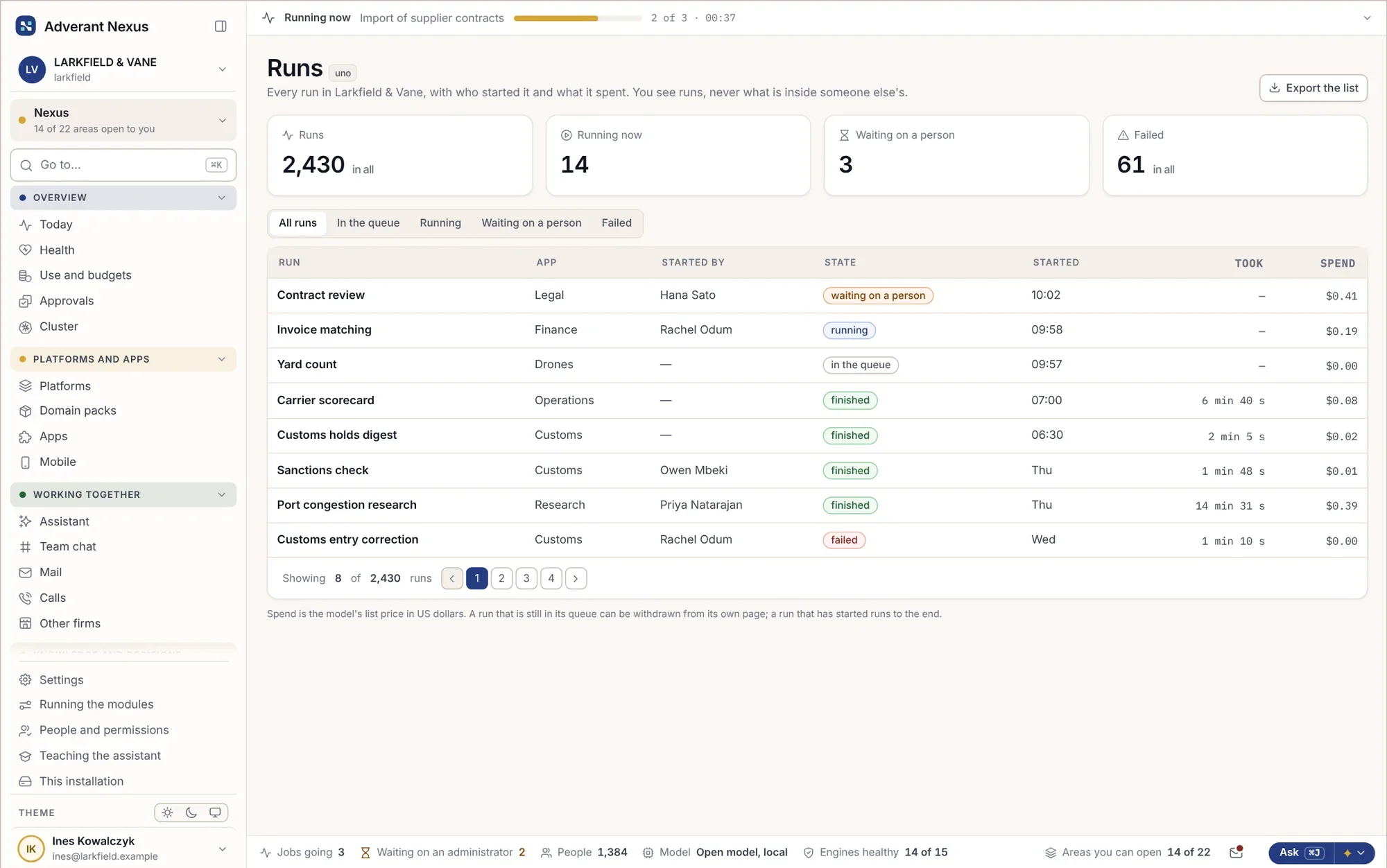
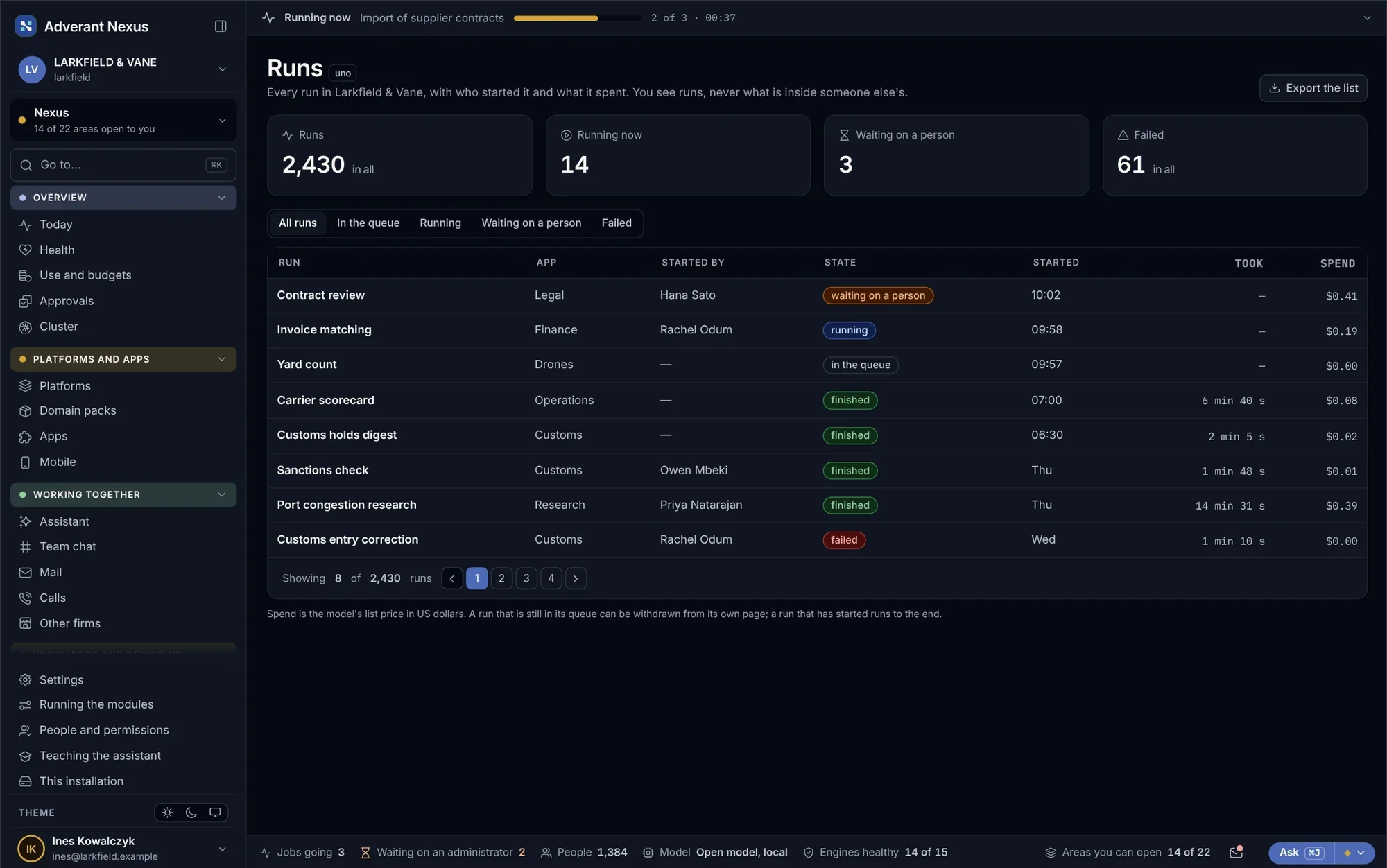
AI agents at work, with a person when it matters.
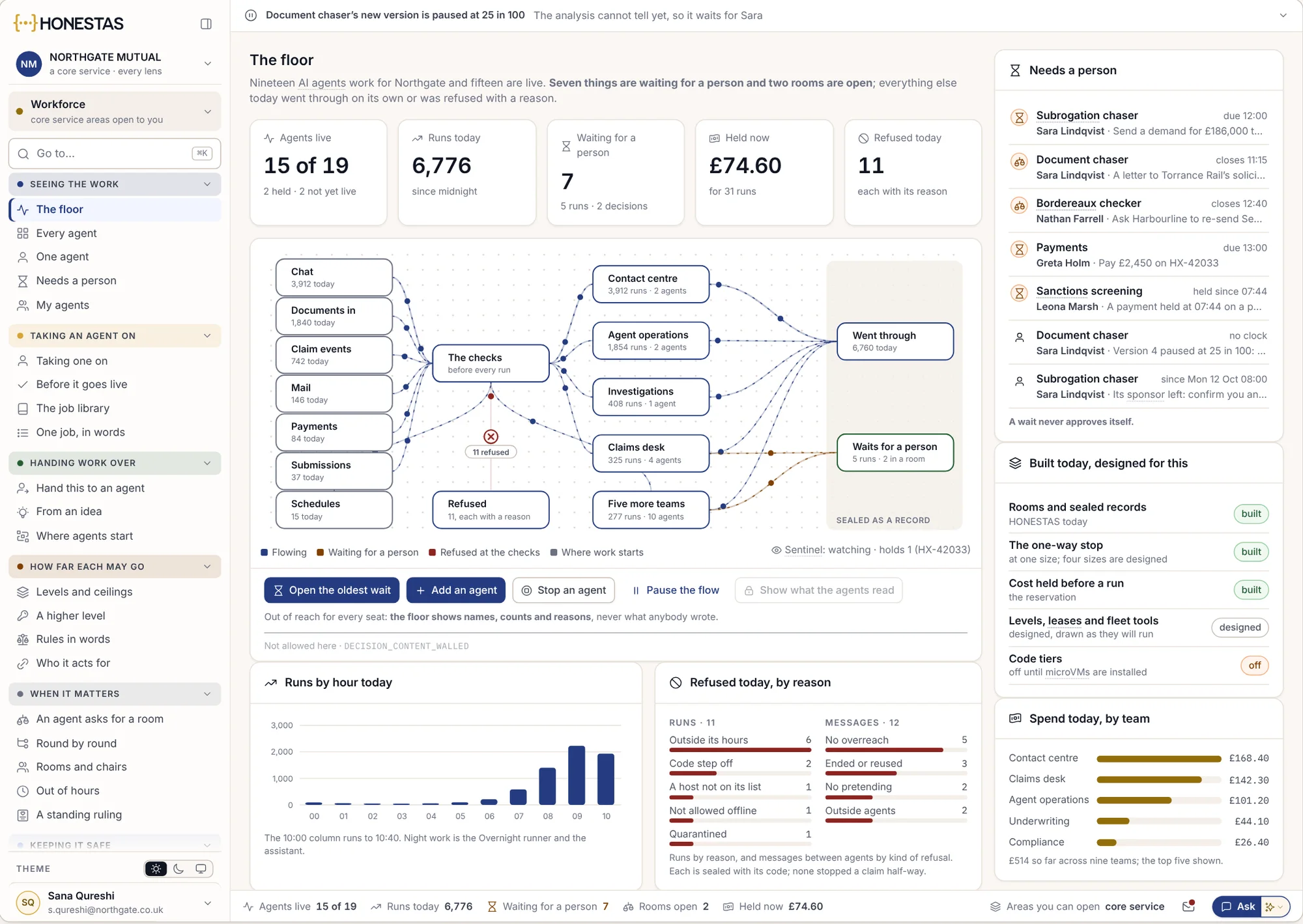
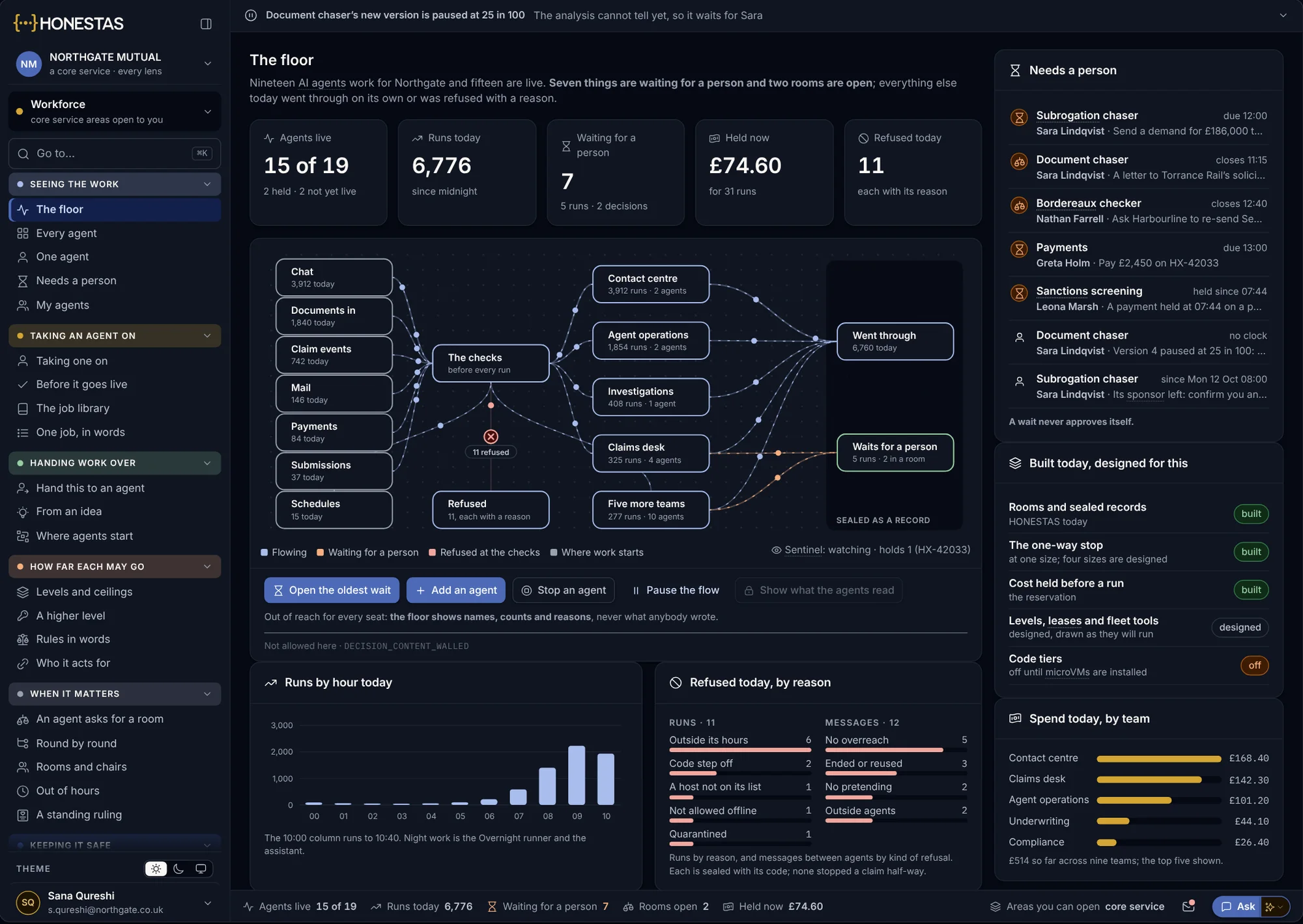
These screens come from HONESTAS, our insurance platform, which runs on Nexus. Every platform built on Nexus gets the same tools, in its own words.
What every agent is doing
- Live, agent by agent
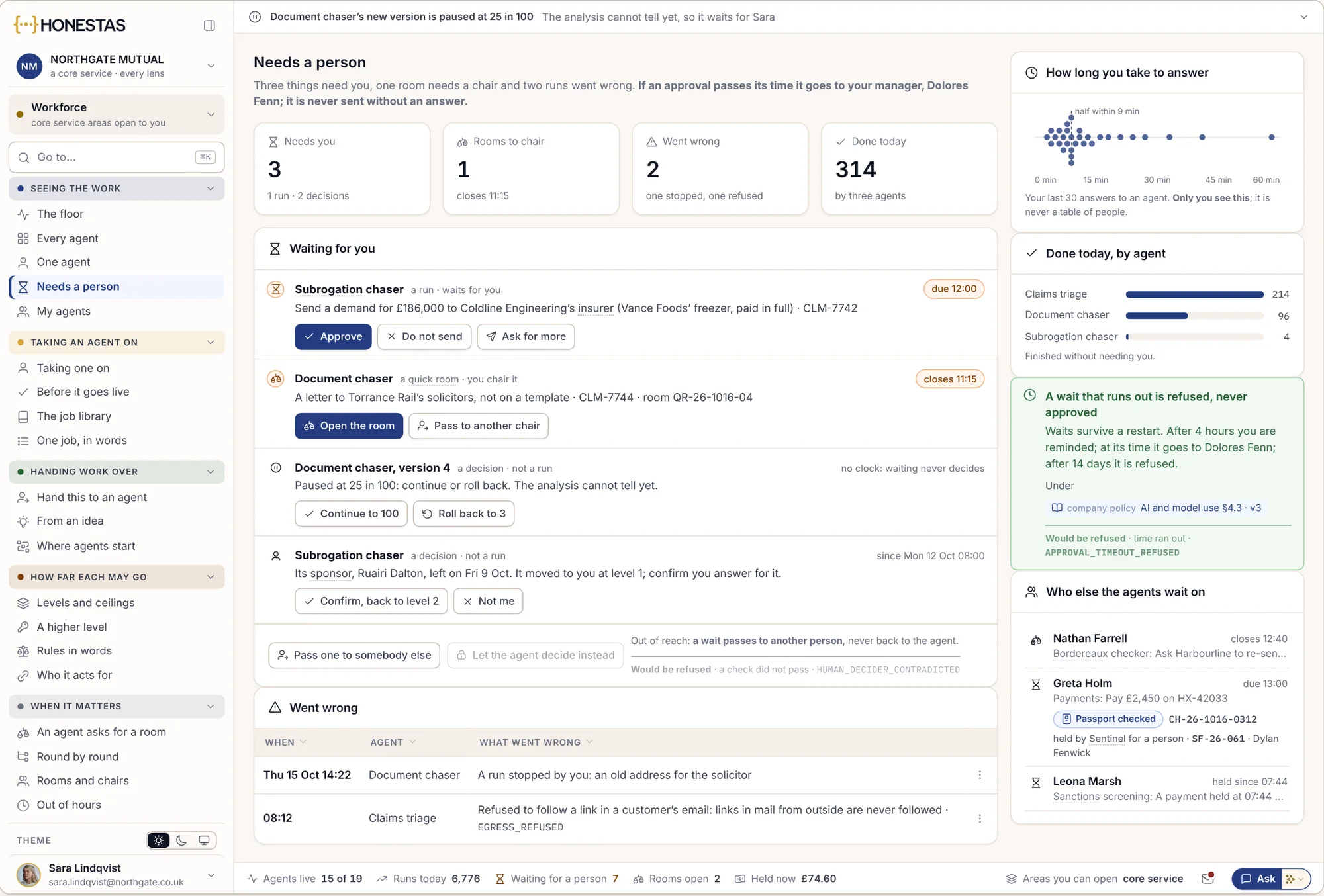
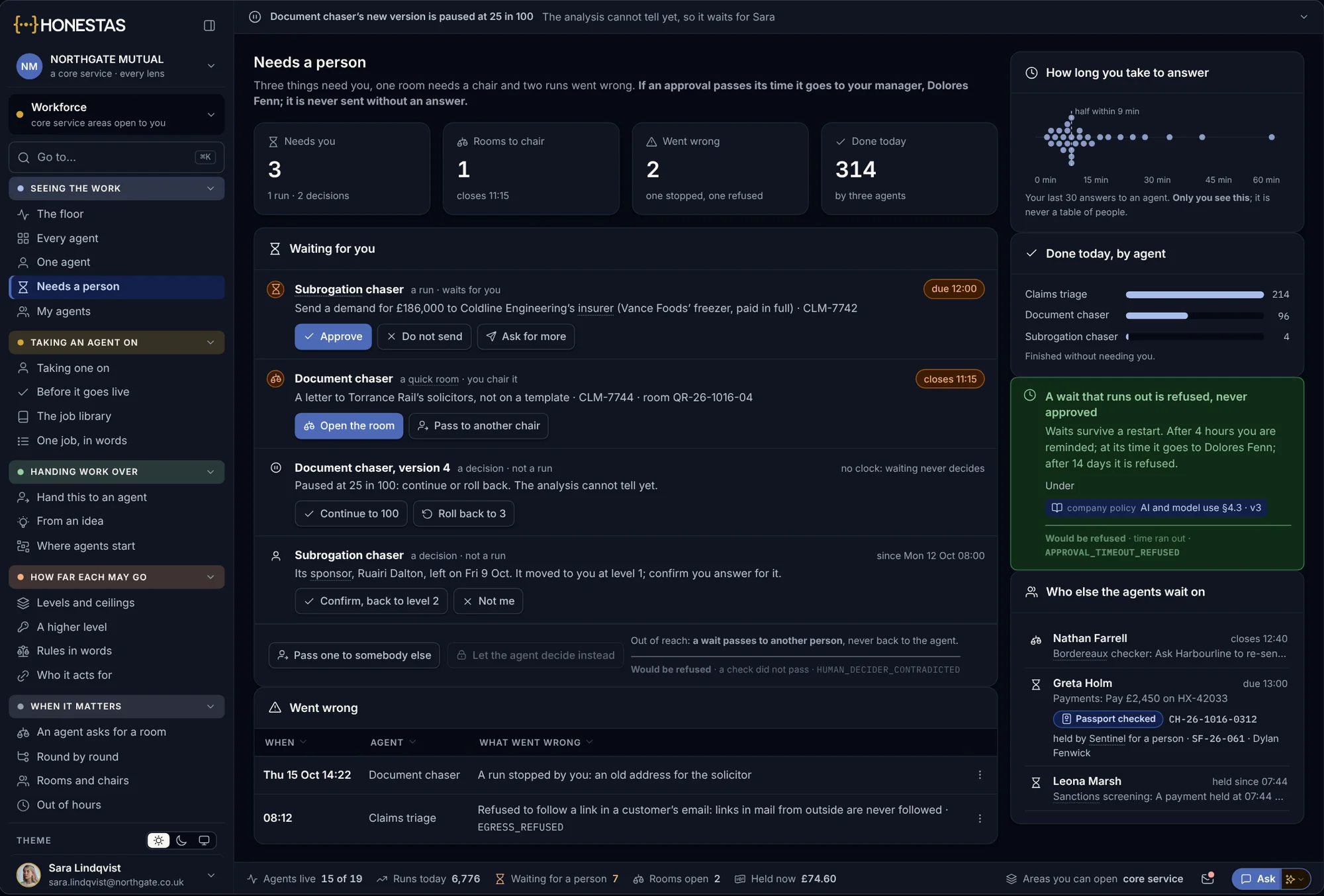
- What needs a person, first
Answer in place
When an agent is waiting on you, answer it where it is. The agent carries on.
- Answered in place
- The agent picks up again
Agents of your own
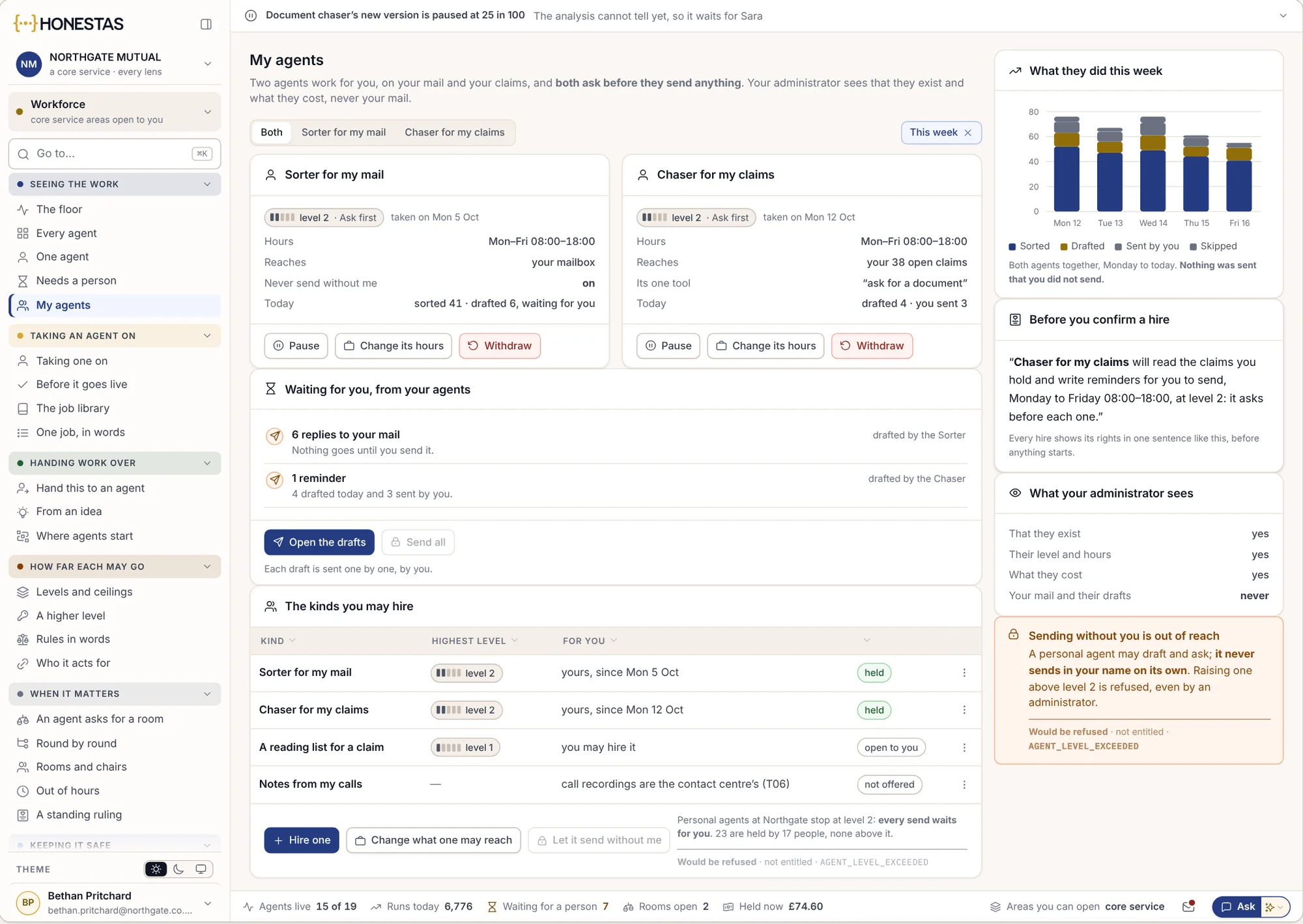
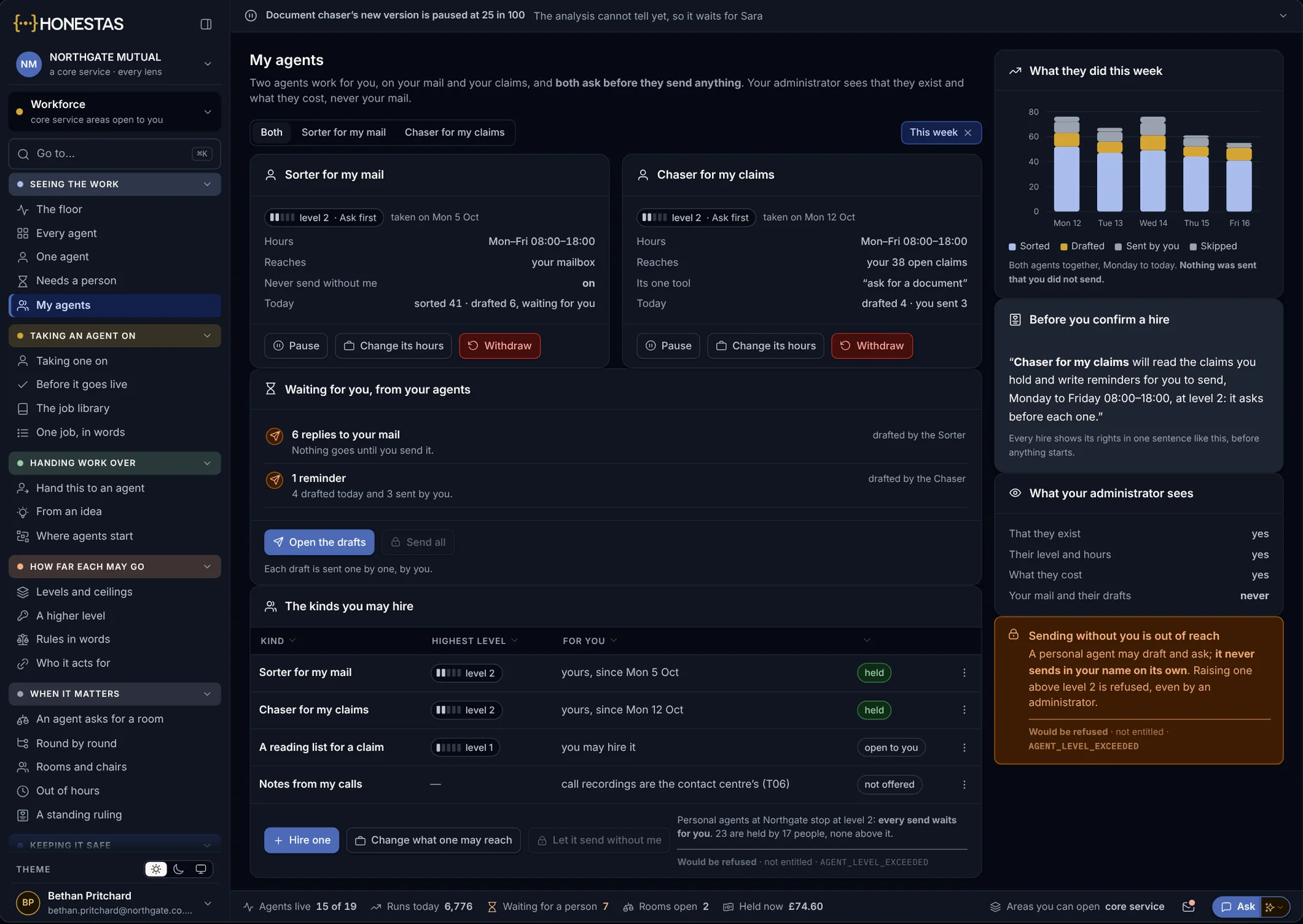
Run agents for your own work and see what they did today, step by step.
- Your own agents
- Every step they took
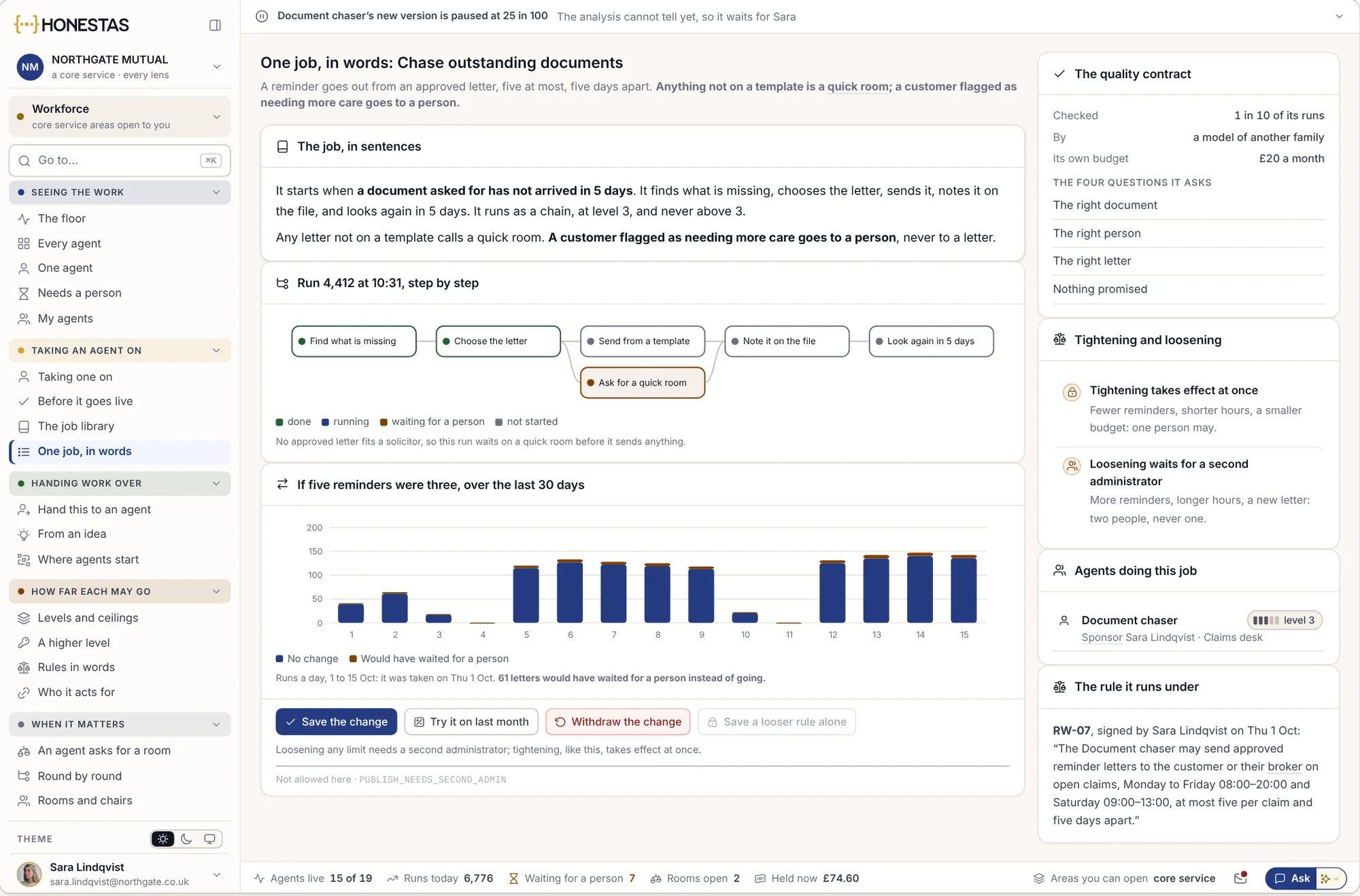
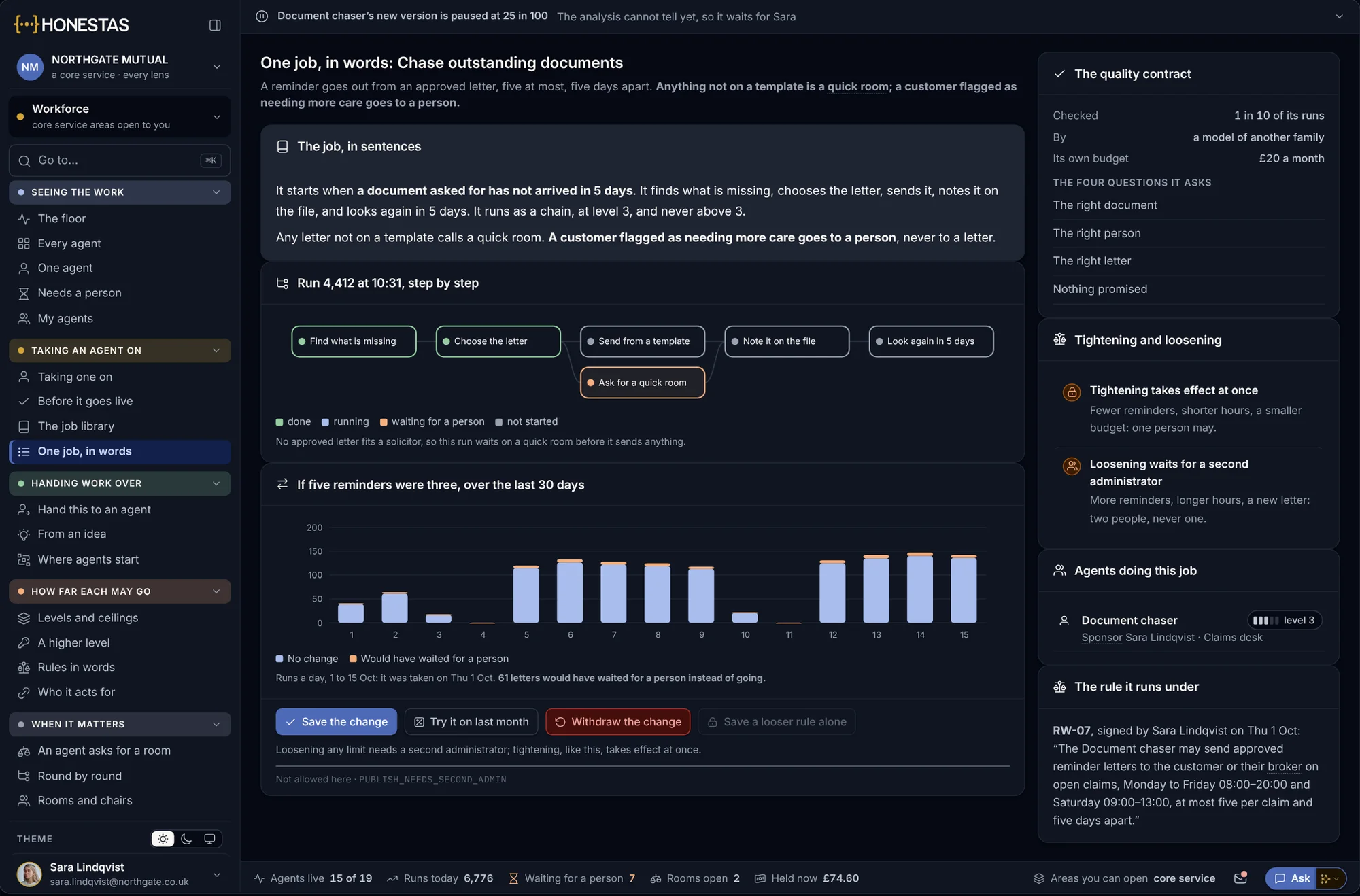
Change a job in plain words
- Written, not coded
- Tried on last month first
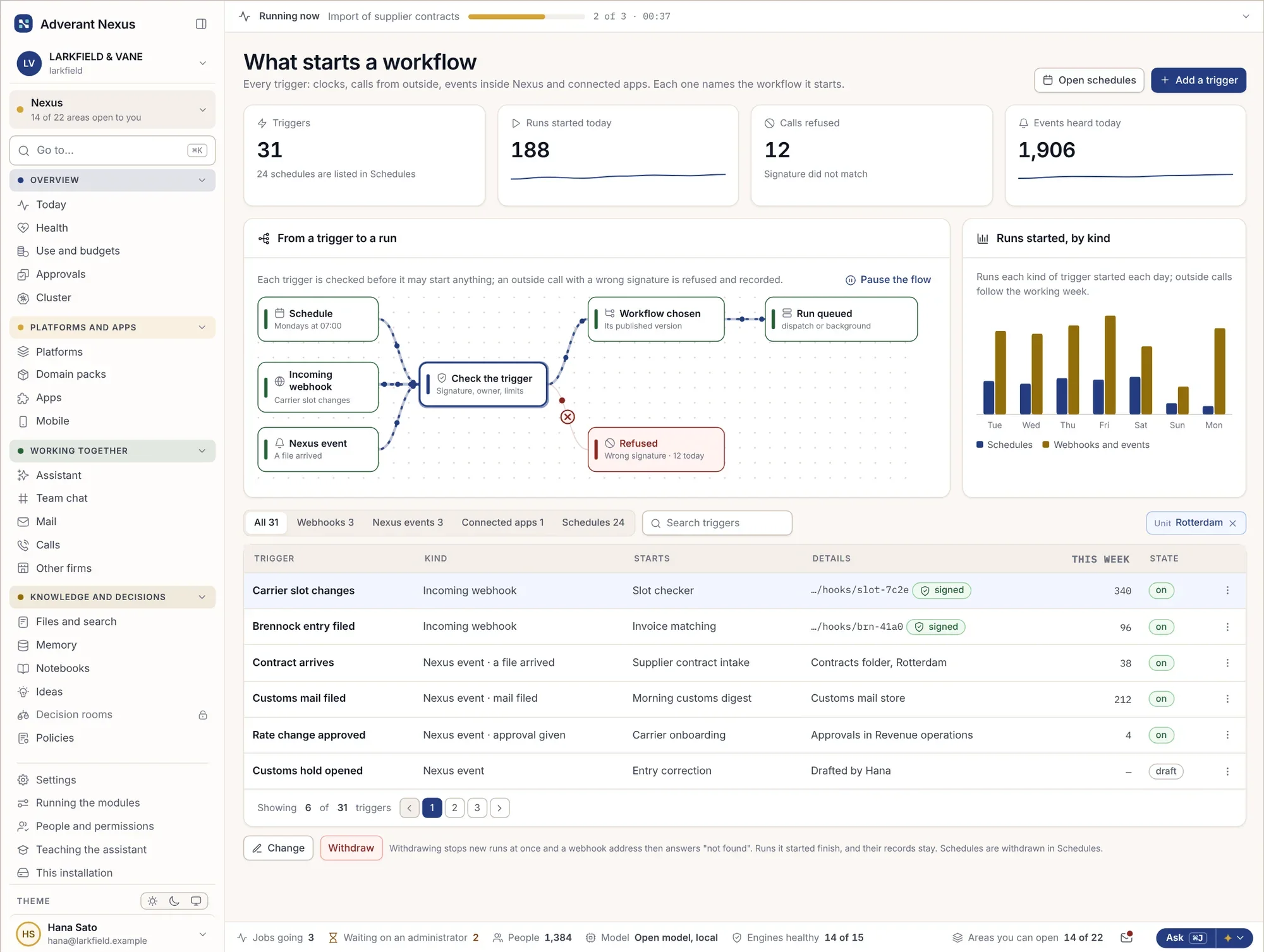
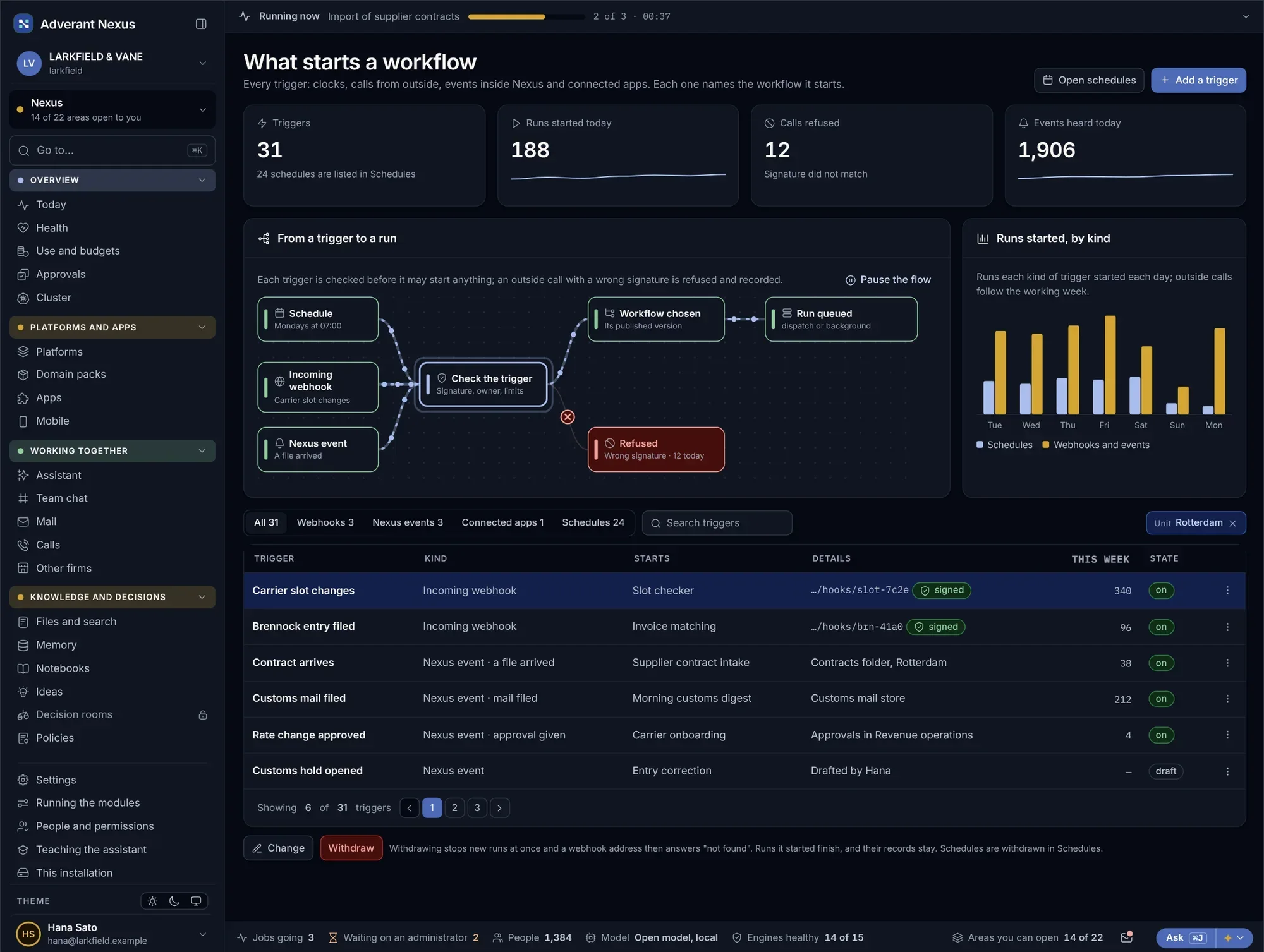
Started by what happens in your business.
A new customs hold, an email to the billing inbox, a timer at month end. Triggers are listed in one place, per unit, with what each one starts.
What starts a workflow
- Events, mail, records and timers
- Listed per unit
- Tested before they go live
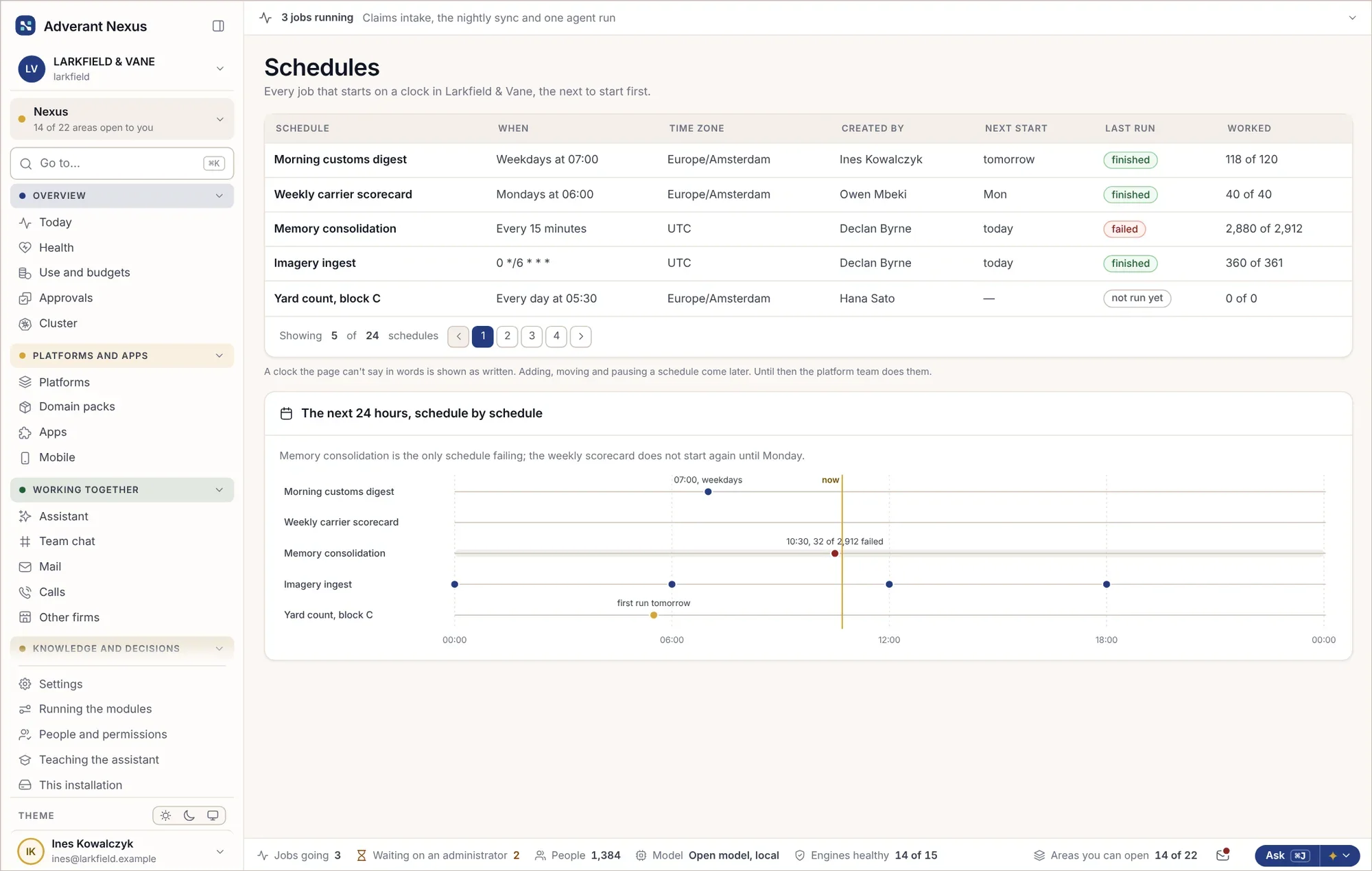
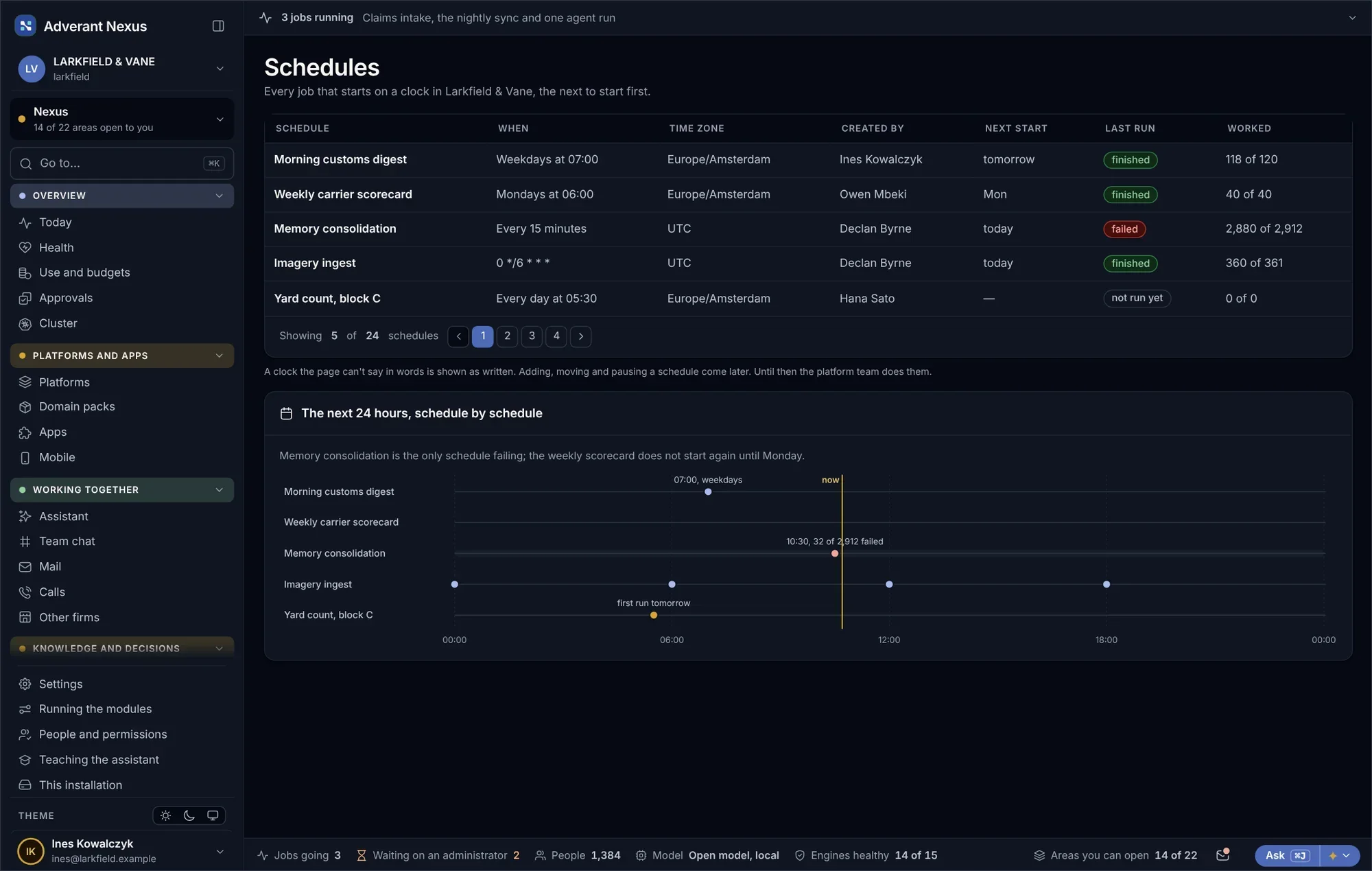
Schedules
- All timed jobs in one list
- Last result on each
- Paused and resumed safely
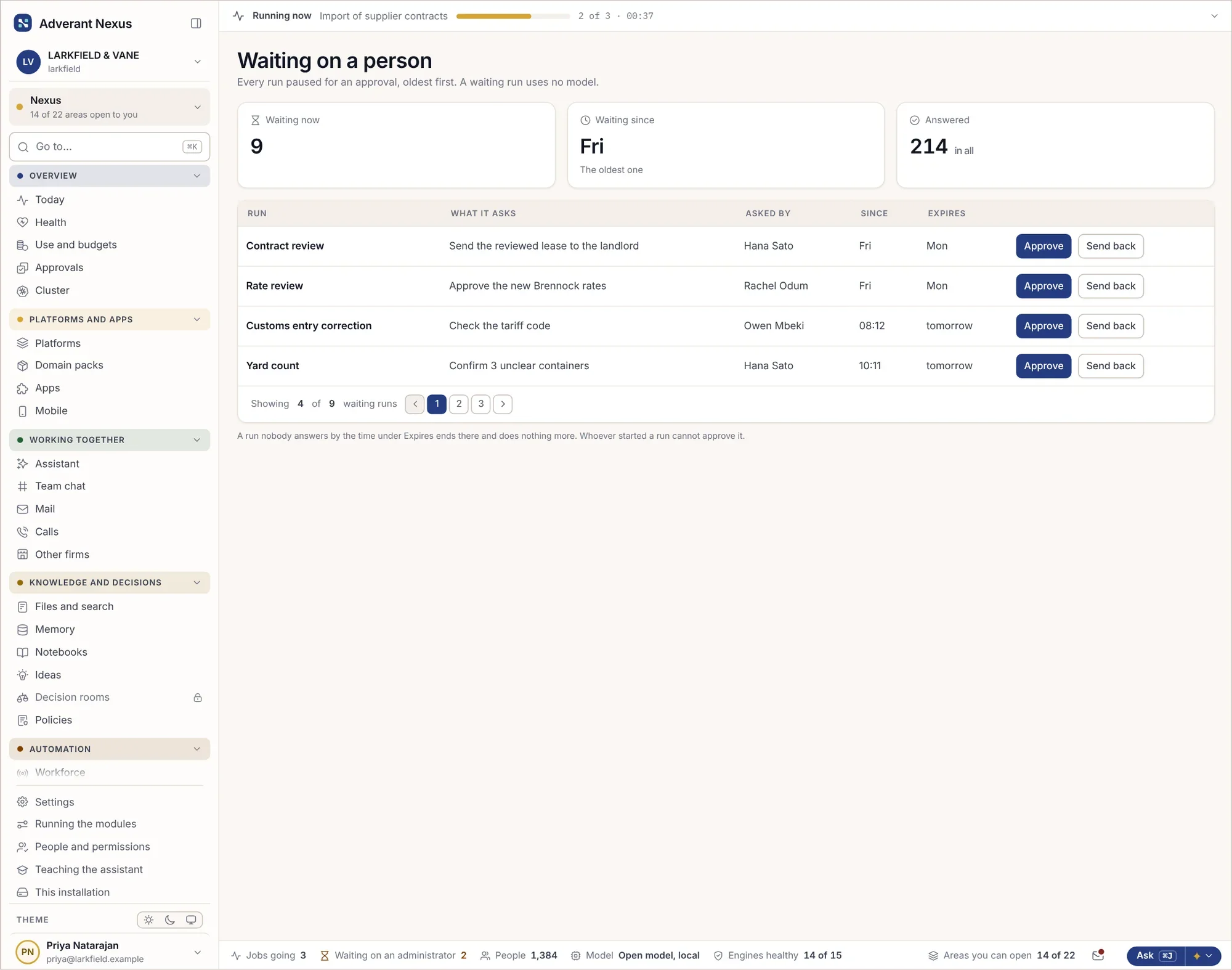
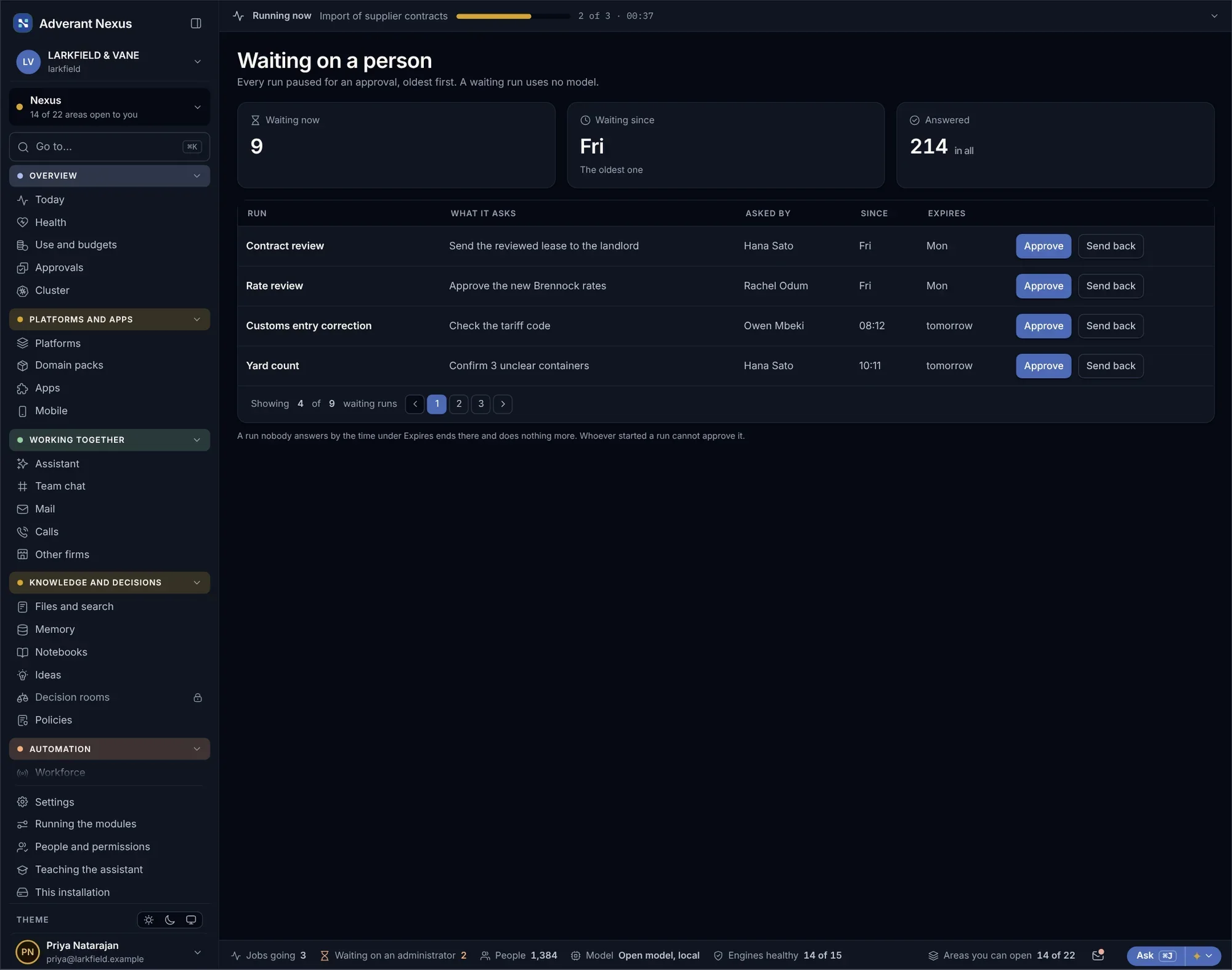
Runs wait for a person where a person must decide.
Approvals that hold runs up are listed oldest first, with what each one is waiting for. Nothing waits silently, and alerts reach the right person when a run fails or waits too long.
- Approvals listed oldest first
- Alerts when a run fails or waits
- Each decision on the record
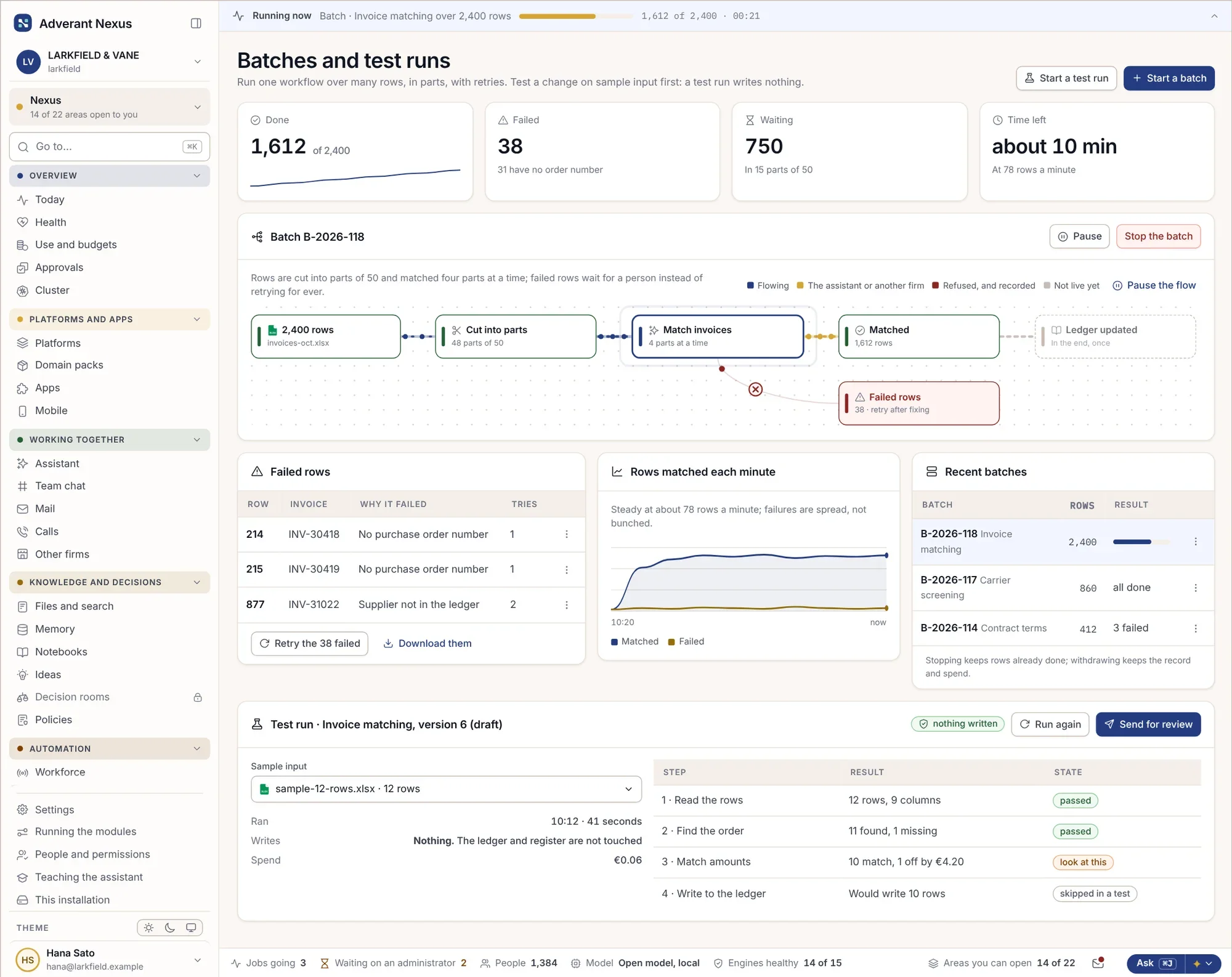
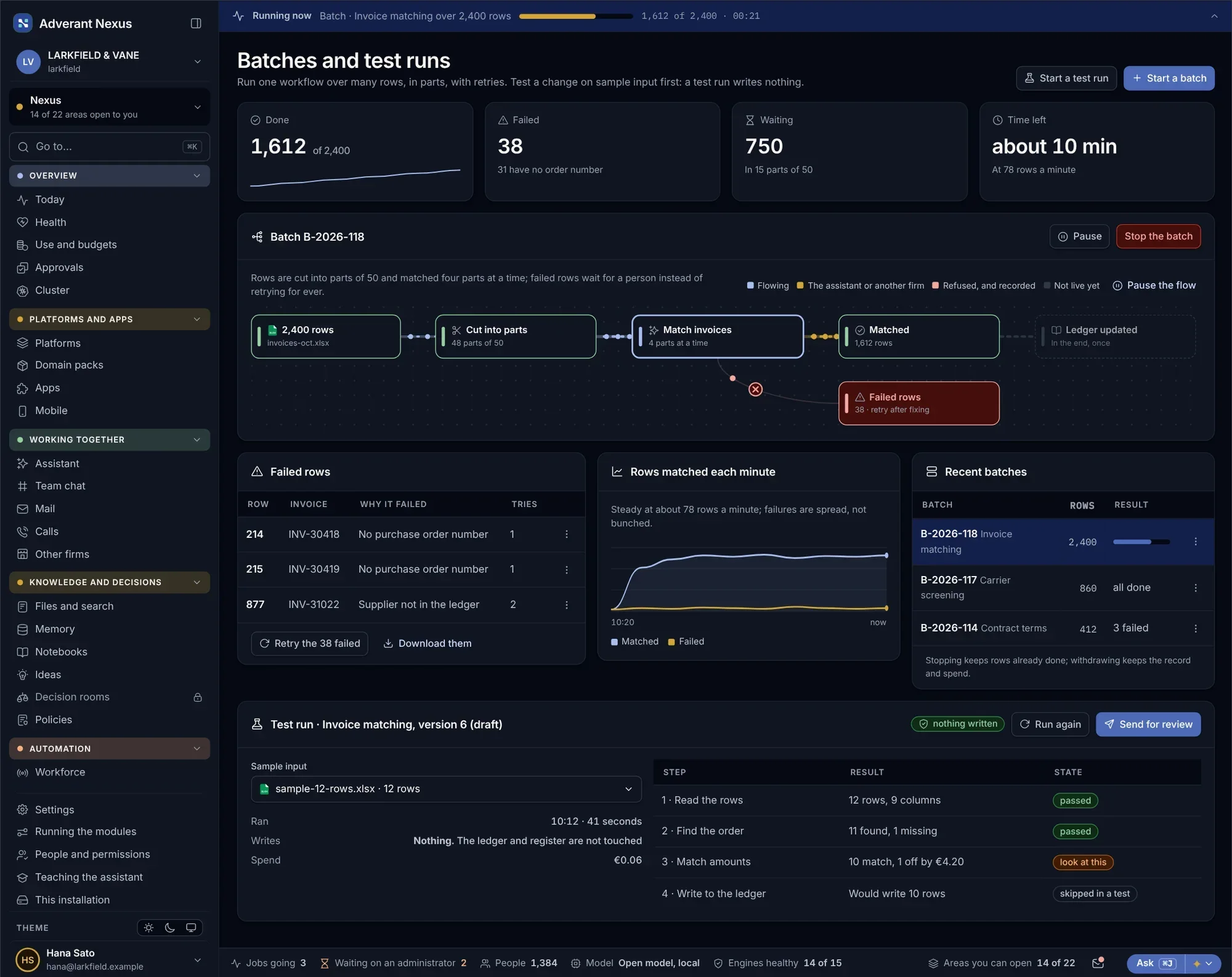
Thousands of items at once, tested before they run.
Run a workflow over thousands of rows, try a change on a sample first, and move it from staging to production when it passes. Settings and secrets differ per environment, and nobody copies them by hand.
Batches and test runs
- Large batches split and watched
- Test runs on samples
- Results compared before publishing
Environments and promotion
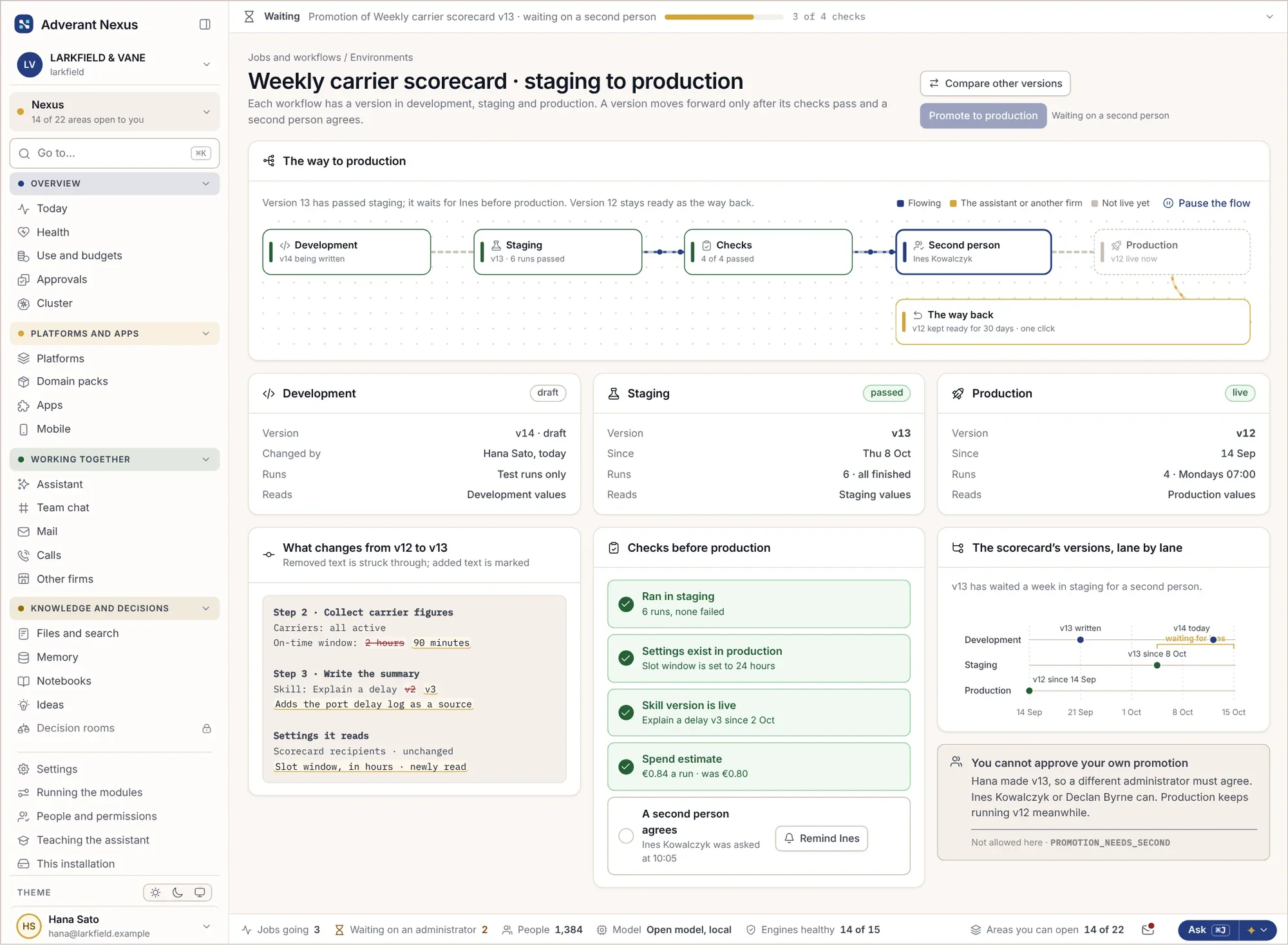
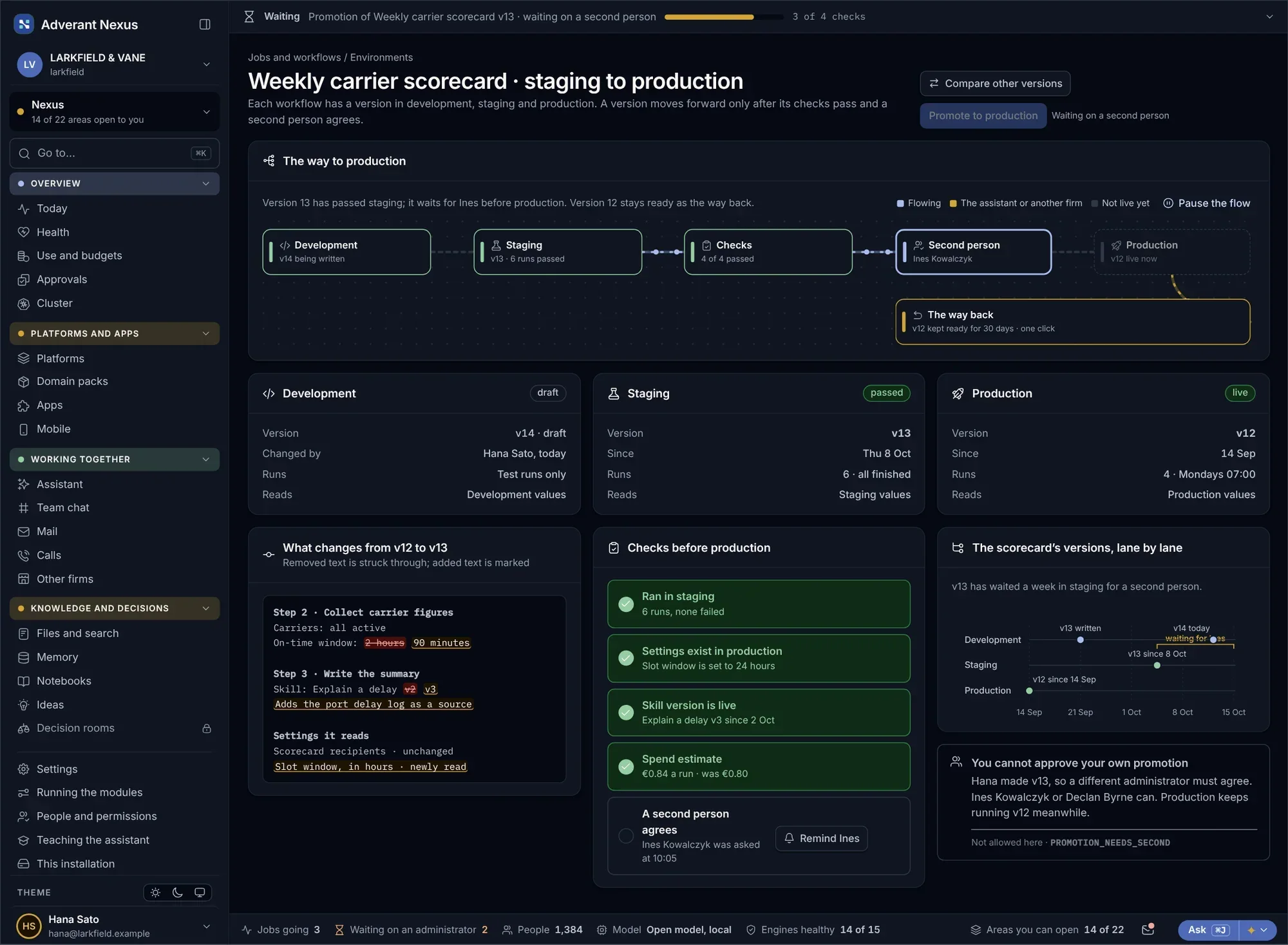
Move a workflow version from staging to production.
- Staging and production kept apart
- Promoted with approval
- Rolled back in one step
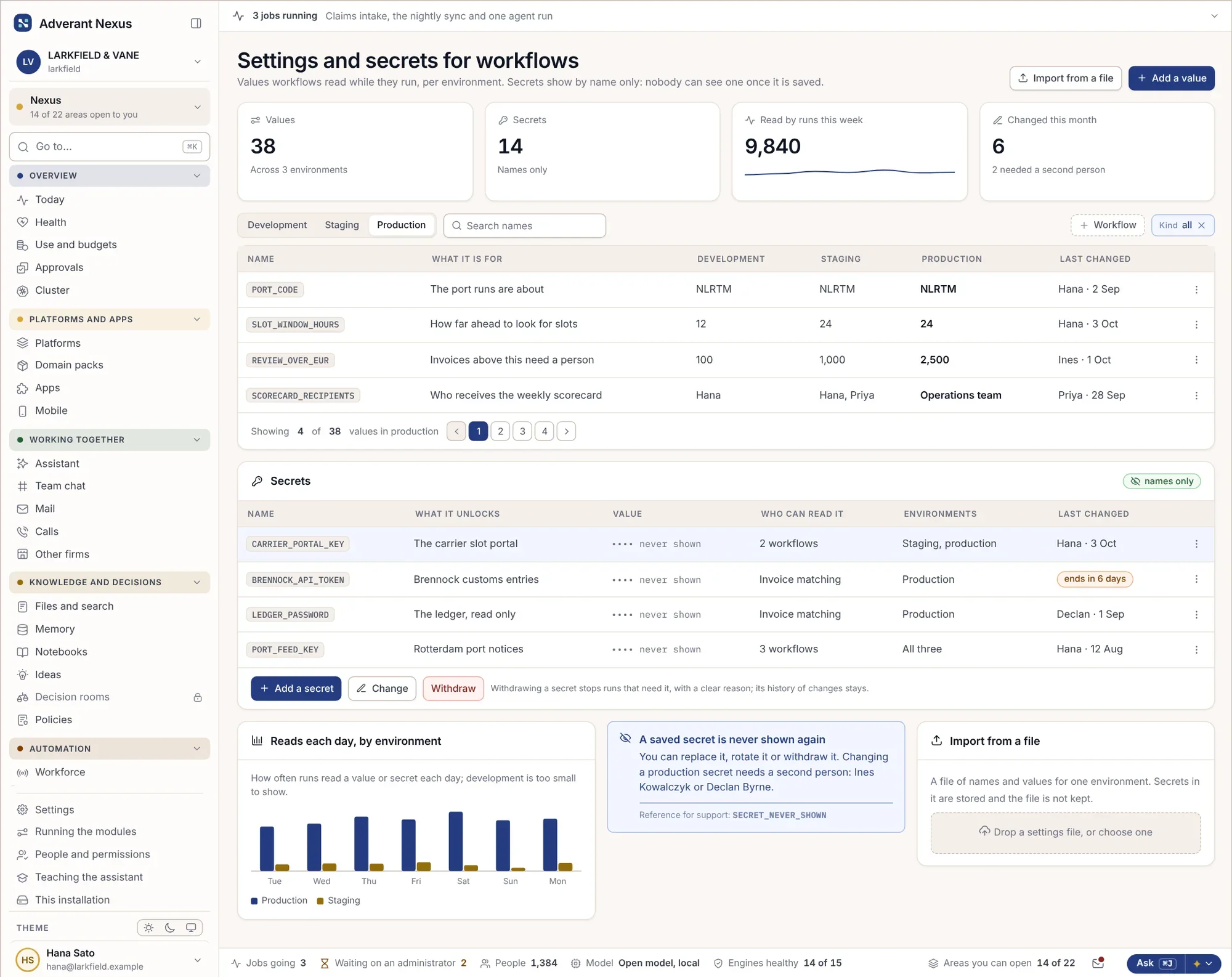
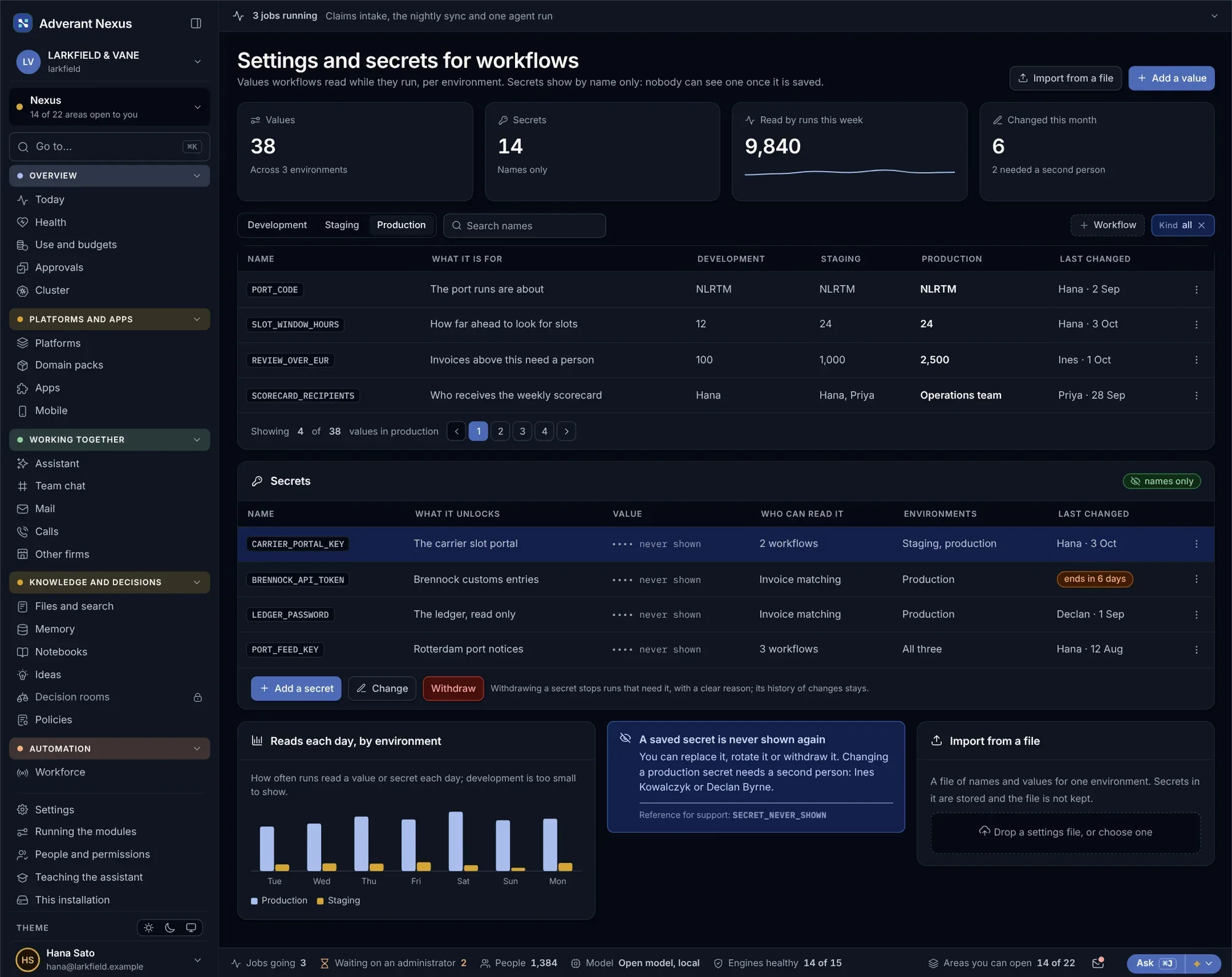
Settings and secrets
- Values per environment
- Secrets never shown again
- Rotated without stopping work
One cause, not a hundred alerts.
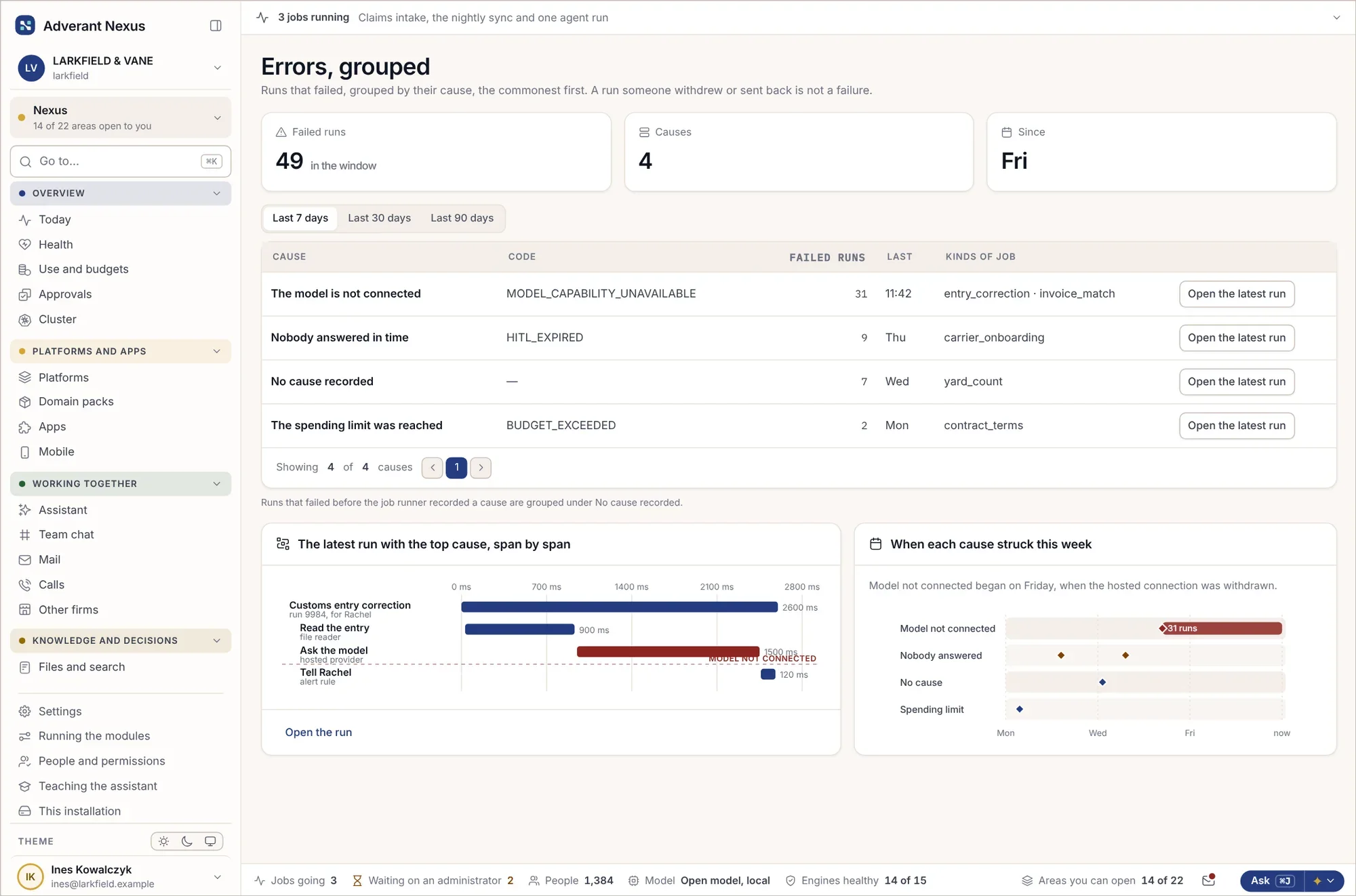
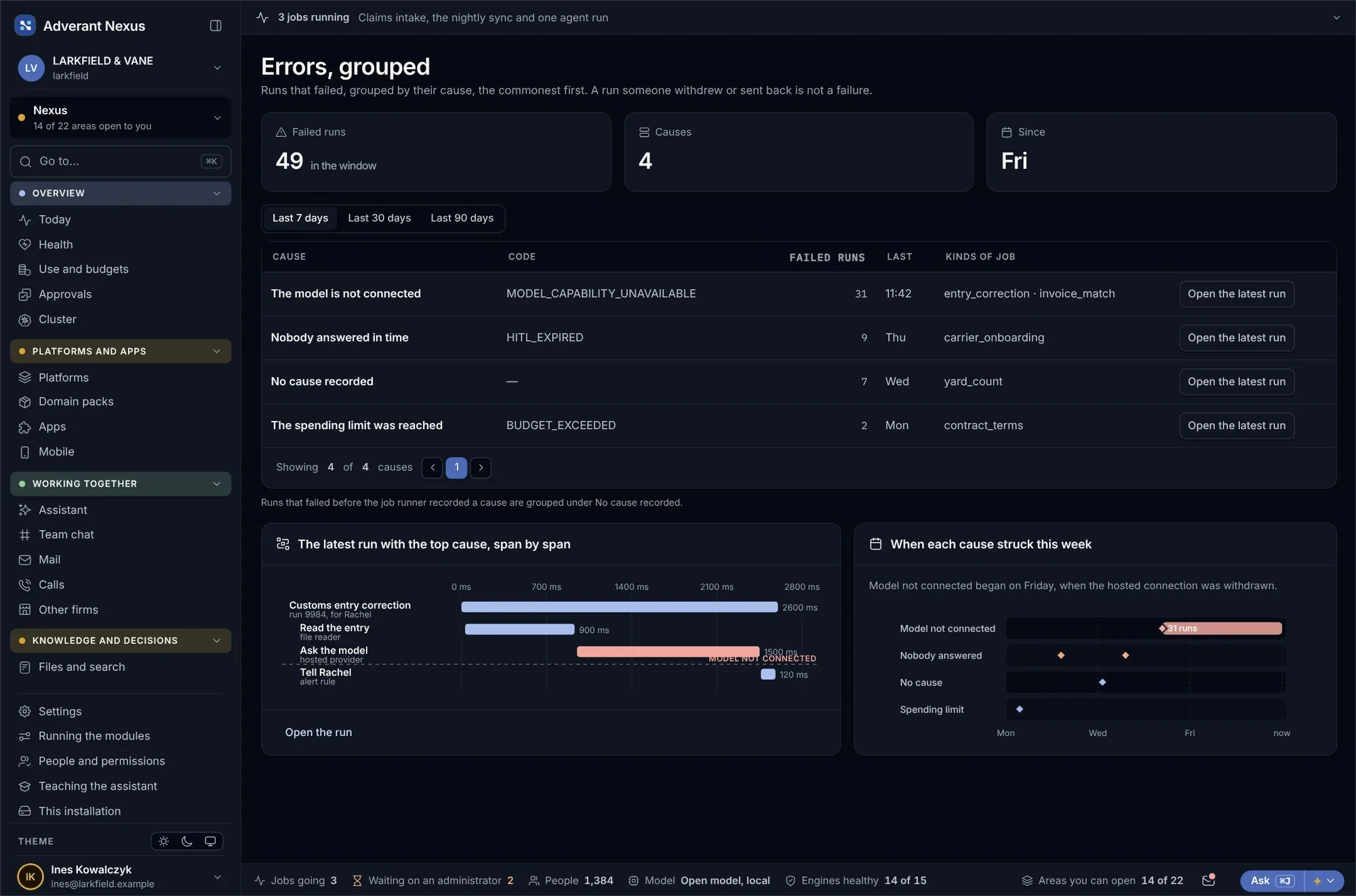
Errors are grouped by cause, so the one problem behind most of a week’s failures is easy to find. Each run shows exactly where it stopped and why.
- Errors grouped by cause
- Each run explained step by step
- Spending limits that stop runaway jobs
About workflows and runs.
Do we need developers to build workflows?
No. Most workflows are put together on screen. Developers can write them as code too, and both go through the same review.
Can workflows call AI agents?
Yes, and AI agents can start workflows, always within the limits their owner set.
Go deeper
Automate one process properly.
Bring the process your team does by hand every week. We will build it with you, with people in the loop where they belong.