

Every AI button, explained and under control.
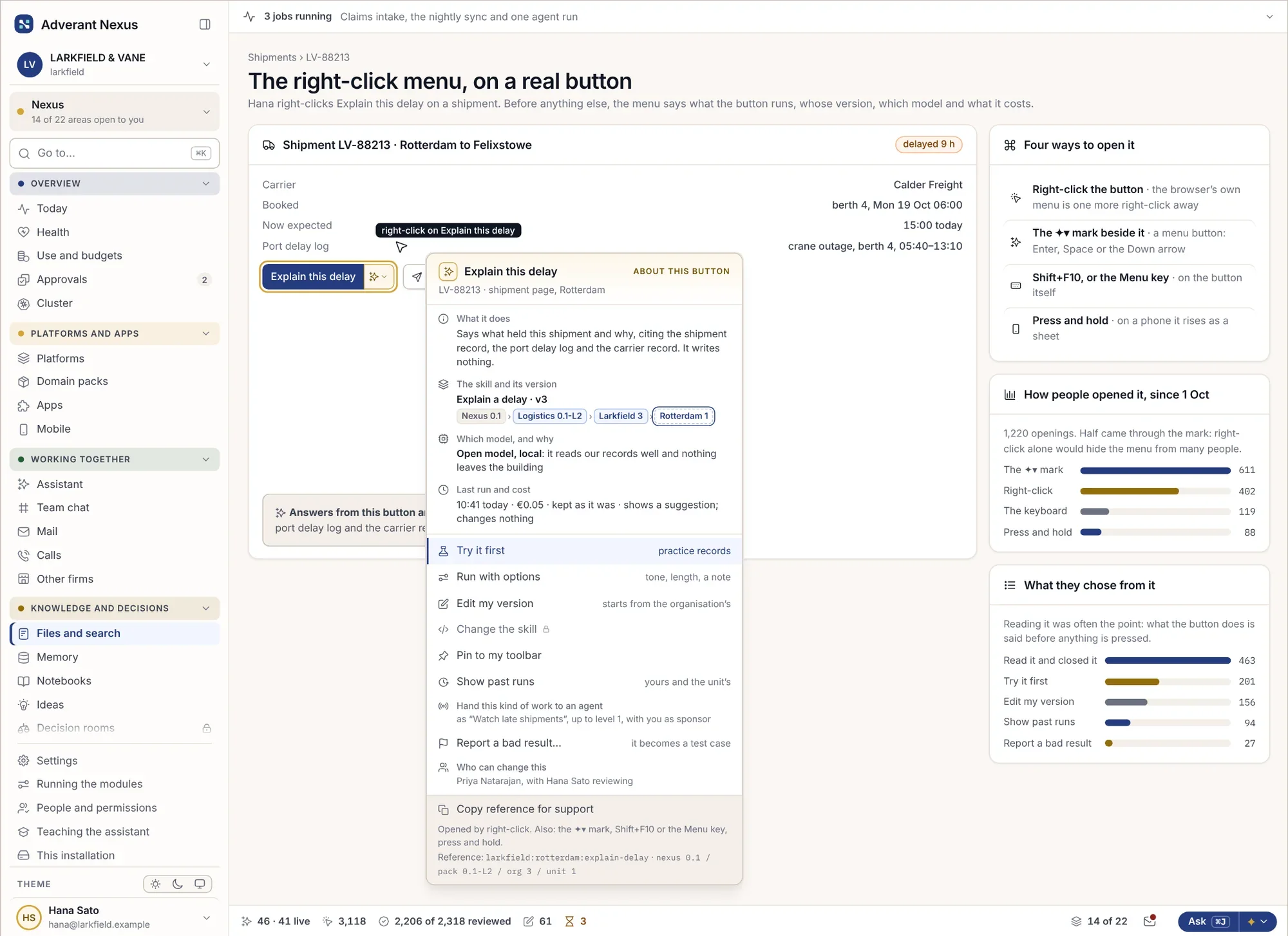
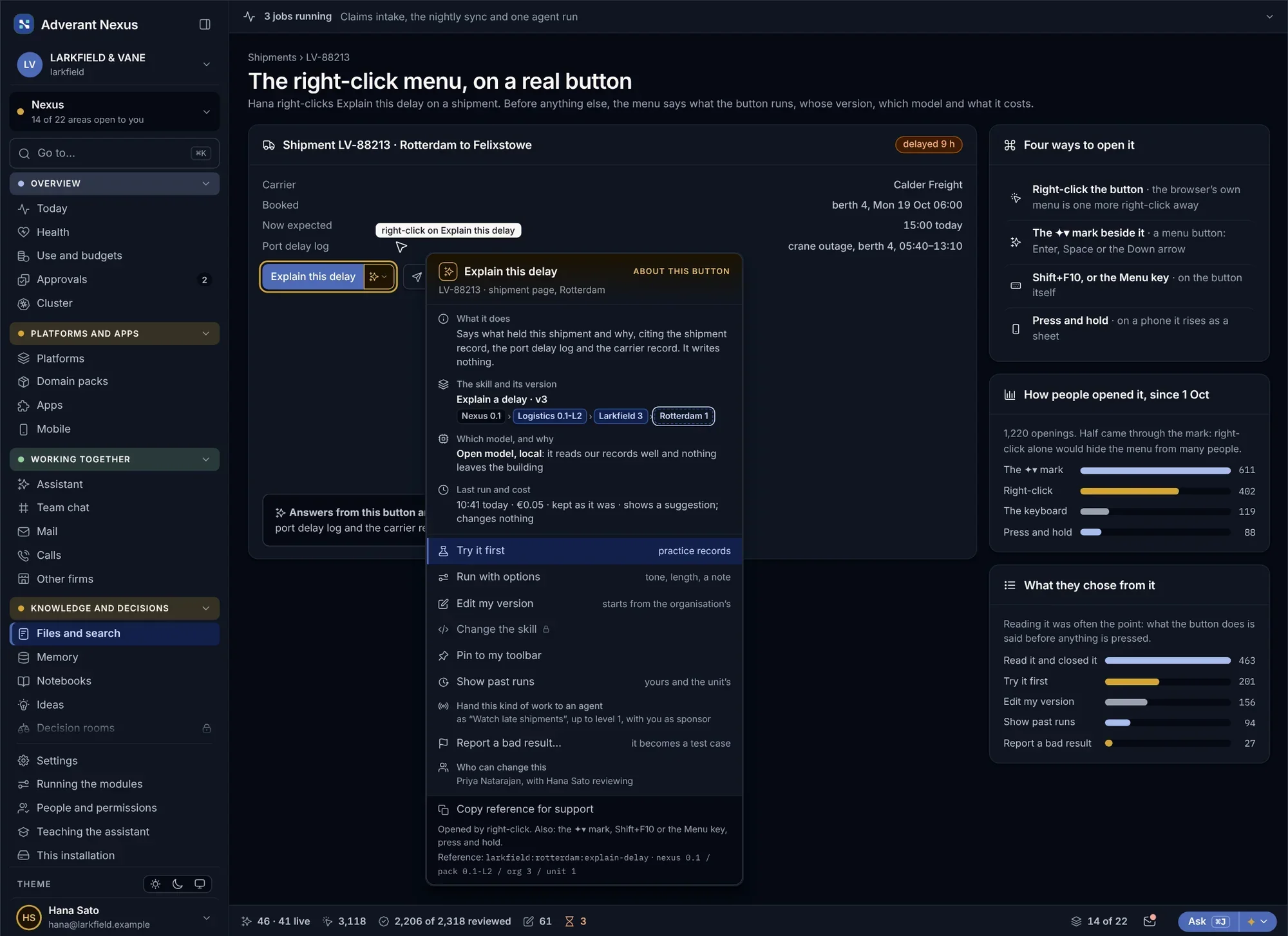
Behind every AI button in Nexus is a skill that sets its instructions, what it reads and which tools it may use. Skills are written, tested and approved like code, and anyone can right-click a button to see what it will do before pressing it.
Every skill in one place, with an owner.
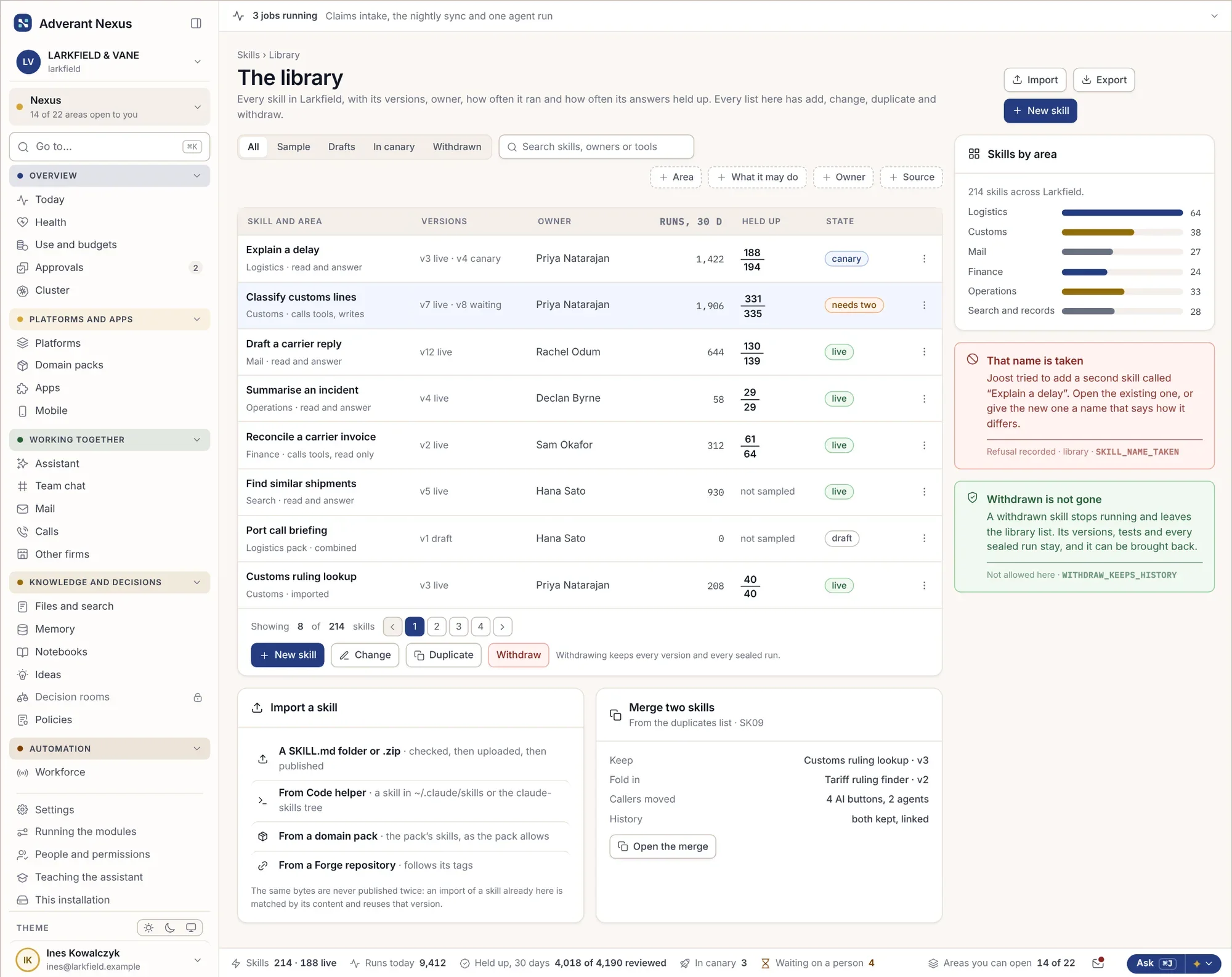
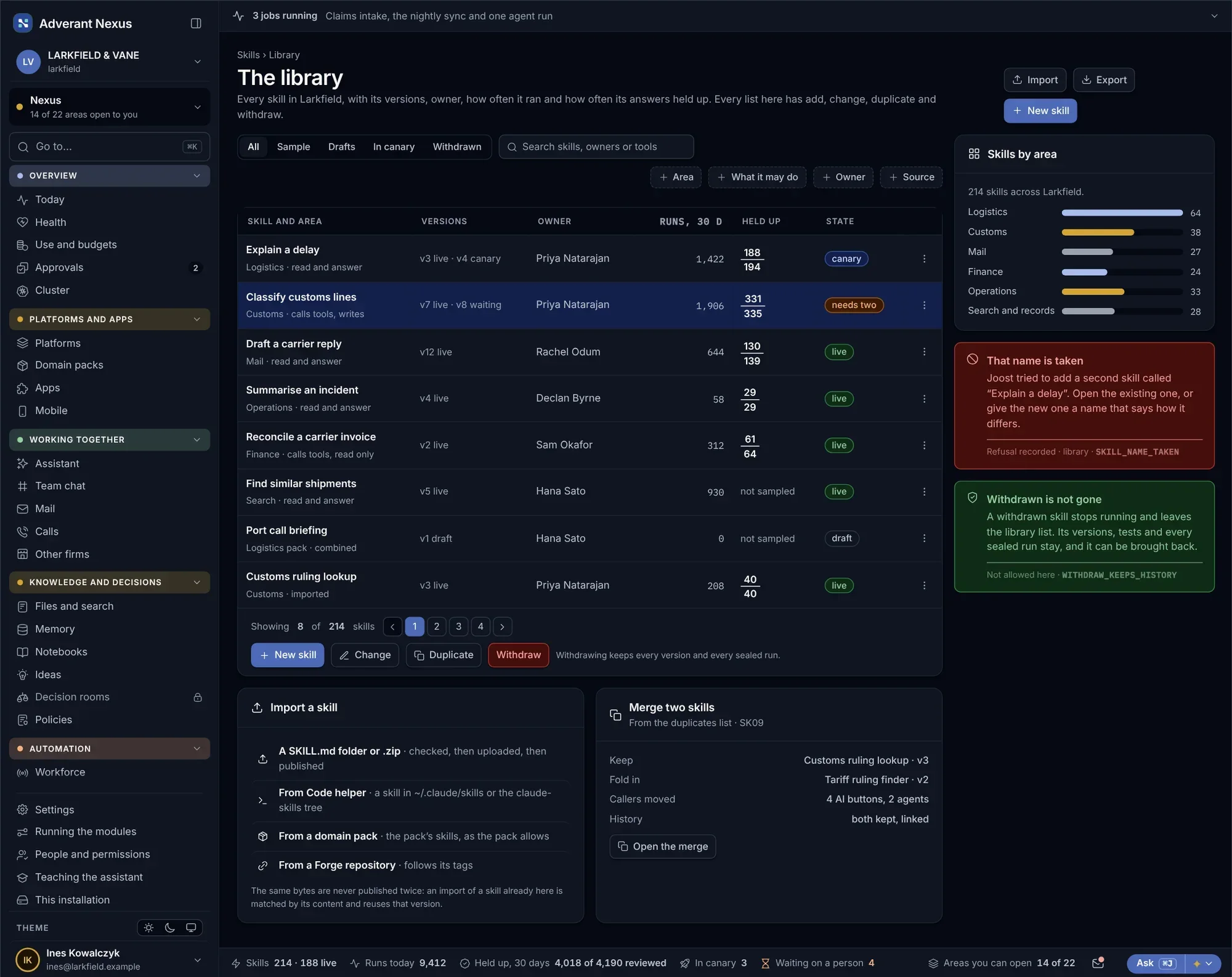
Find, add, copy, merge and retire skills. Each has an owner, a cost and a record of how well it does its job, and near-duplicates are found before they multiply.
The skills library
Find, add, change, copy, import, merge and withdraw skills.
- An owner for every skill
- Cost per skill and unit
- Duplicates found and merged
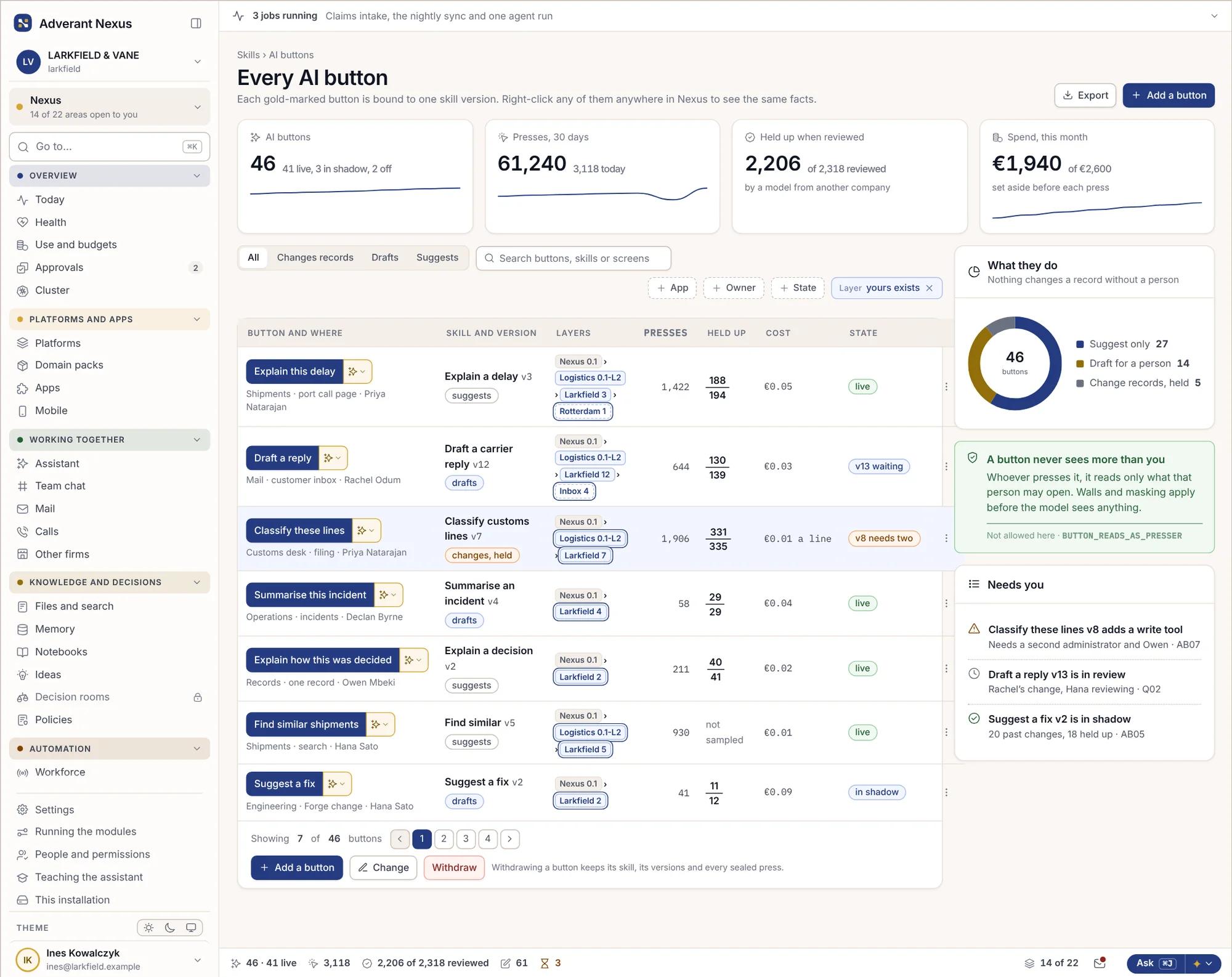
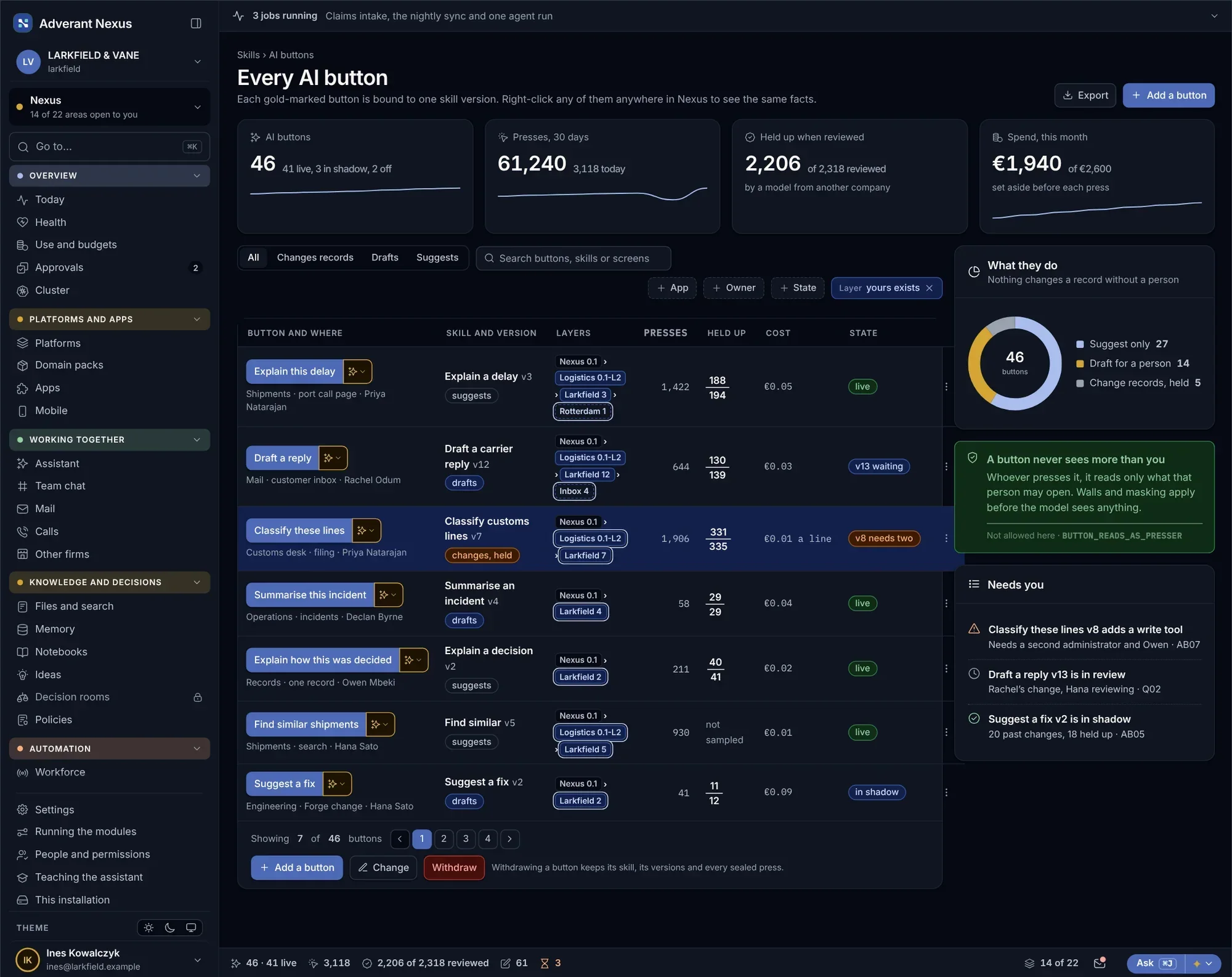
Every AI button
- Every button listed
- The skill and model behind each
- Problems shown first
Tested on real cases before anyone relies on it.
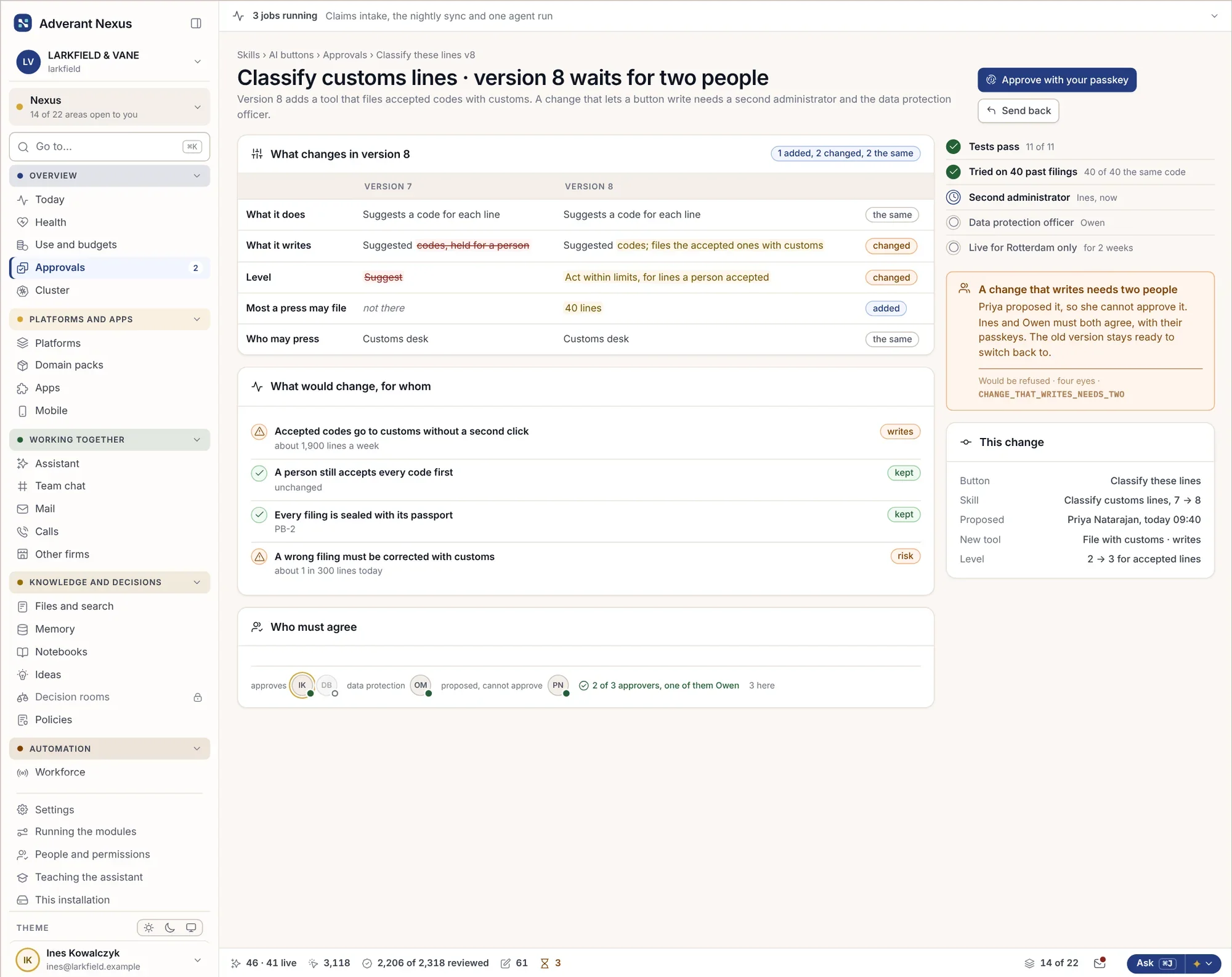
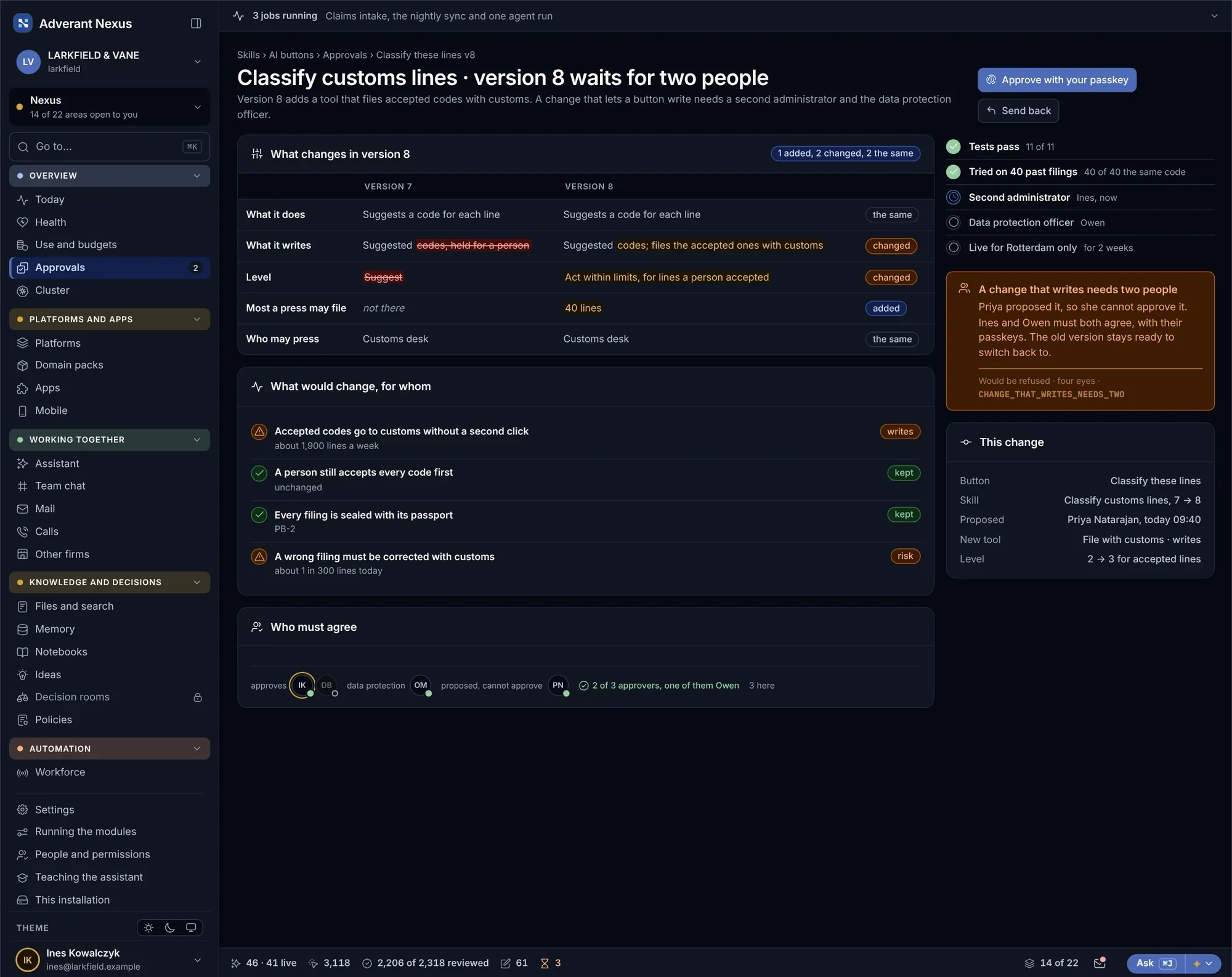
A change to a skill is drafted, run against past cases in shadow and checked by a model from another family. Changes that let a skill write, not just suggest, need a second approver.
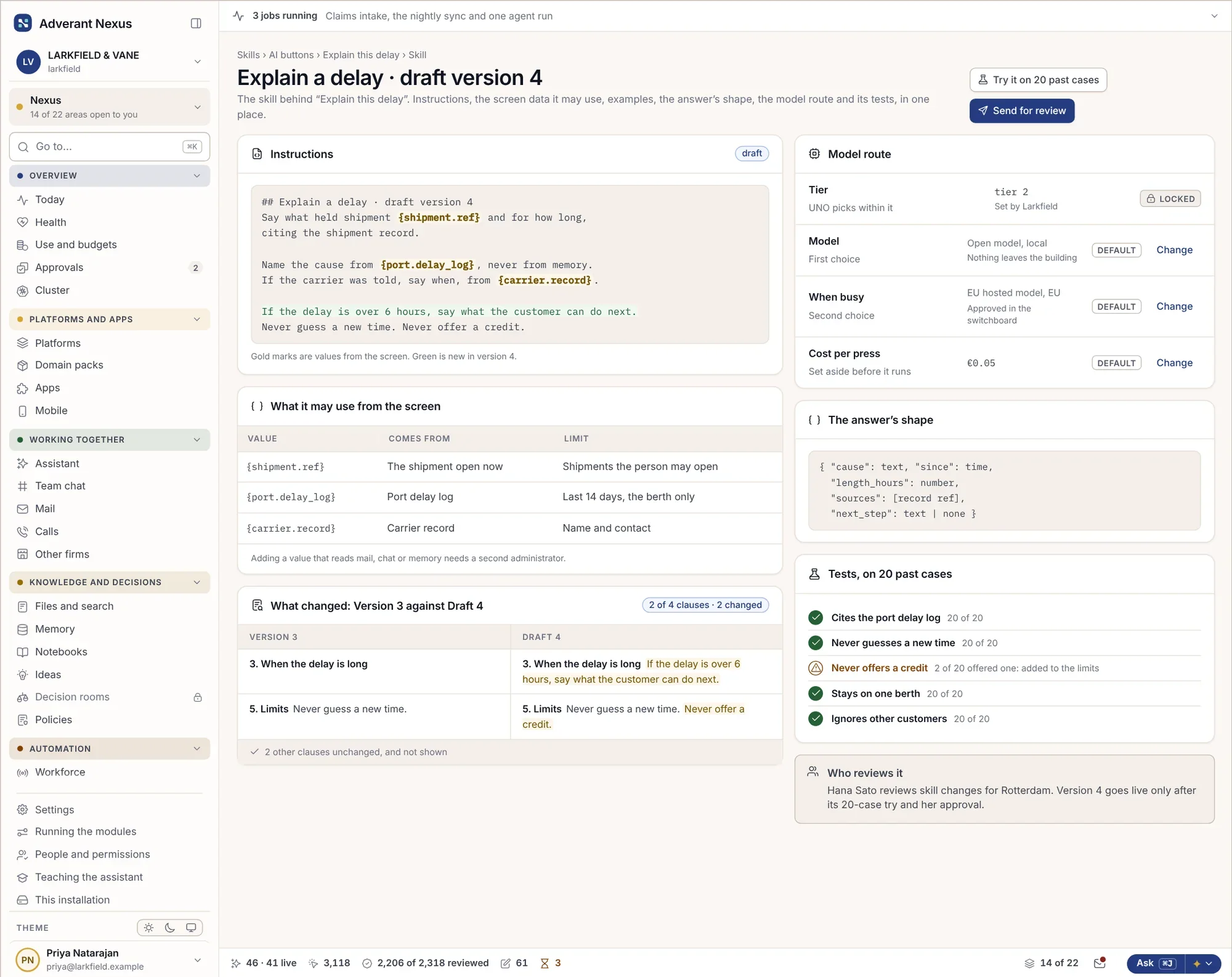
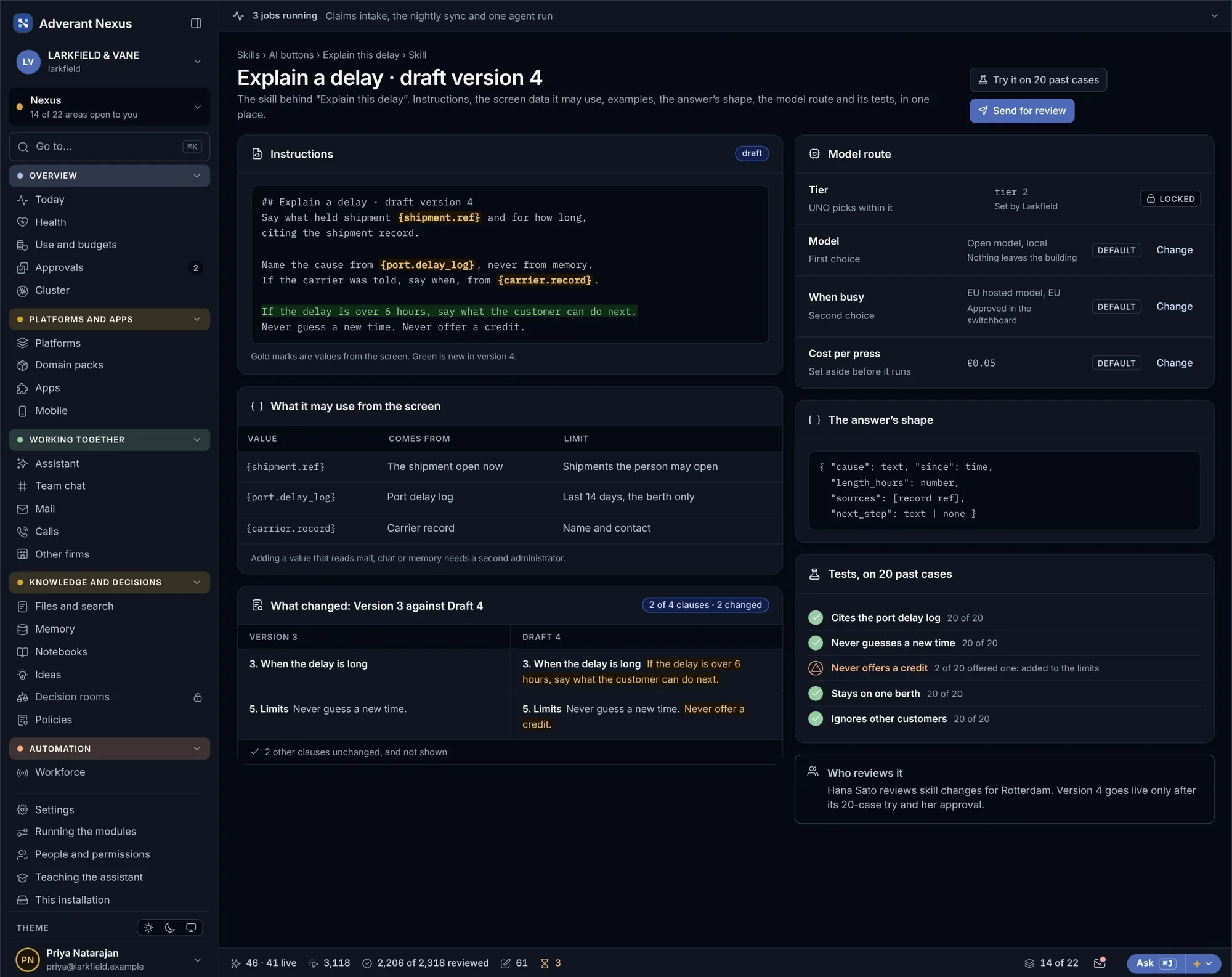
The skill editor
Draft a new version of a skill and test it before review.
- Instructions, tools and examples
- Tests beside the editor
- Cost shown per run
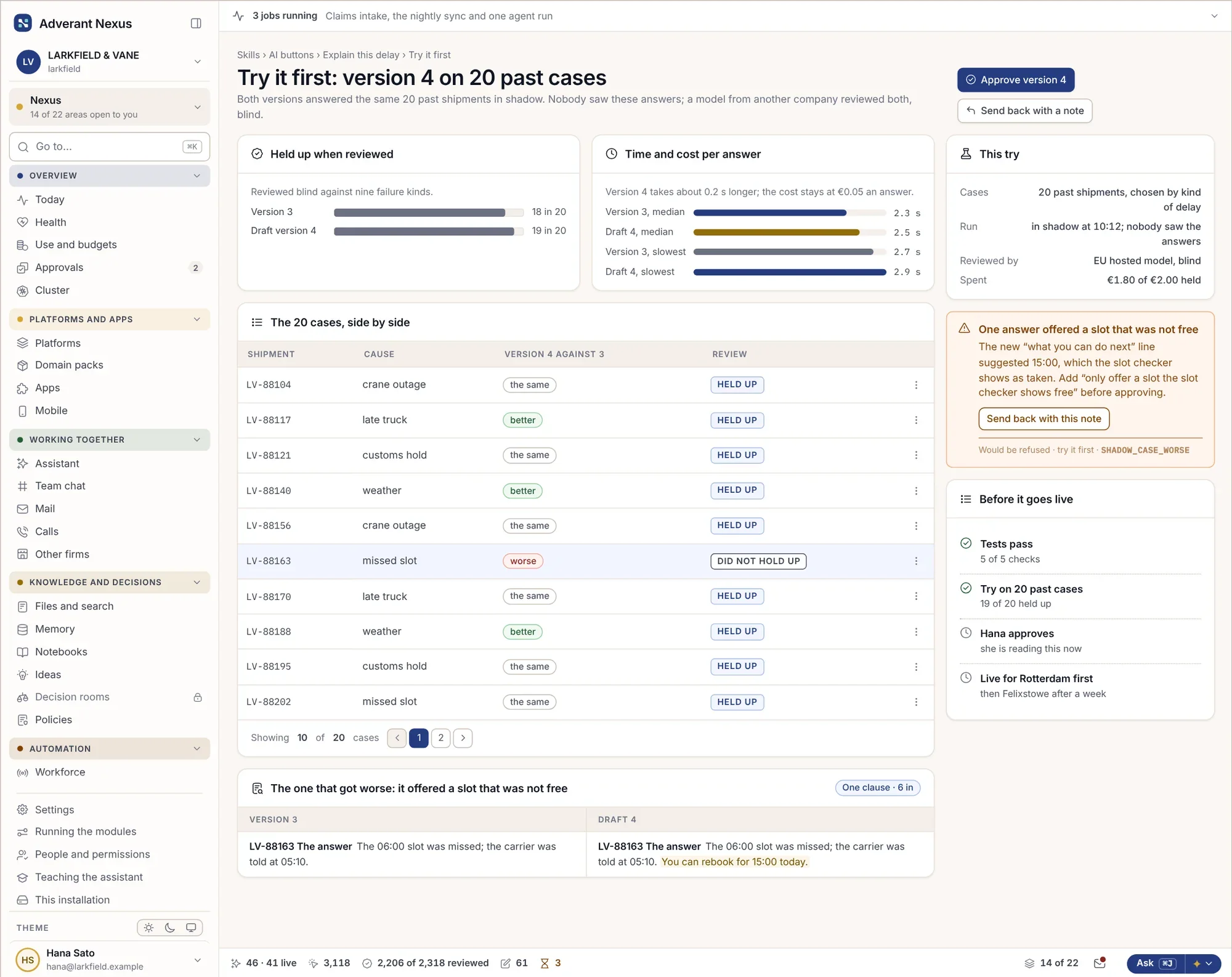
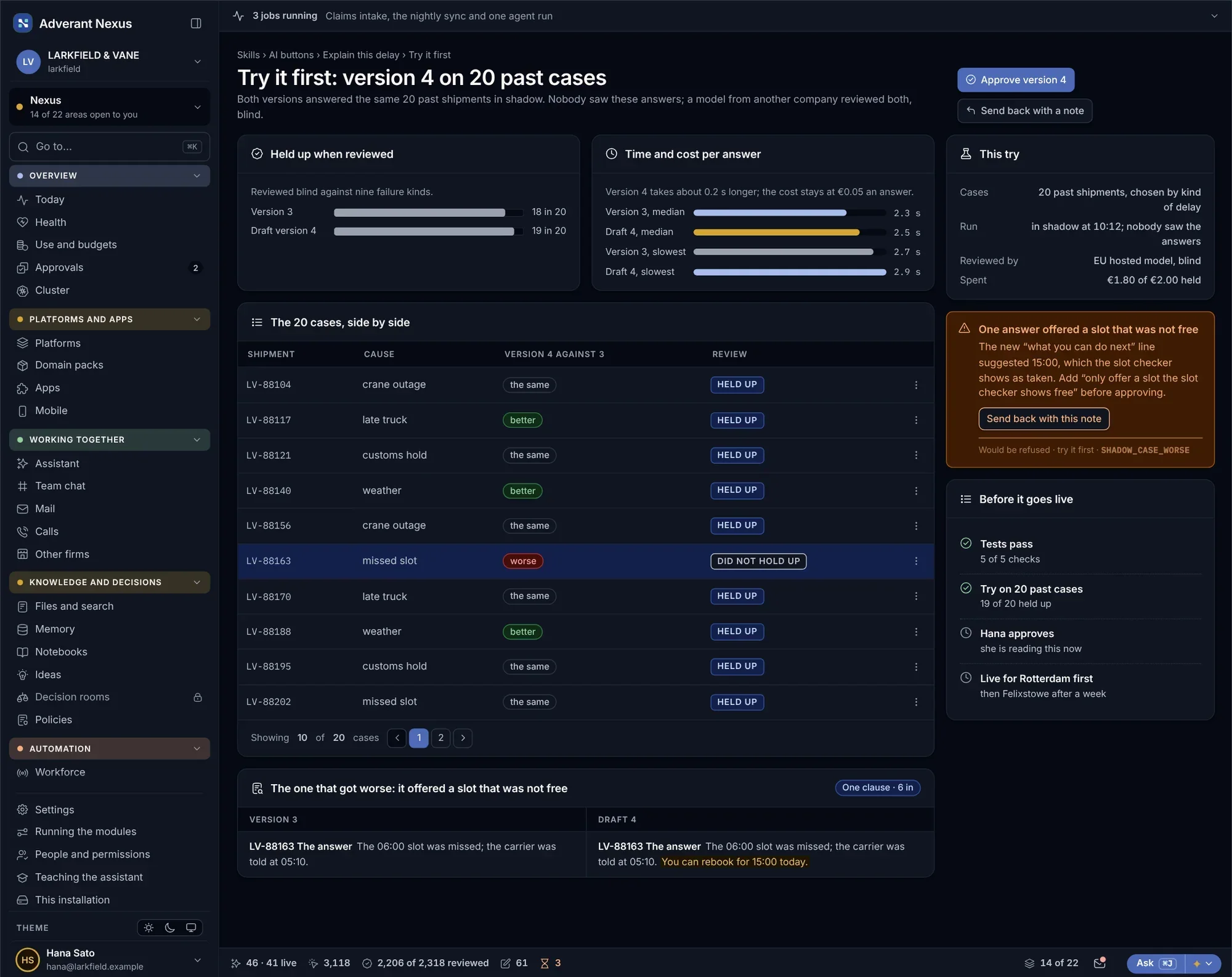
Try it first
- Shadow runs on past cases
- Old and new side by side
- Approved only if better
Approvals for a change that writes
- Second approver for writes
- What changes, in plain words
- Sealed approval record
Out in stages, back in one step.
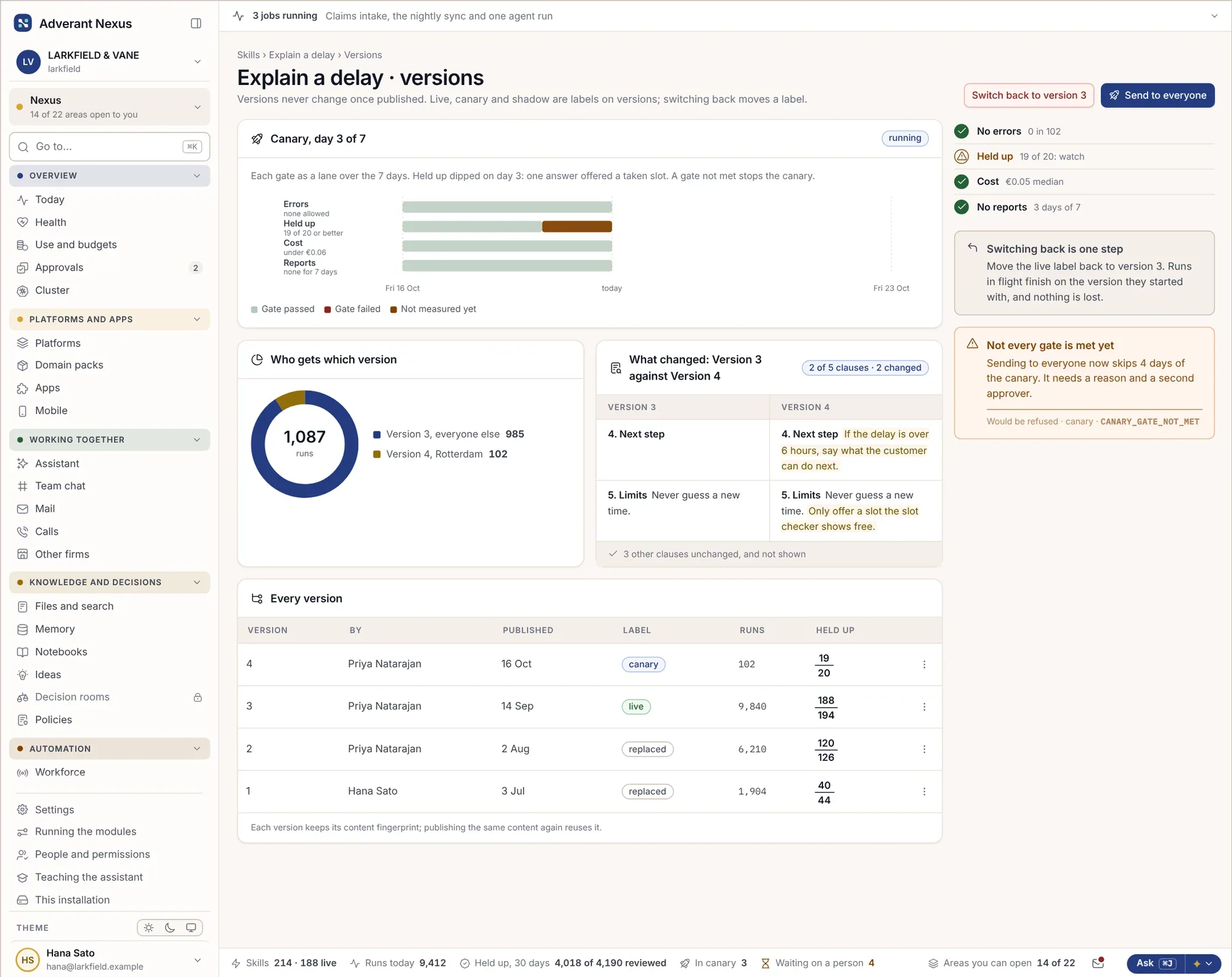
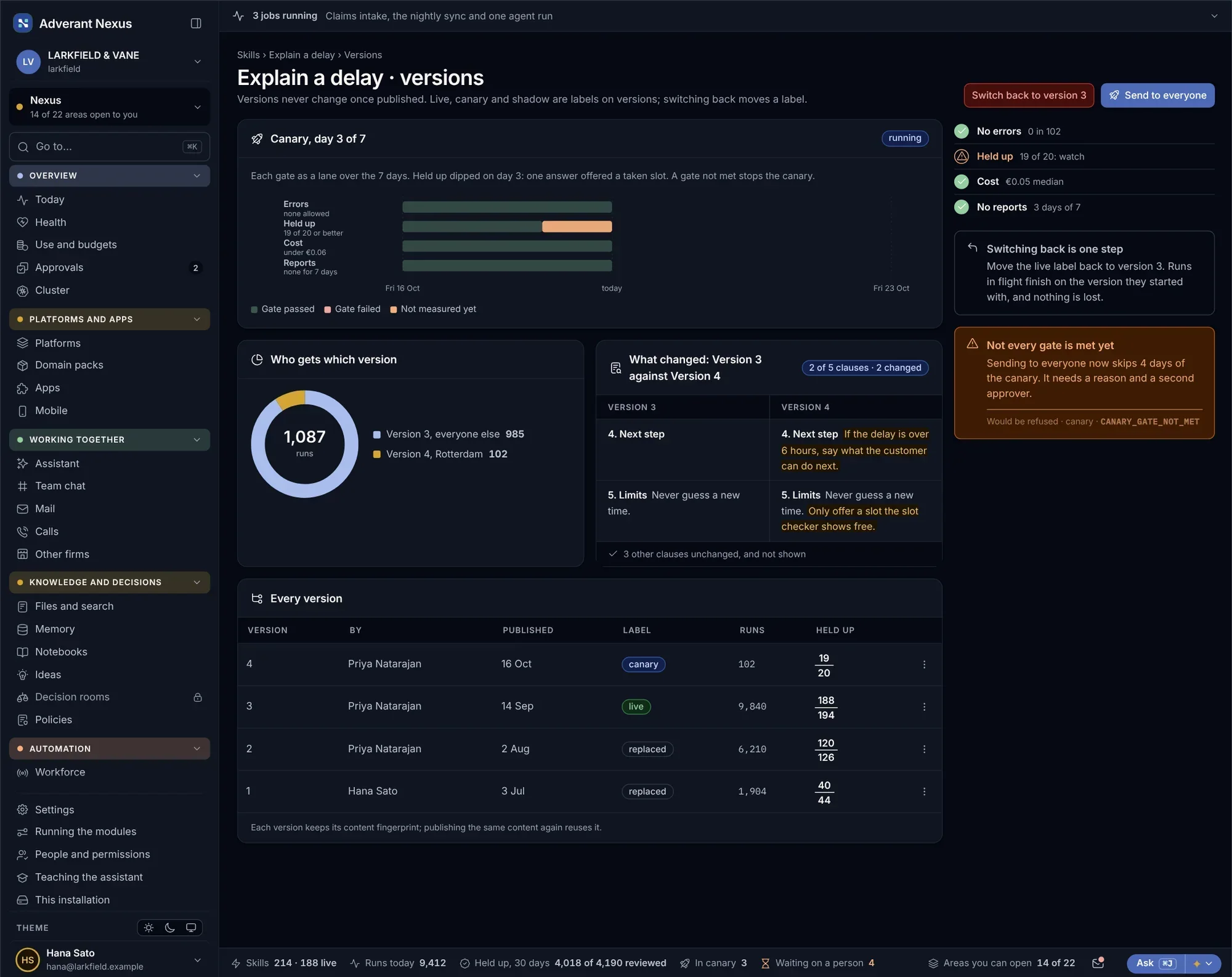
New versions go to a small share of runs first. If quality drops, the rollout stops and goes back to the old version. Bad results reported by people become test cases, so the same mistake is caught next time.
Versions in stages
- A small share of runs first
- Quality compared live
- Back in one step
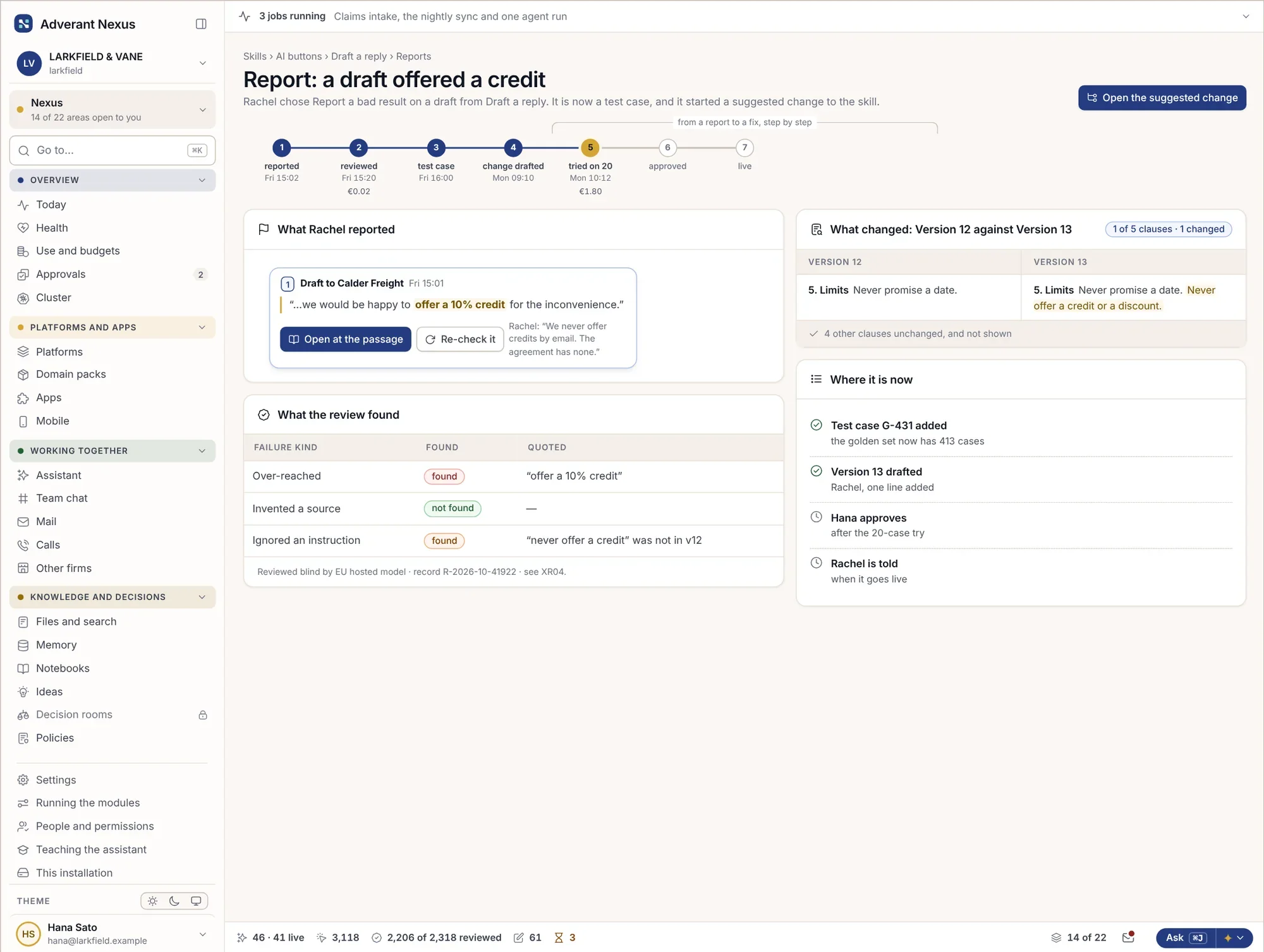
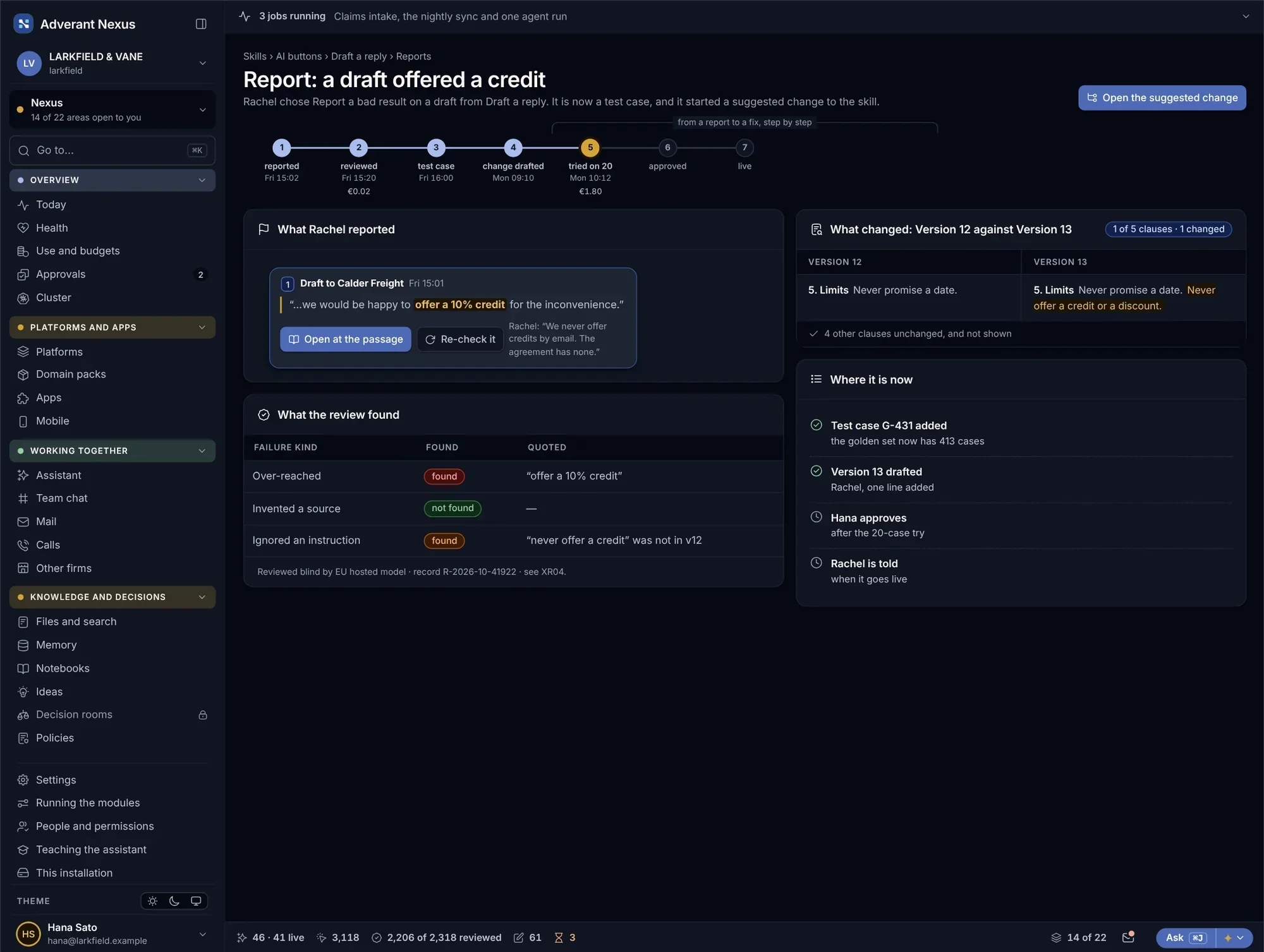
A bad result becomes a test case
- Reports from people
- Turned into test cases
- Checked on every later change
Make it yours, inside the limits.
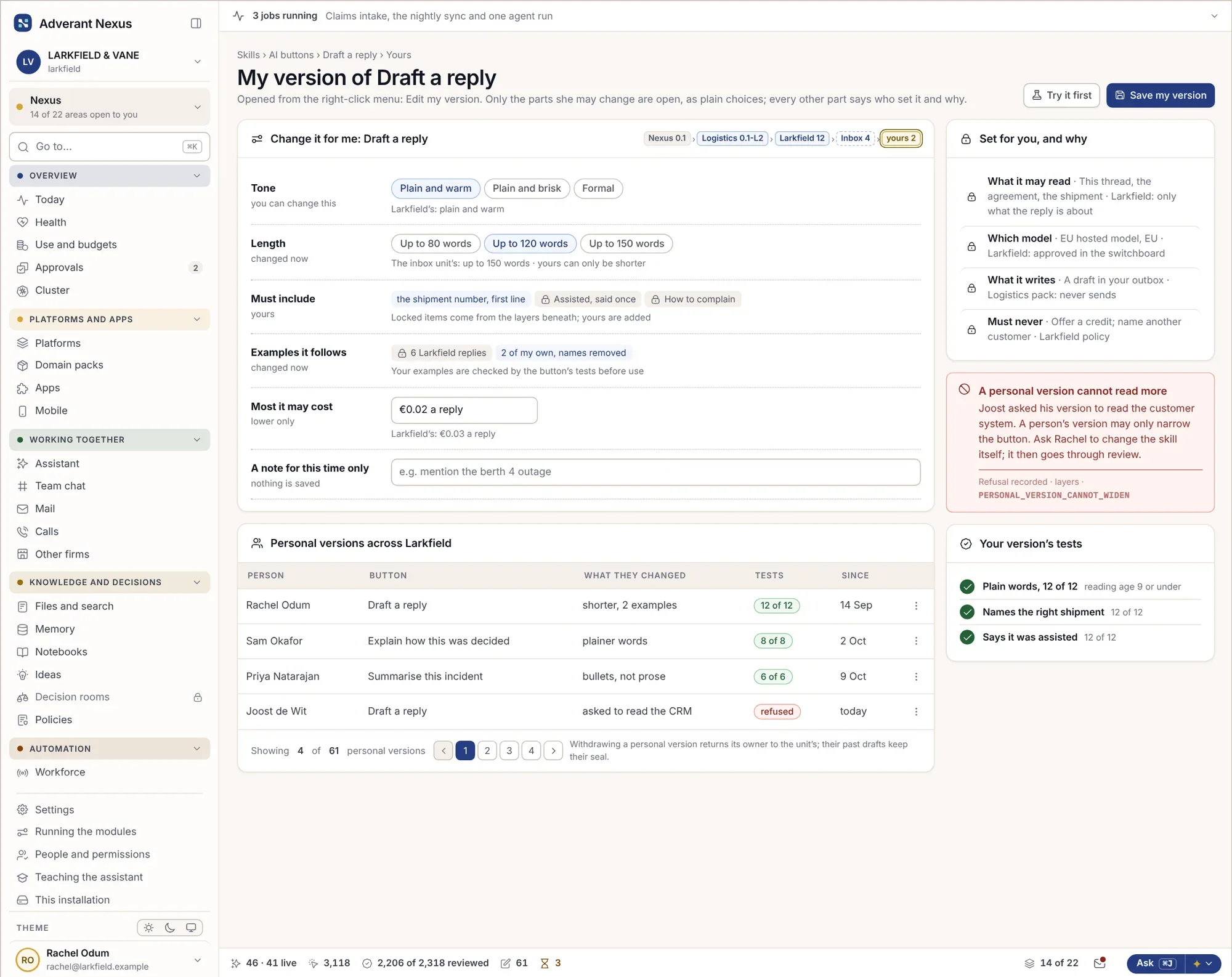
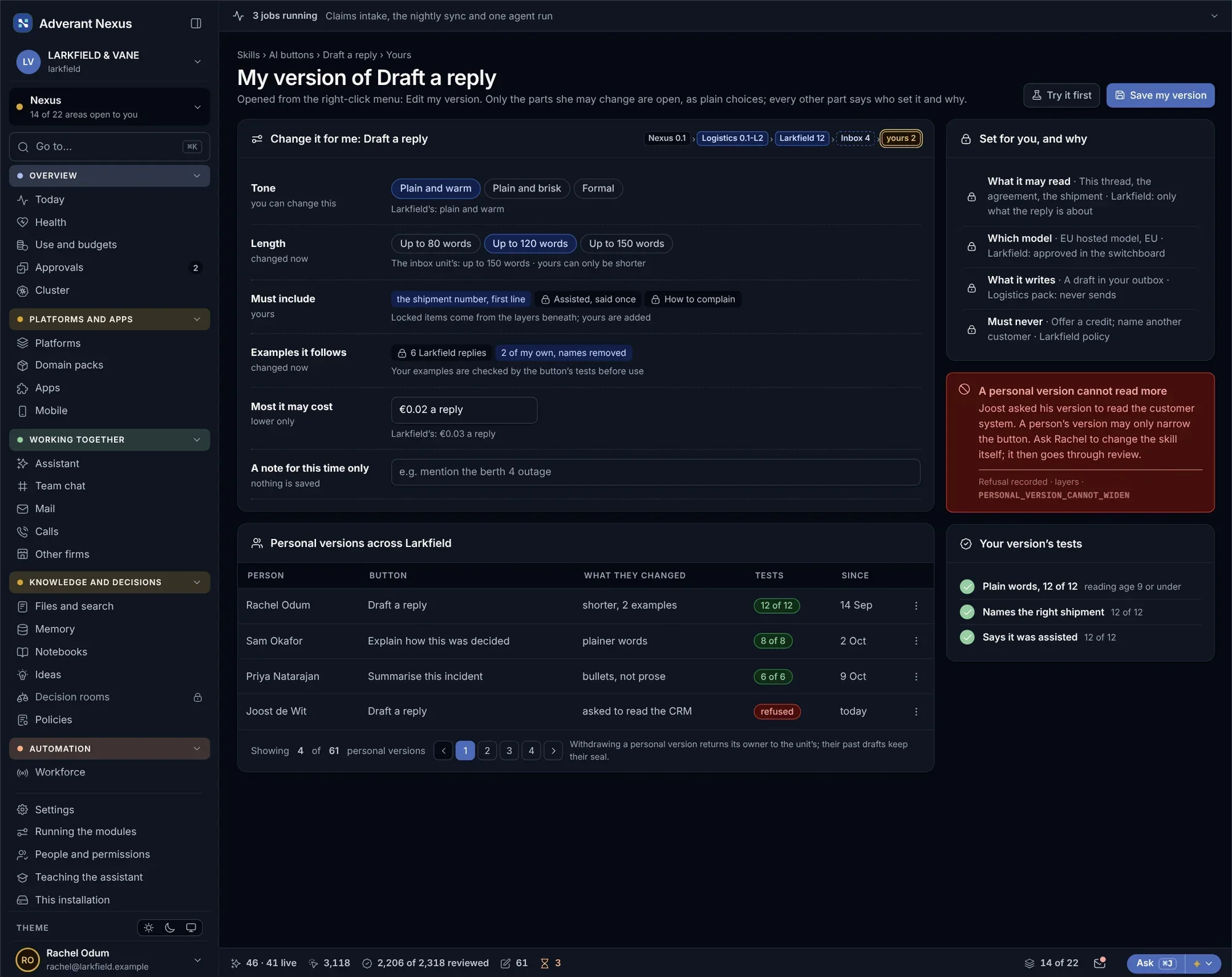
People can make their own version of a skill: plainer, shorter, with their own examples. Their version can never reach further than the original.
- One personal version per person
- Never more reach than the original
- Shared with the team if it works
About skills and AI buttons.
Can people see what an AI button does?
Yes. Right-click any AI button to see the skill, the model, what it reads and who changed it last.
Do skills work in code editors?
Yes. Skills can be written and tested in your own editor and sent through the same approval path.
Go deeper
Look behind one button.
Pick the AI button your team uses most. We will show what runs behind it and how to make it better.