

Use Nexus from the apps you already have.
Everything in Nexus can be reached from outside it. Call the API with a key that does one job, receive events as they happen, keep a live connection open for progress and updates, and connect AI assistants over MCP with only the actions they need. Your apps get the knowledge graph, the agents and the governance without rebuilding any of it.
From a key to a plugin, one step at a time.
Most teams start with a key and one call. The same foundations carry you all the way to your own features running inside Nexus.
Get a key
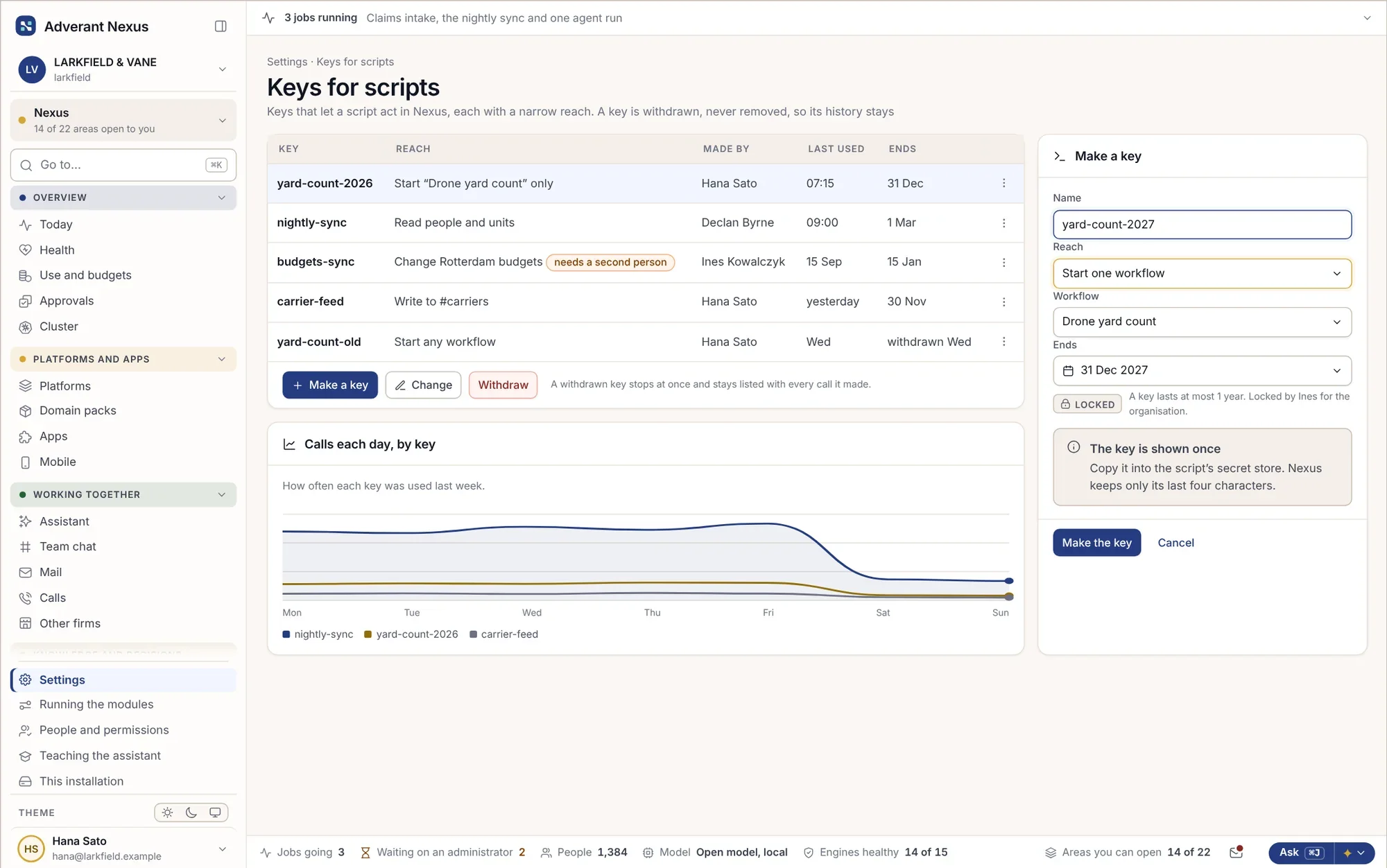
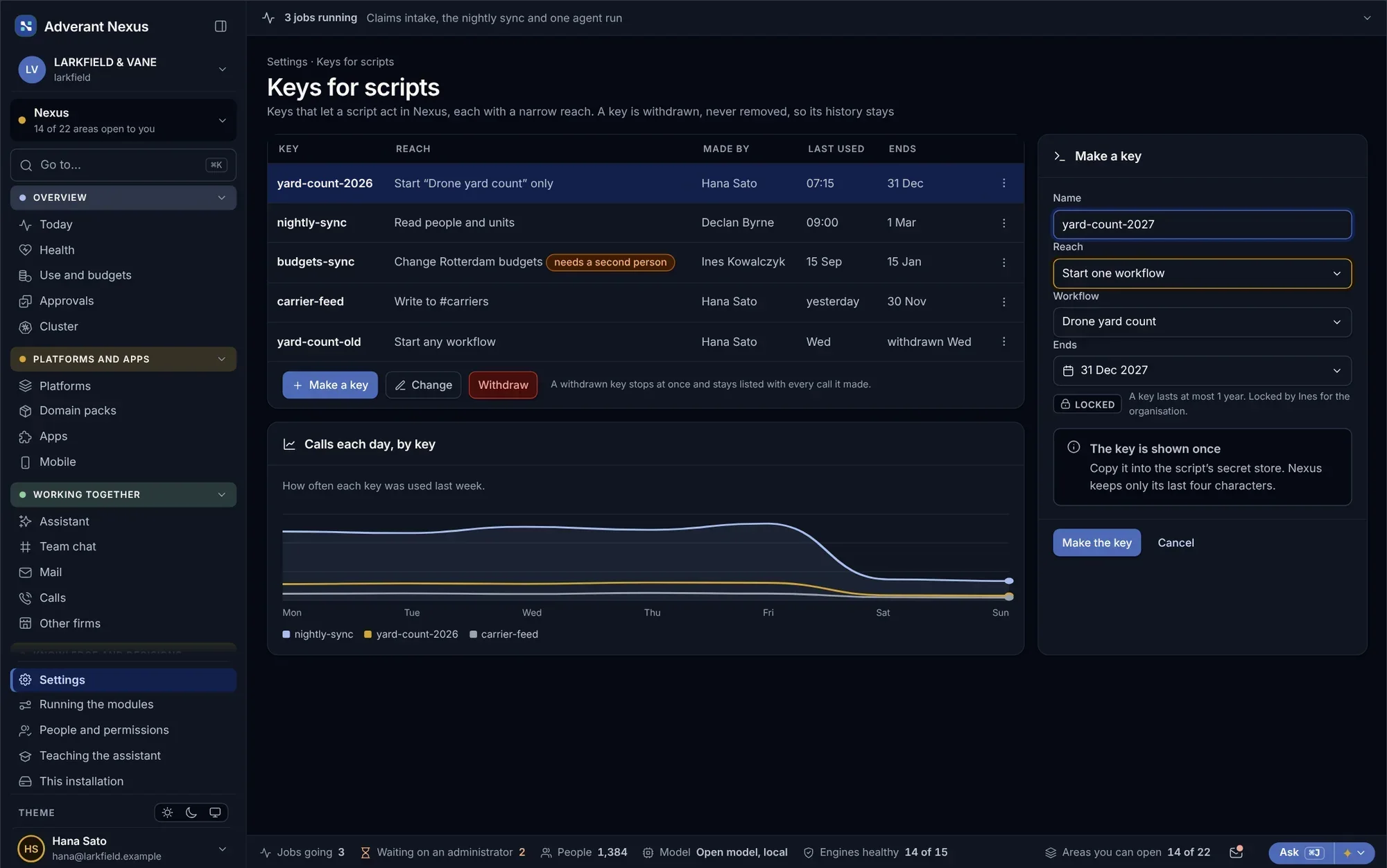
Make a key for one script or app, limited to exactly what it needs, with an end date.
Call the API
Ask the knowledge graph, start a workflow, file a document or read a record, all with the same permissions people have.
Receive events
Webhooks tell your systems when something happens: a claim sealed, a hold released, a payment matched.
Stay connected
A live connection streams progress, answers and updates to your app as they happen, without polling.
Bring your AI tools
Connect code editors and AI assistants over MCP, with sign-in and only the tools each one is allowed.
Build a plugin
Use the developer kit to add your own screens, agents and skills, and ship them to every platform on Nexus.
Keys that do one job, and say what they did.
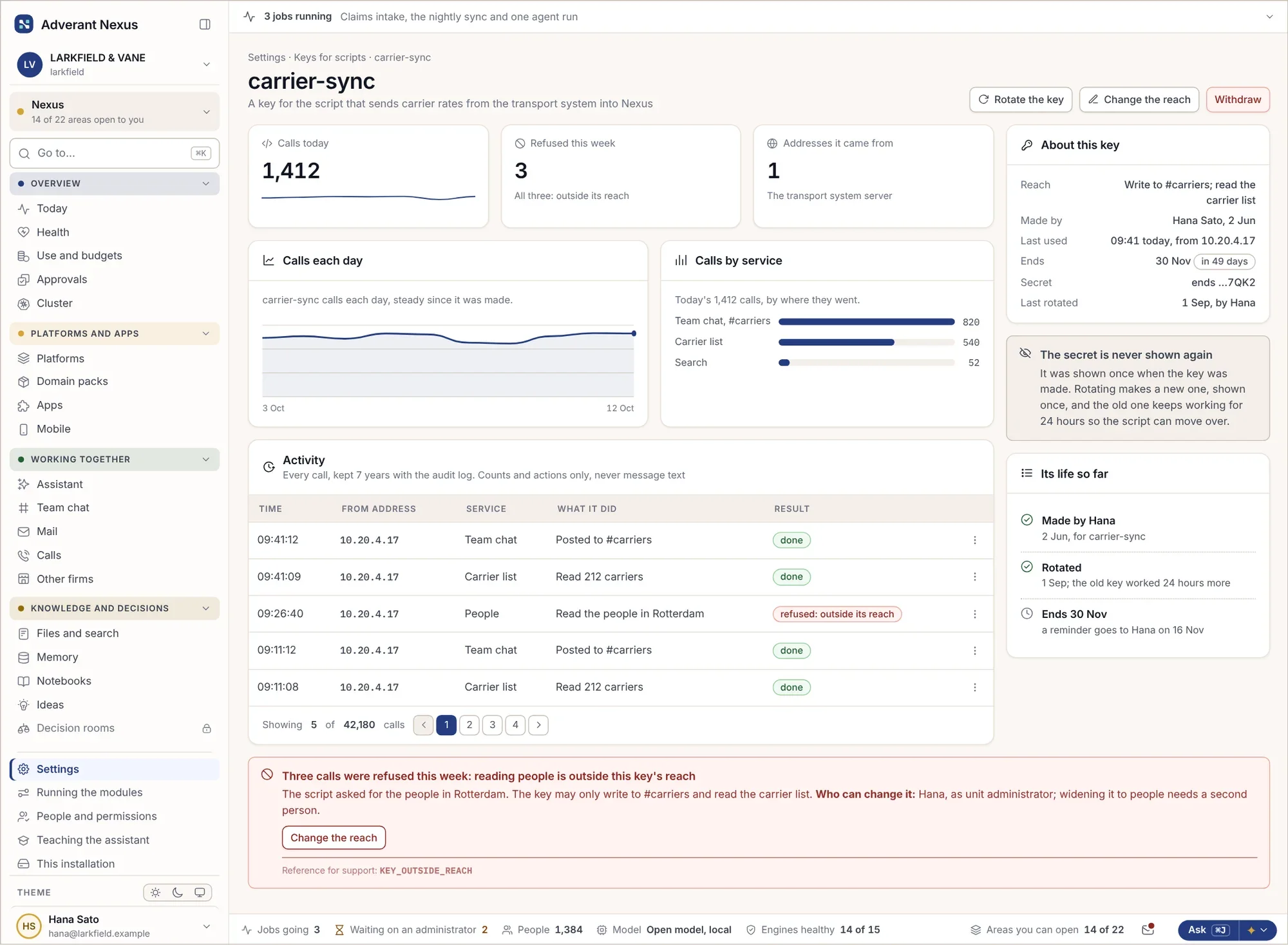
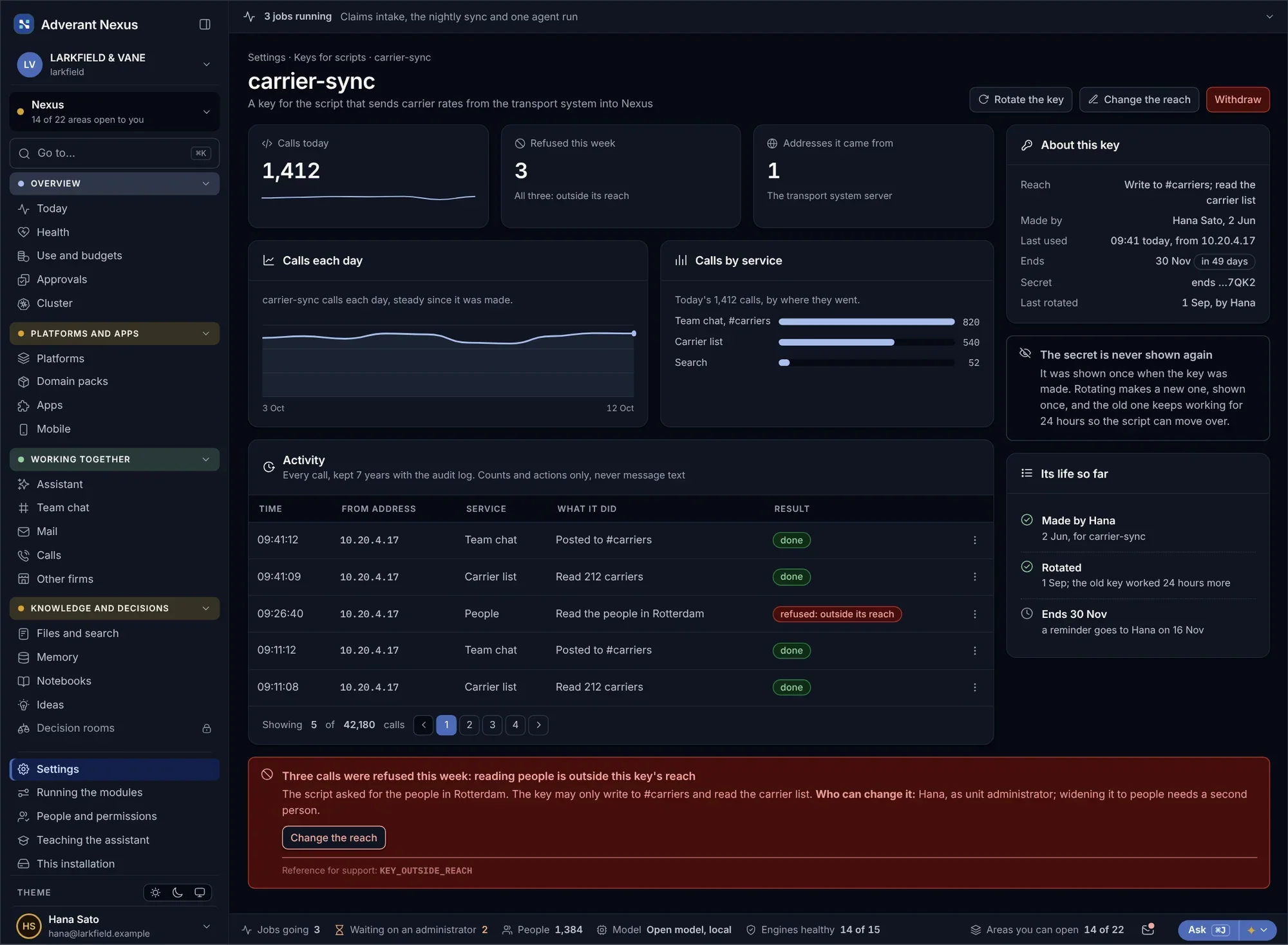
Every key is scoped to the tasks it may do, the units it may reach and the time it may live. You can see what each key has been doing, rotate it without downtime, and slow down a script before it slows down anyone else.
What a key has done
Check what a key has been doing, and rotate it in place.
- Every call recorded
- Rotated without downtime
- Ends on a date you set
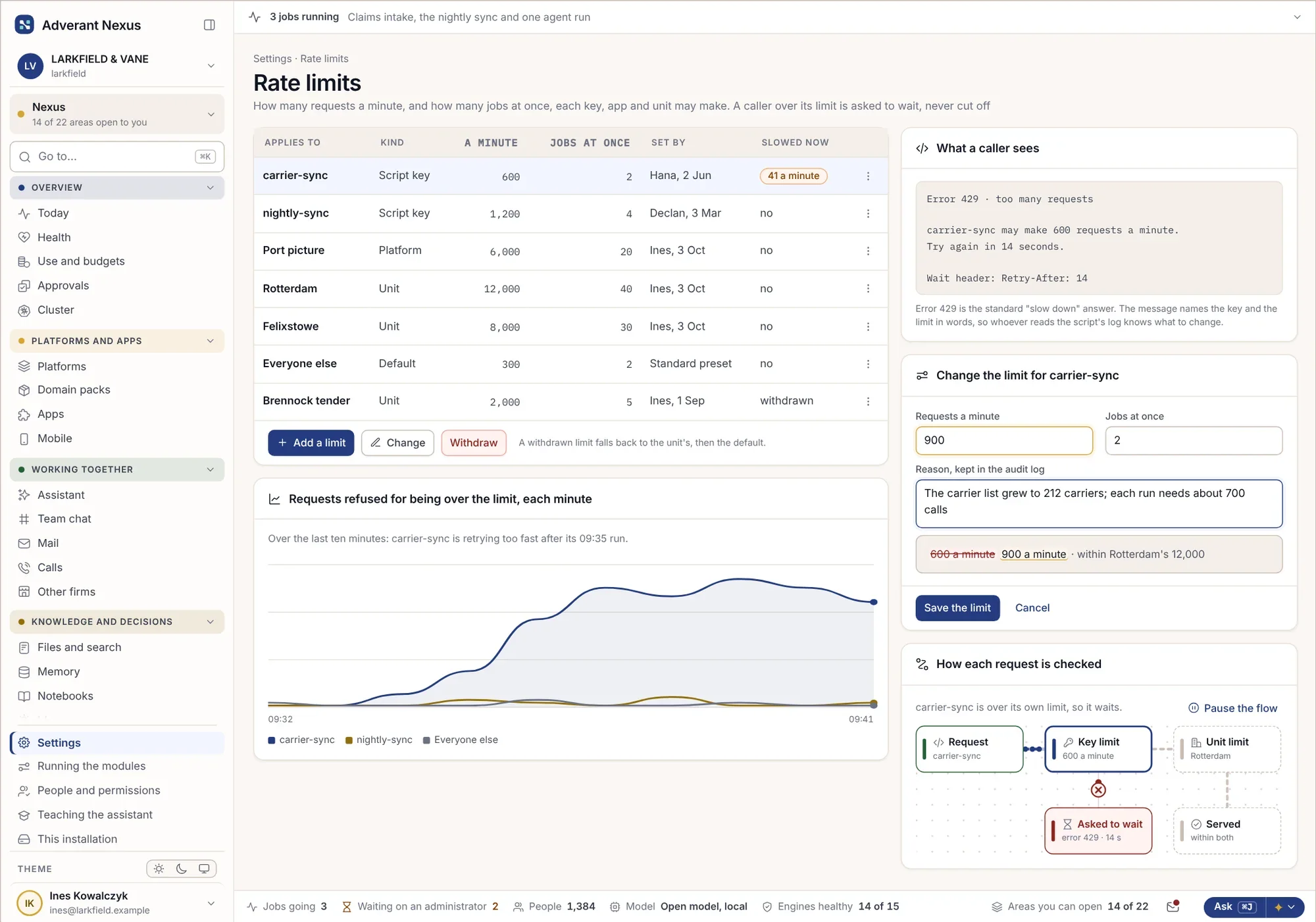
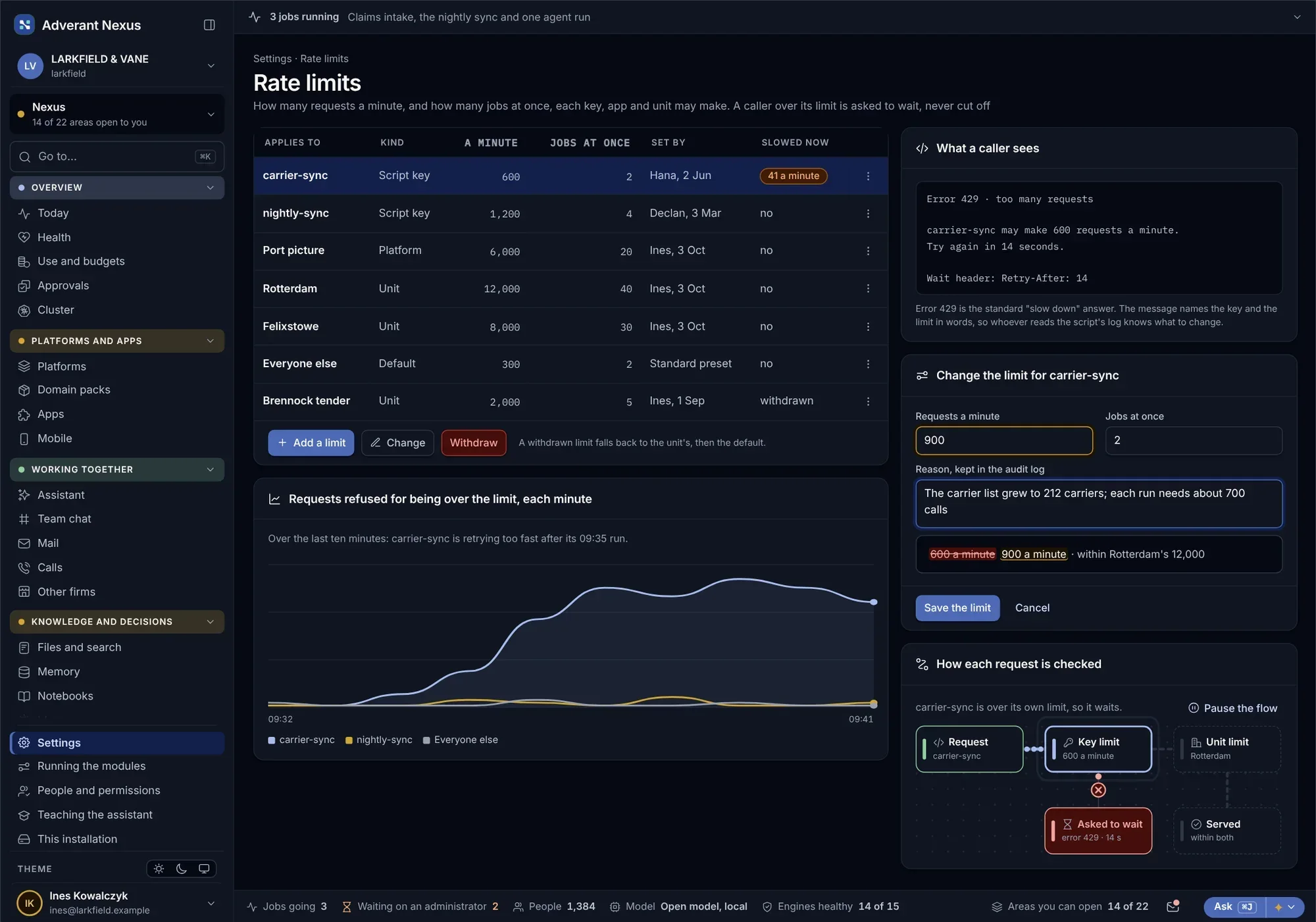
Rate limits
- Limits per key, user and unit
- Live view of who is slowed
- Raised for one key, not everyone
Your systems hear the moment something happens.
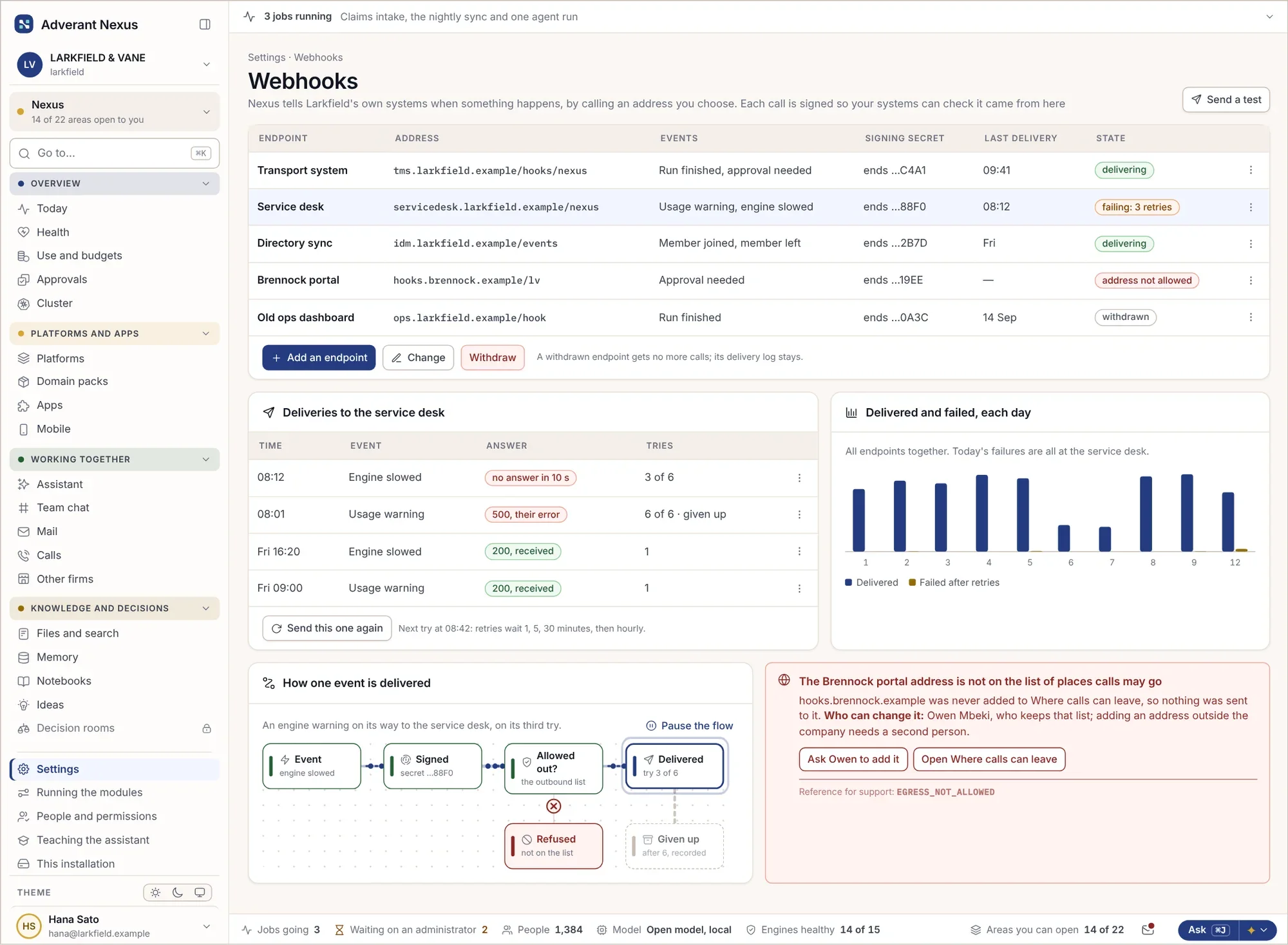
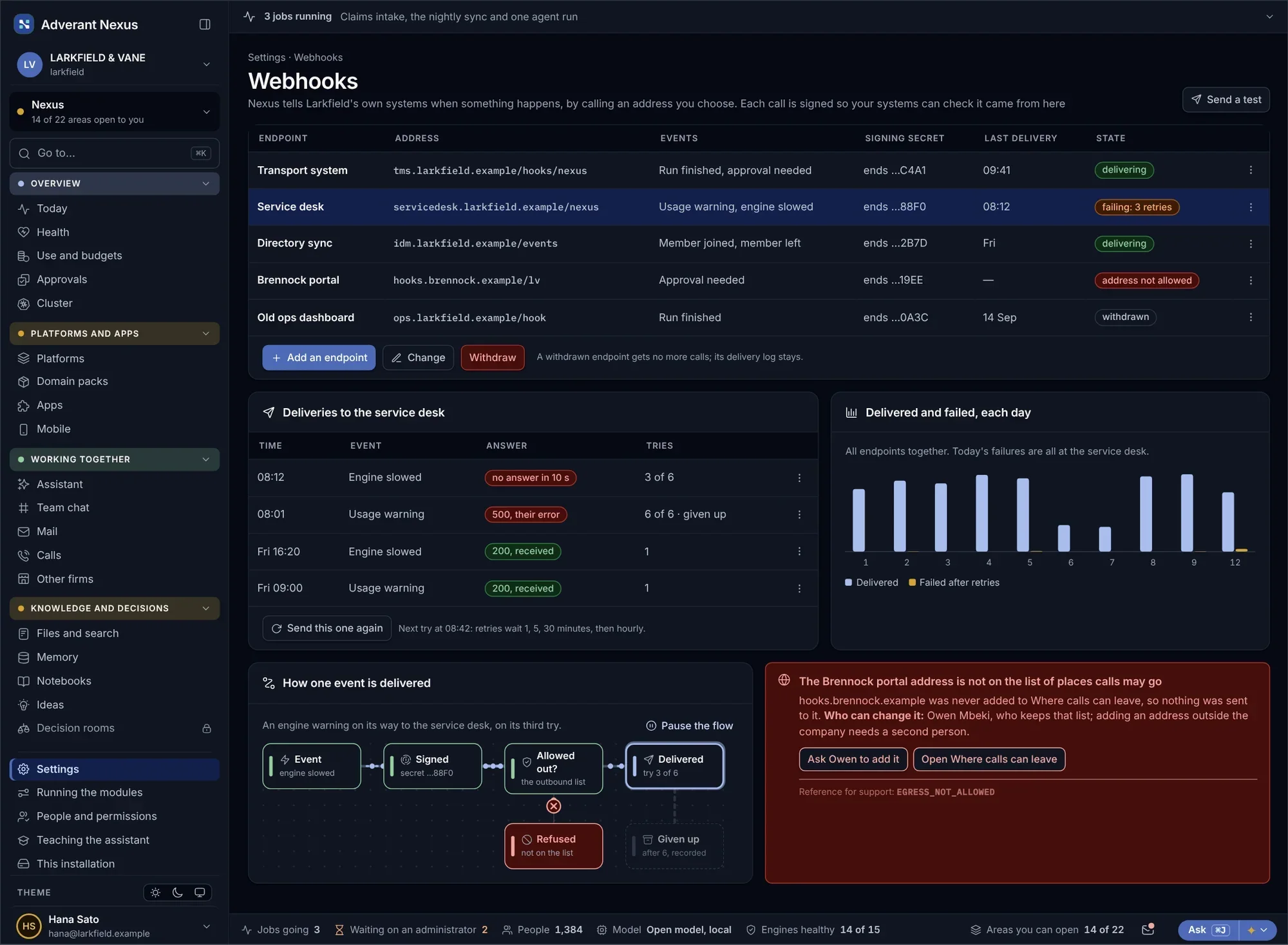
Send Nexus events to your own systems: a record sealed, a document read, a payment matched, an agent waiting for a person. Each endpoint shows what it was sent, what came back, and why a delivery failed.
- Choose the events, per endpoint
- Signed, so your systems can trust them
- Failed deliveries retried and explained
Progress, answers and updates, streamed as they happen.
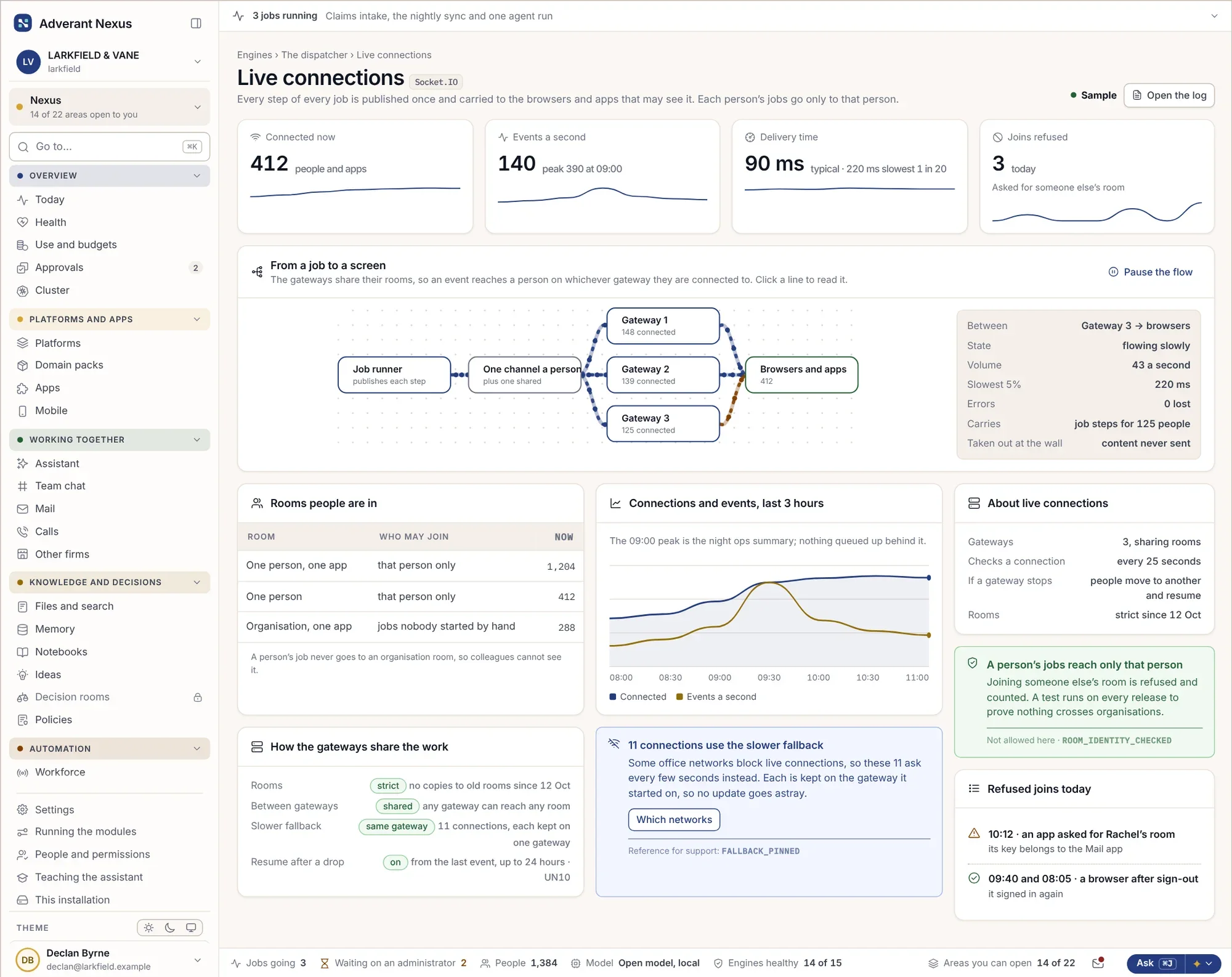
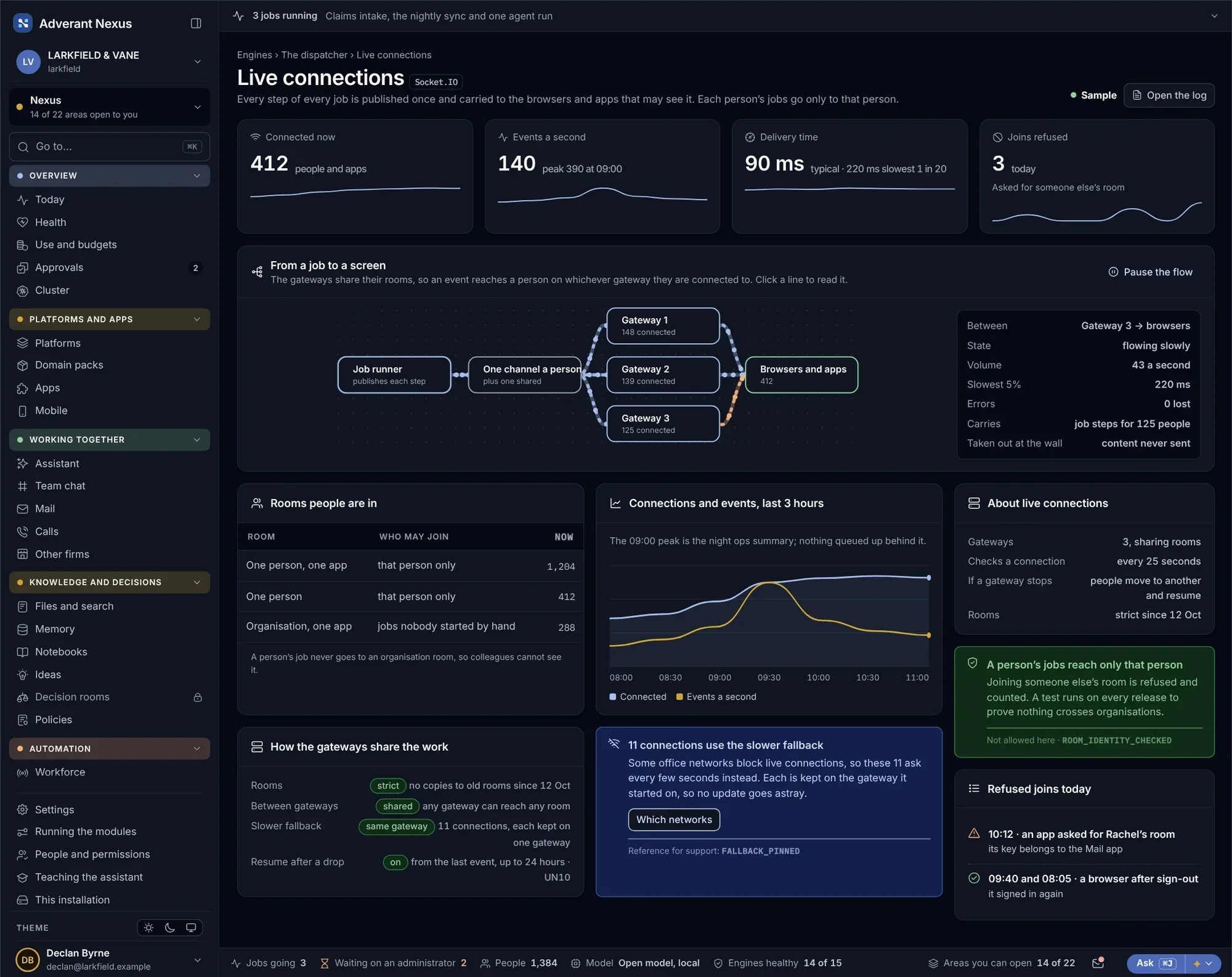
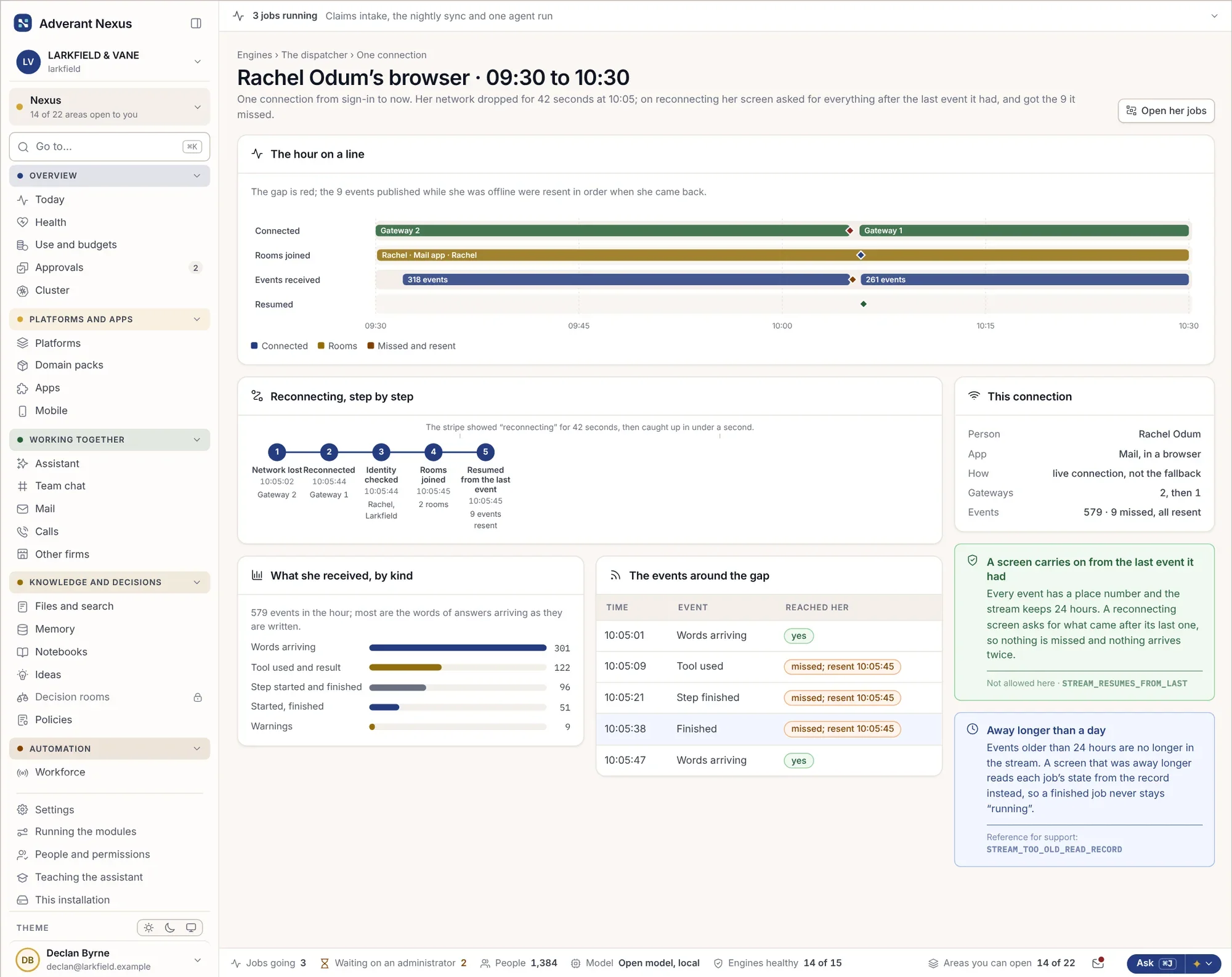
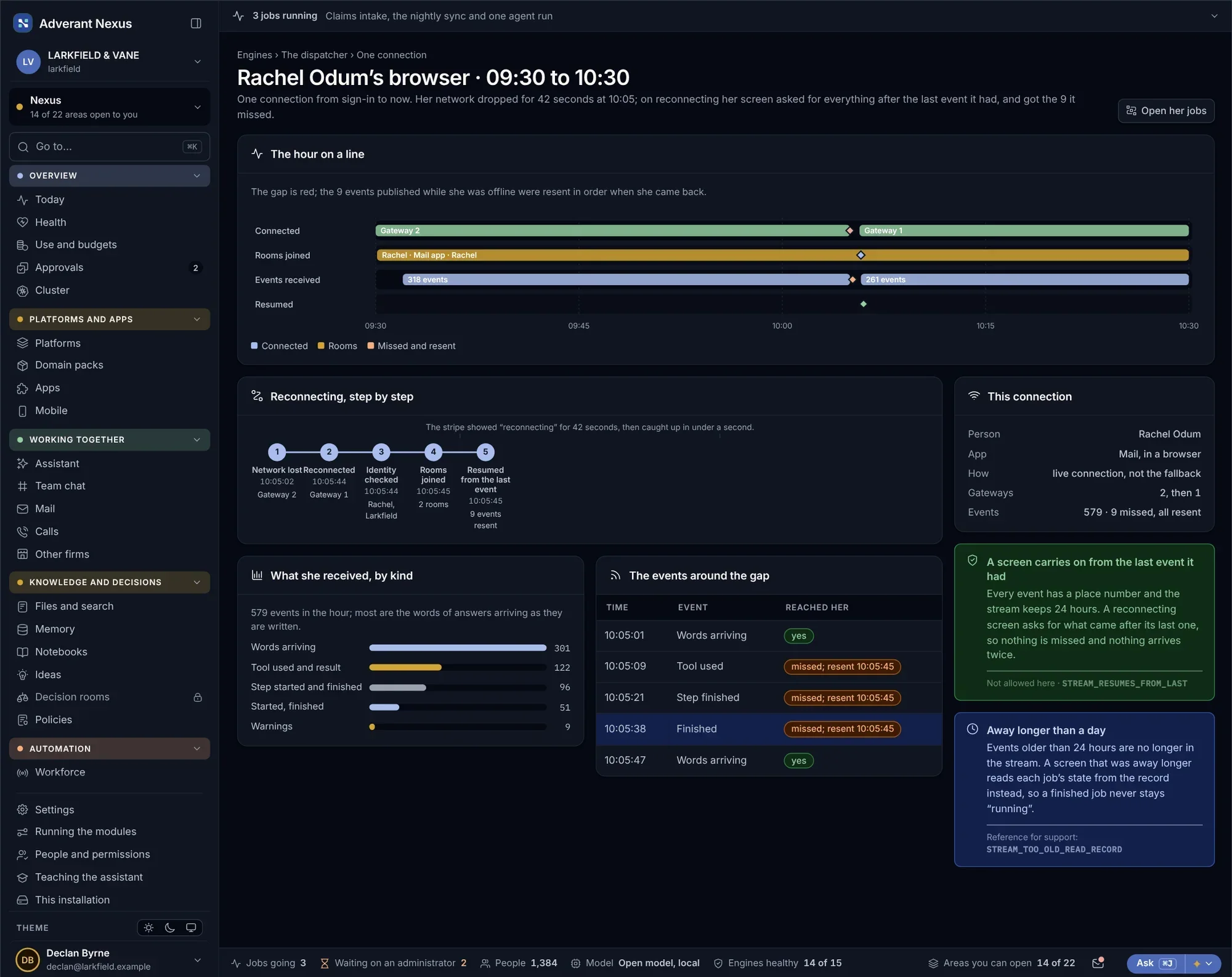
A live connection keeps your app in step with Nexus: an answer as it is written, a long job as it moves, a record as someone else changes it. Each connection only receives what its user may see, and you can follow one from start to finish.
Live connections
- Only what the user may see
- Speed measured per channel
- Reconnects without losing updates
One connection’s life
- Every message in order
- Gaps and reconnects shown
- Cause named in plain words
Bring your AI tools. Give them only what they need.
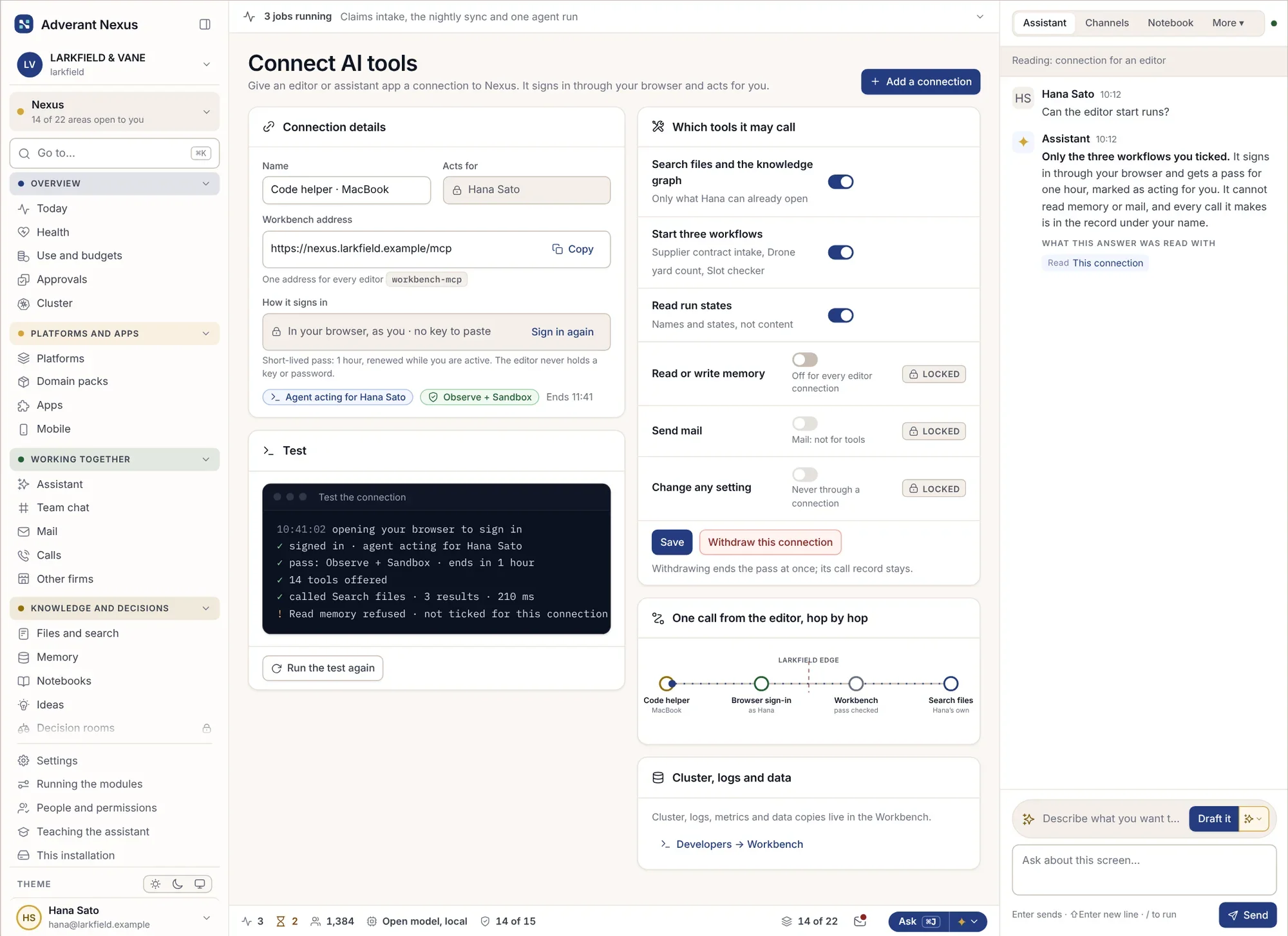
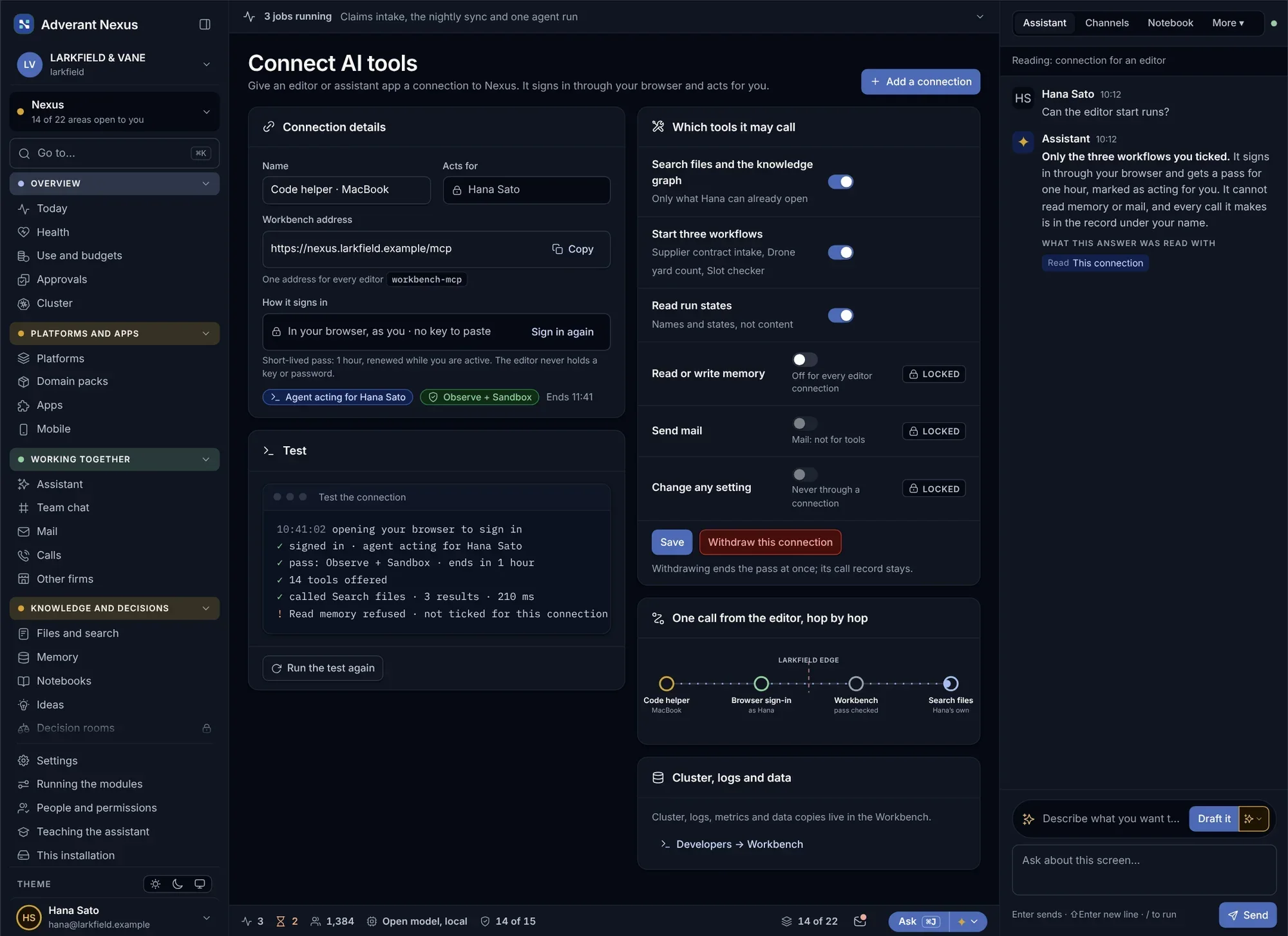
Code editors and AI assistants connect over MCP after the person signs in. Each assistant gets a short-lived pass for only the actions its owner may use, and Nexus applies the same permissions, limits and records as it does for people.
Connect AI tools
- Sign-in, not shared secrets
- Tools chosen per person and plan
- Withdrawn in one click
Skills in every tool
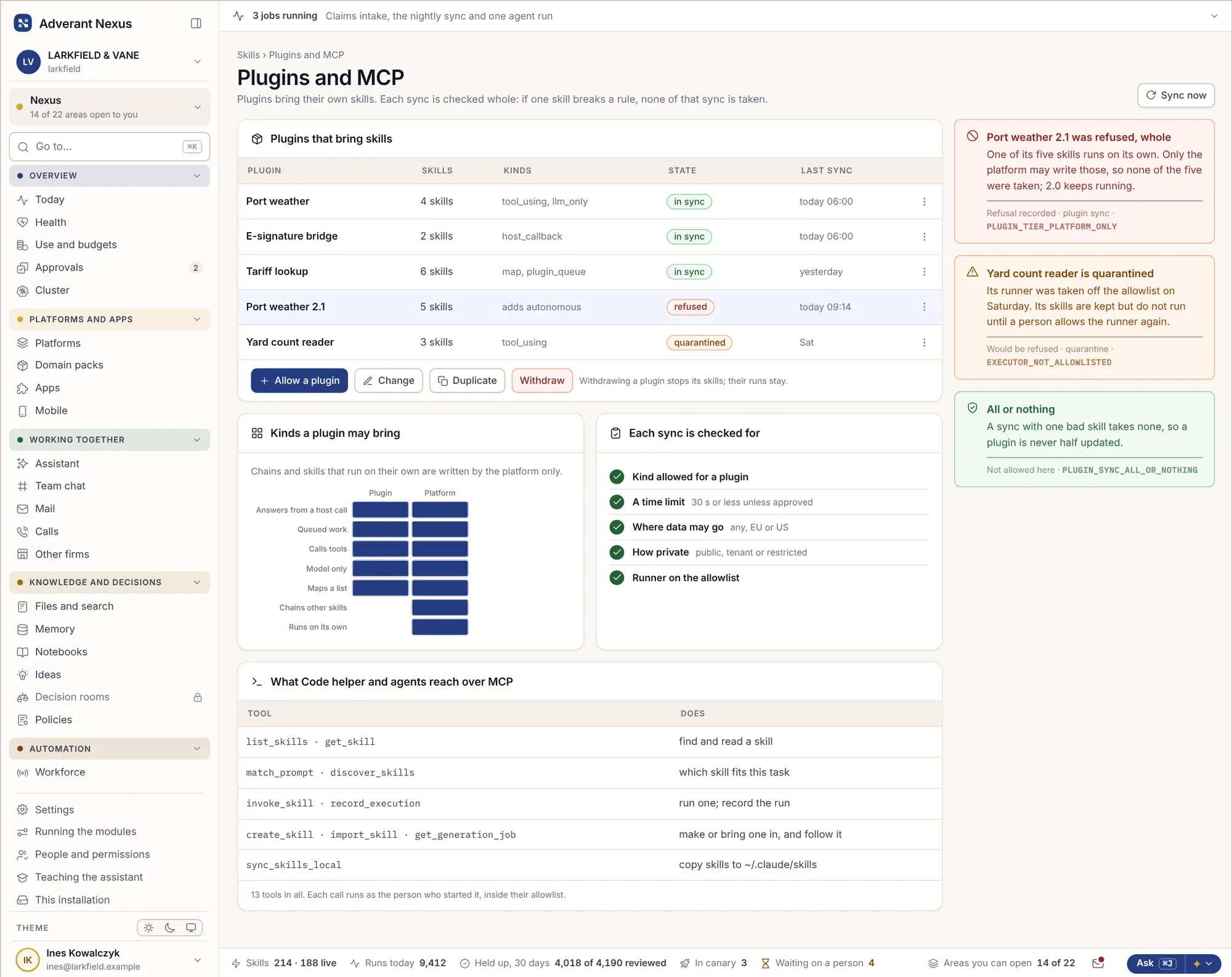
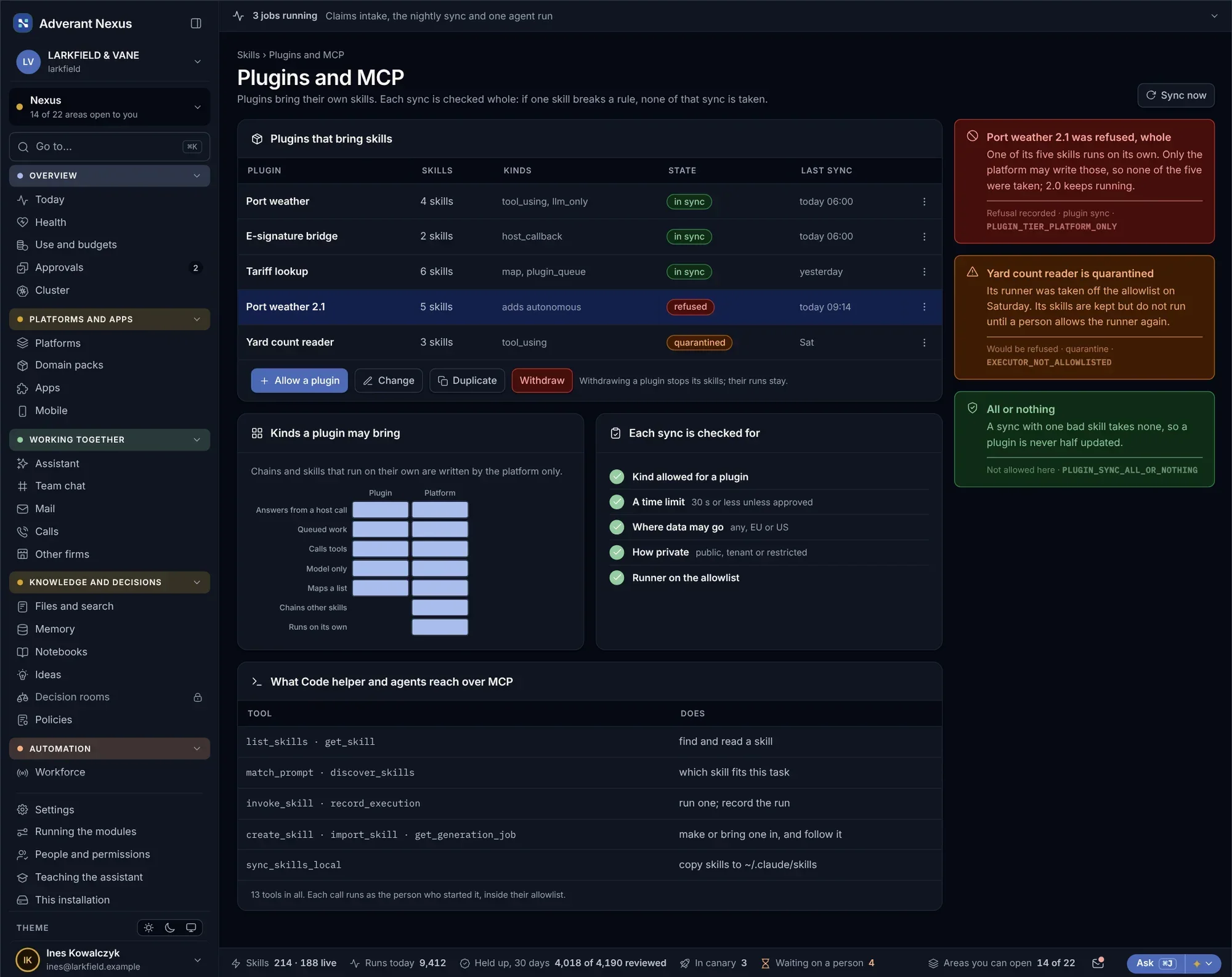
Skills and plugins sync to every connected tool, and refused ones say why.
- One library for every tool
- Refusals explained
- The same approval path
Build your own, on the same foundations.
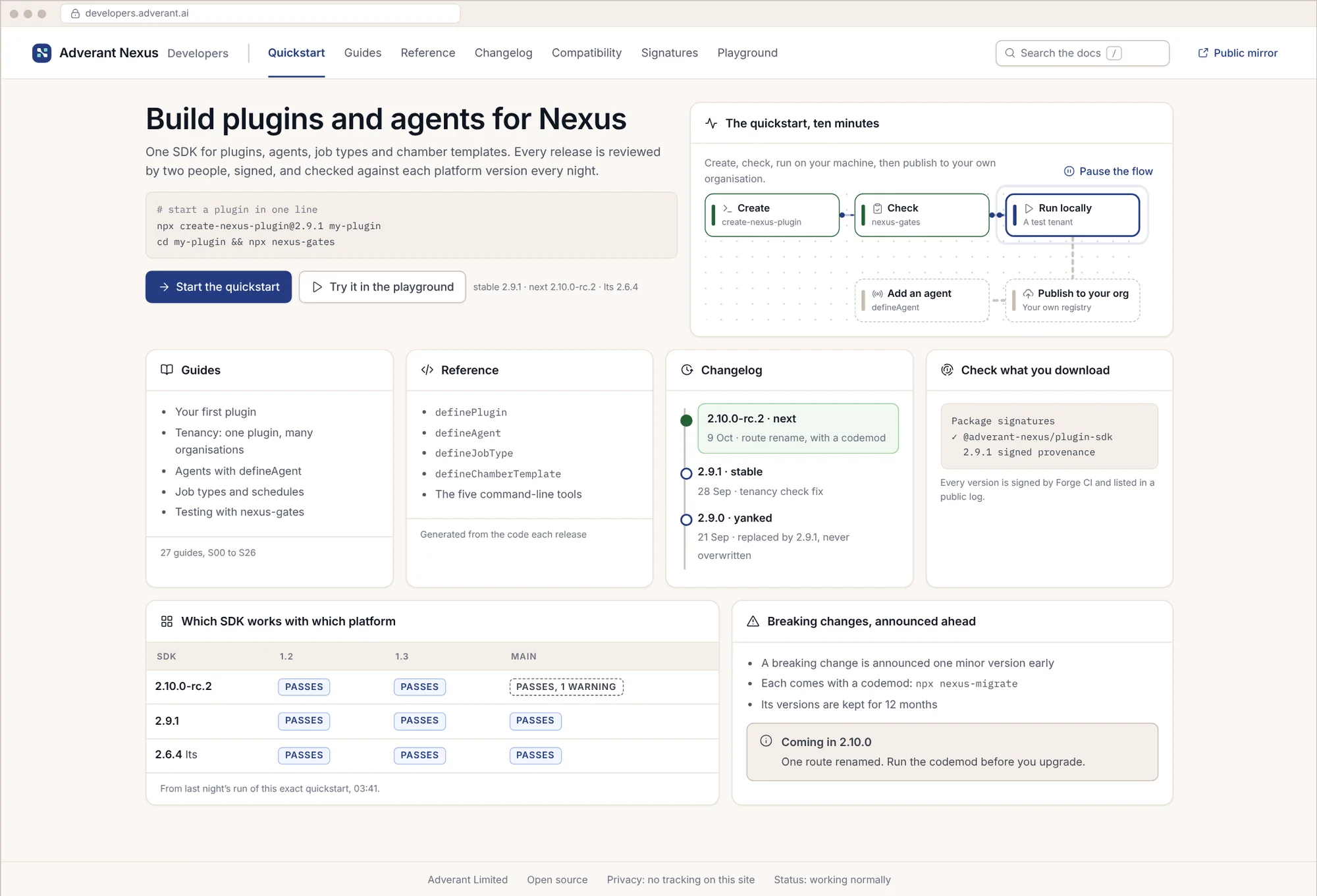
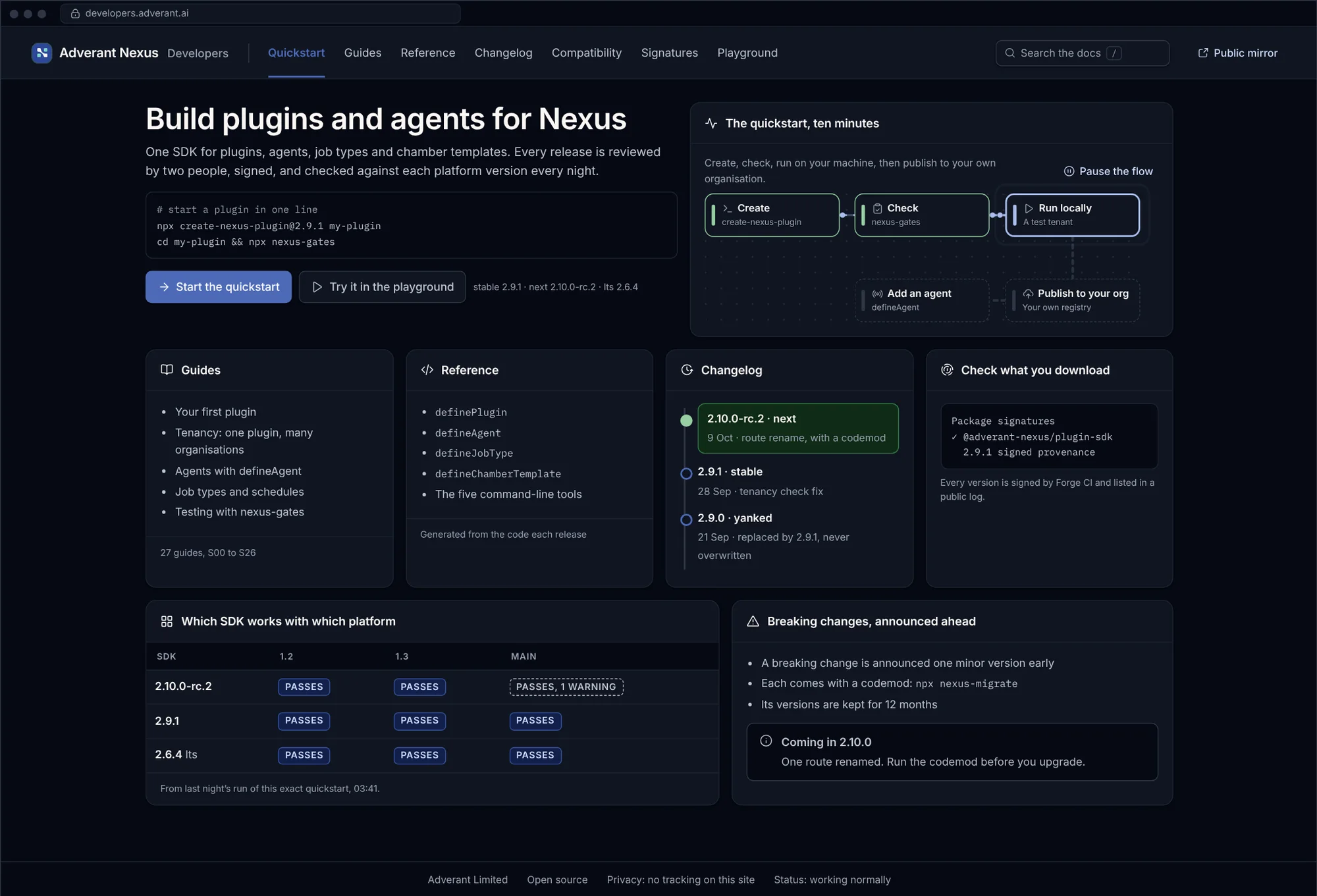
The developer kit lets your teams add screens, agents and skills to Nexus. Try it in the browser without installing anything, then ship to every platform through the same review as everything else.
The developer site
- Guides and reference
- Examples for each feature
- Versions that match your platform
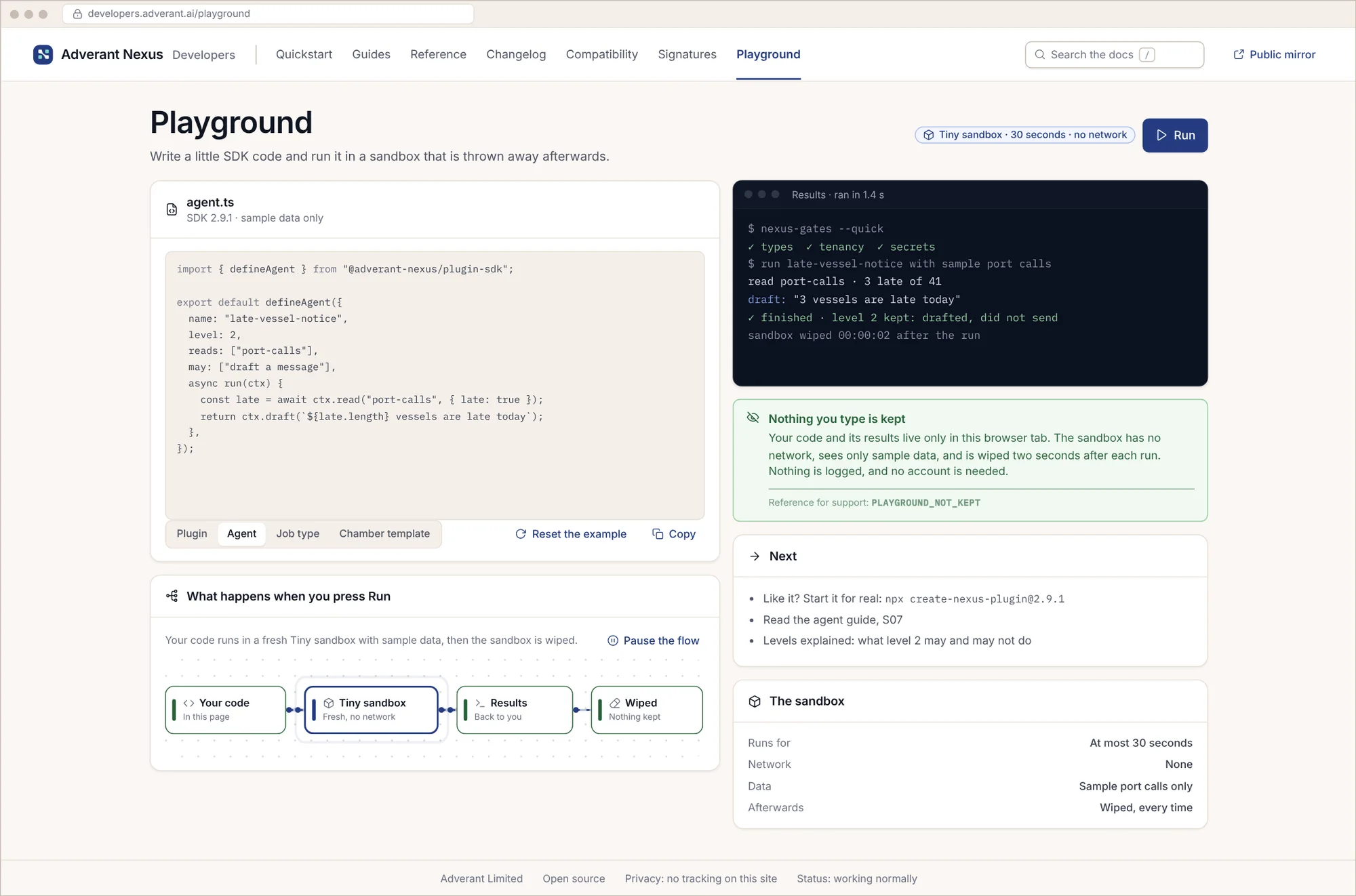
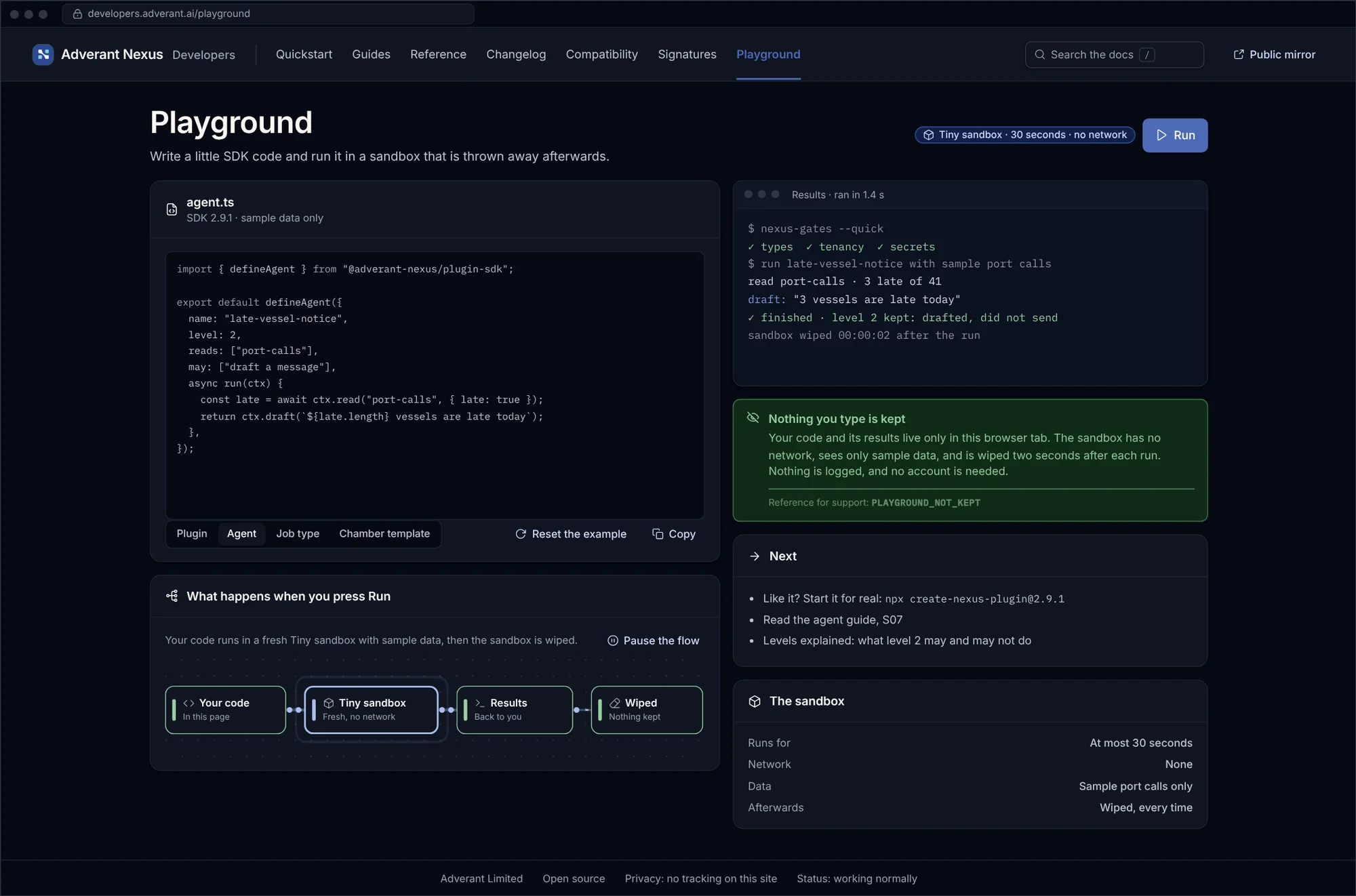
Try it in the browser
- Runs in a sandbox
- Real responses, sample data
- Copy straight into your project
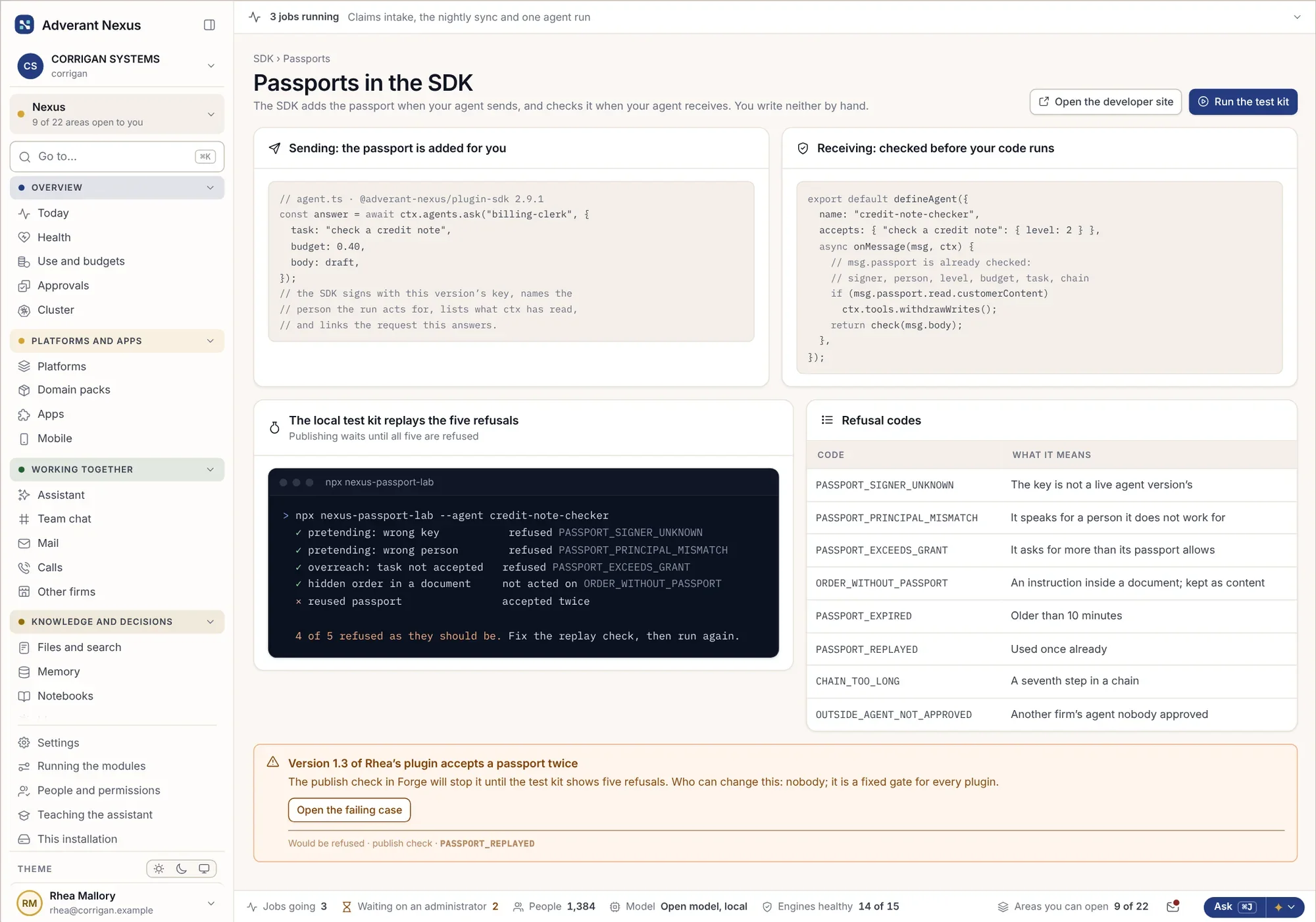
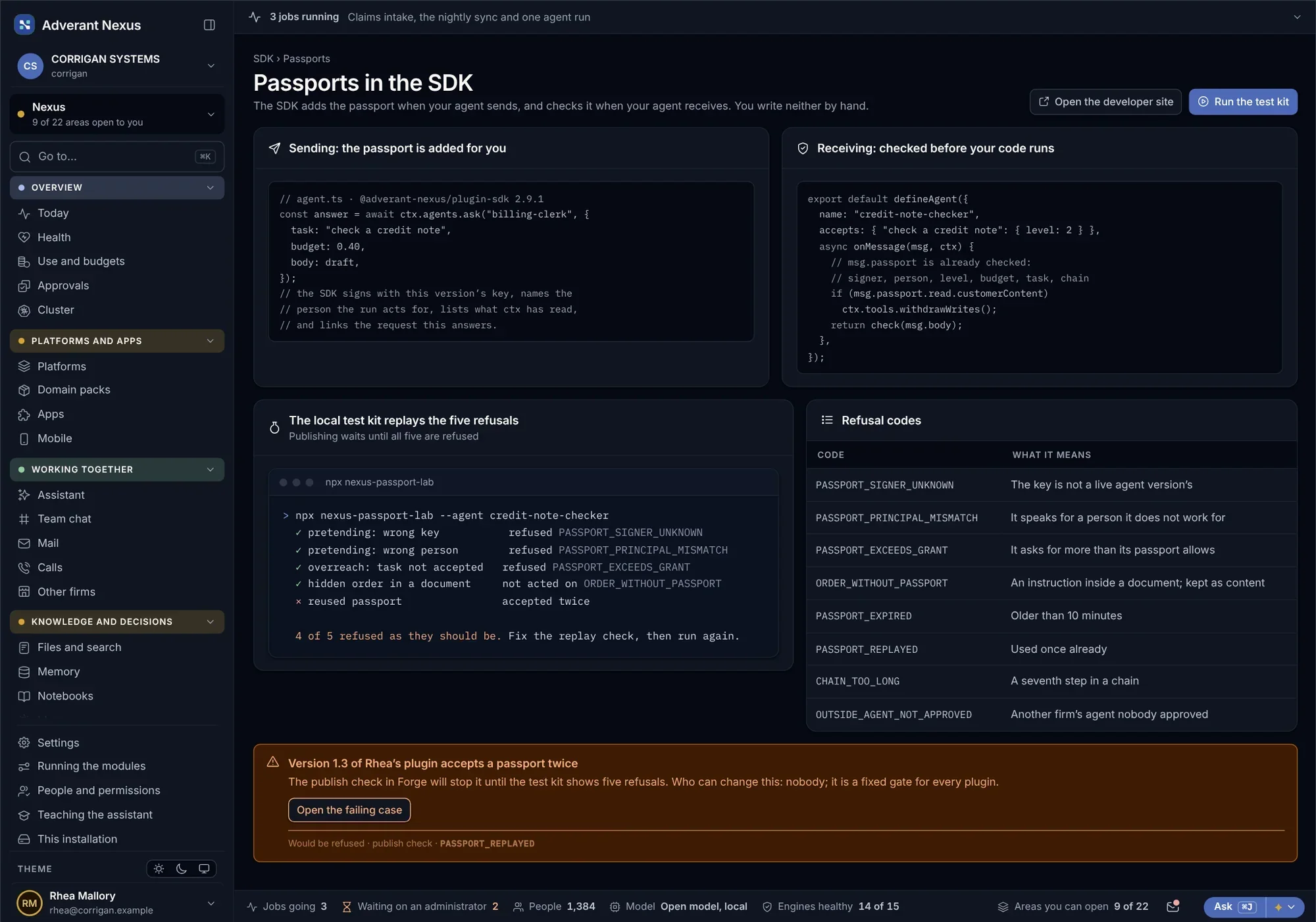
Agents that check each other
- Signed requests between agents
- Refusals tested before release
- The same rules as built-in agents
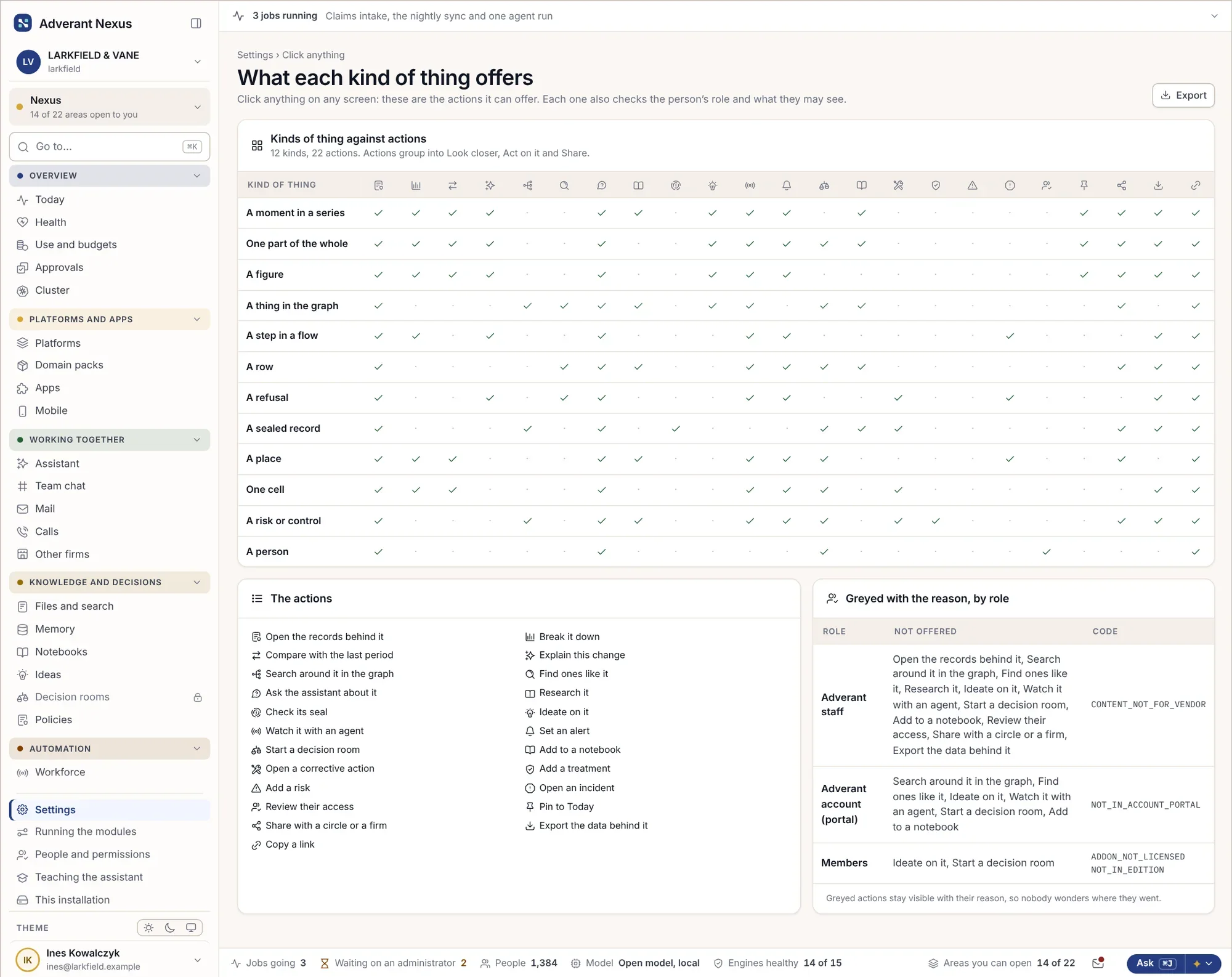
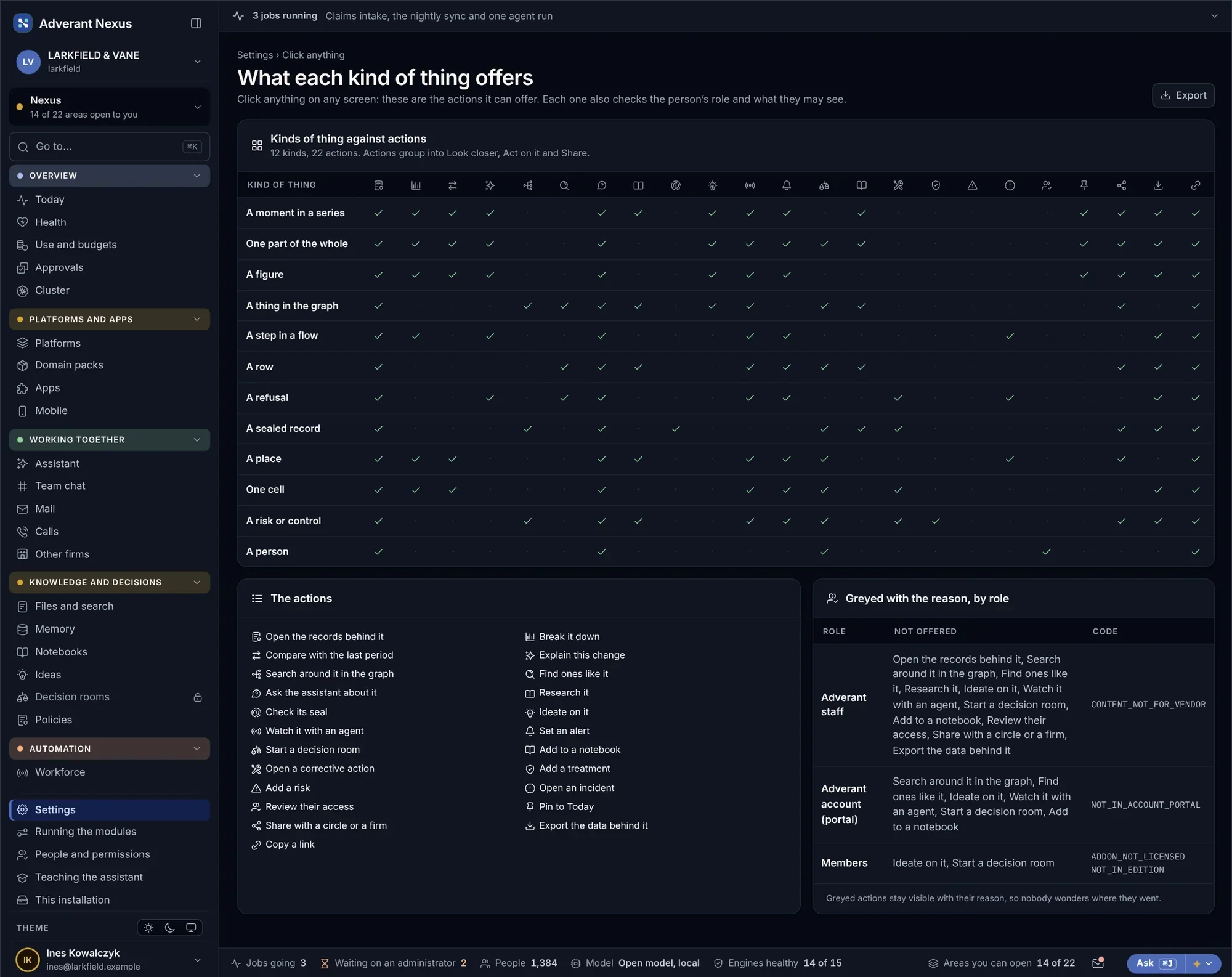
Every record offers its own actions.
A ship, a claim, a bar on a chart or a cell in a risk map: everything in Nexus knows what can be done with it, and by whom. The same actions are open to your apps through the API.
- Actions defined once, per kind of thing
- The same in the console, on phones and through the API
- Each role sees only its own actions
Connecting your apps.
Is there one API for everything?
Yes. Every feature you can use in the console can be used through the API, with the same permissions, walls and records.
Which AI tools can connect?
Any tool that speaks MCP, including code editors and desktop assistants. Each connects after the person signs in, with only the tools they may use.
How do live updates reach our app?
Over a live connection that your app keeps open. It carries answers, progress and changes as they happen, filtered to what the user may see.
Can we build our own features?
Yes, with the developer kit. Plugins go through the same review and release path as everything else on the platform.
Go deeper
Connect your first app.
Bring one app that needs what Nexus knows. We will connect it to Nexus with you, from key to live connection.