

Mail that reaches the right team, and leaves only when it should.
Team inboxes, routing rules and checks on outgoing mail work on the same records as everything else. A customs query lands with the customs team and opens beside the shipment it is about.
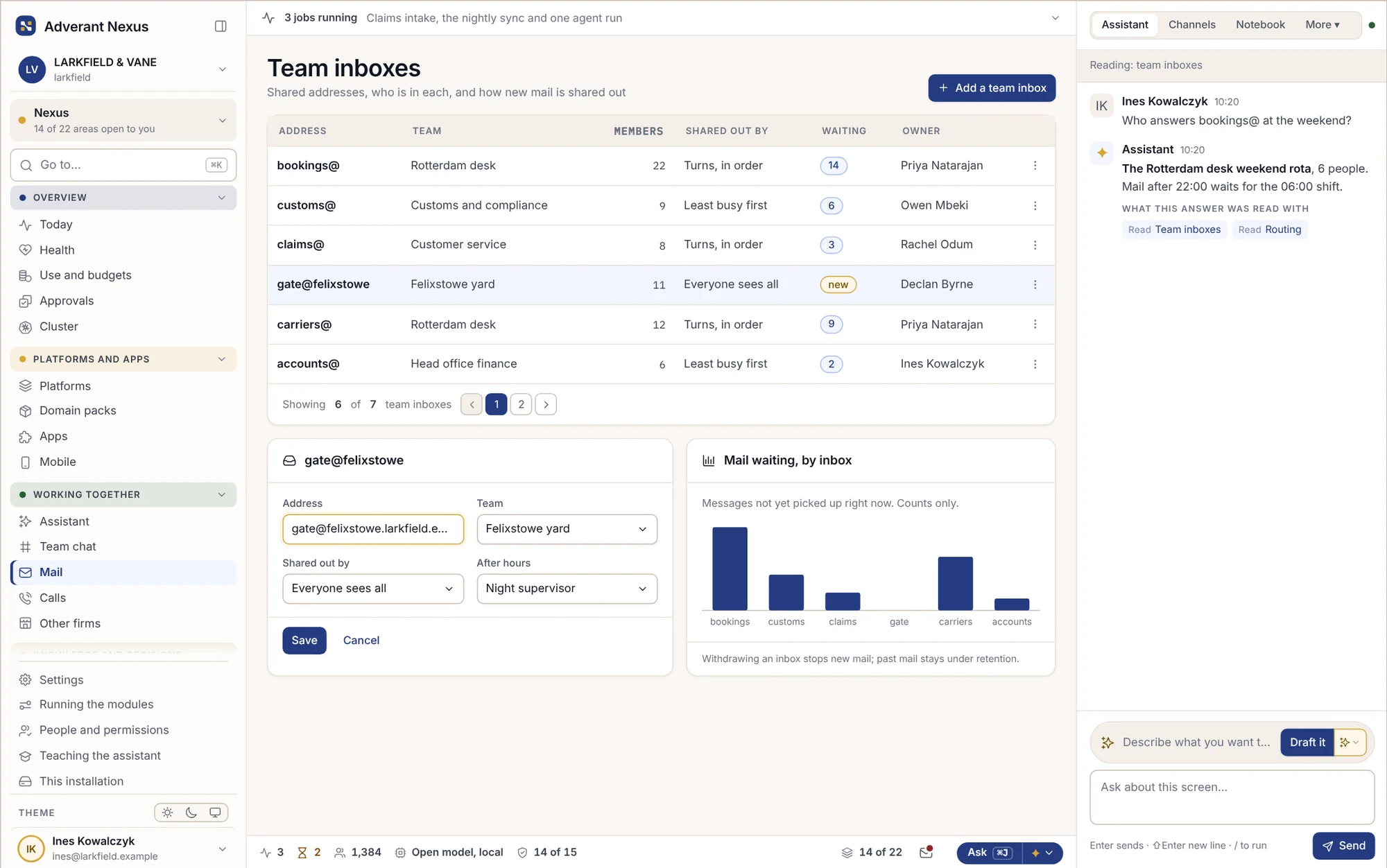
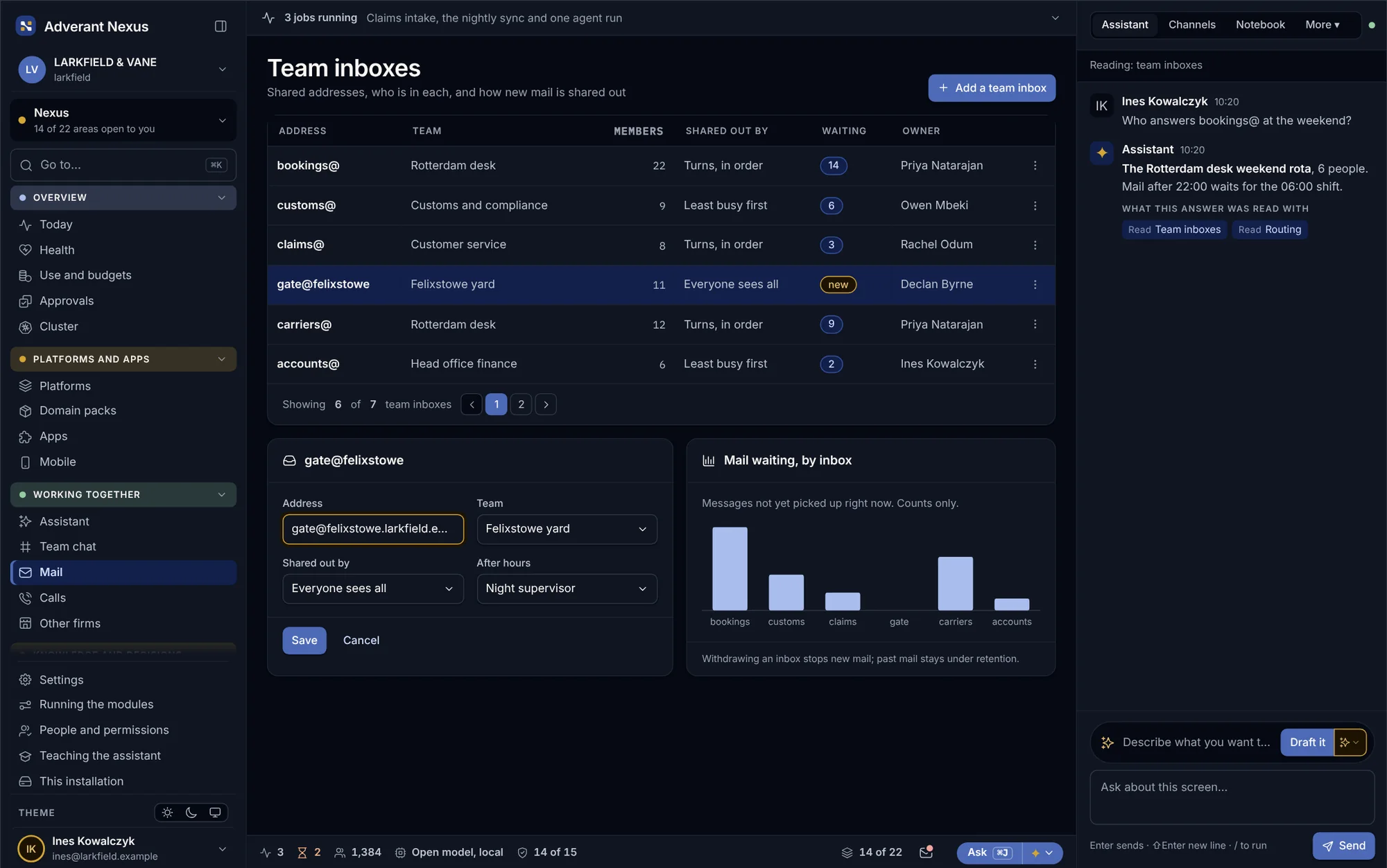
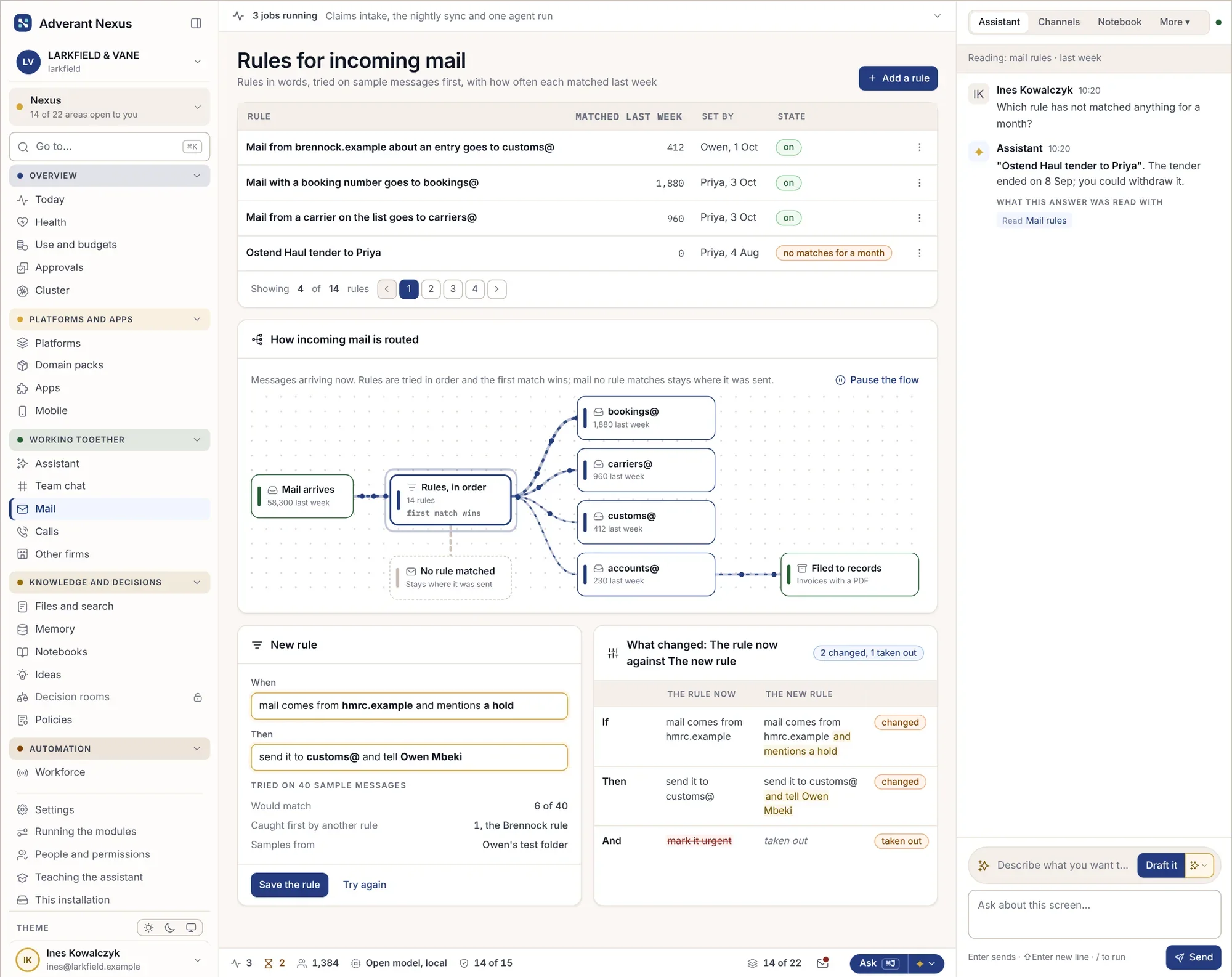
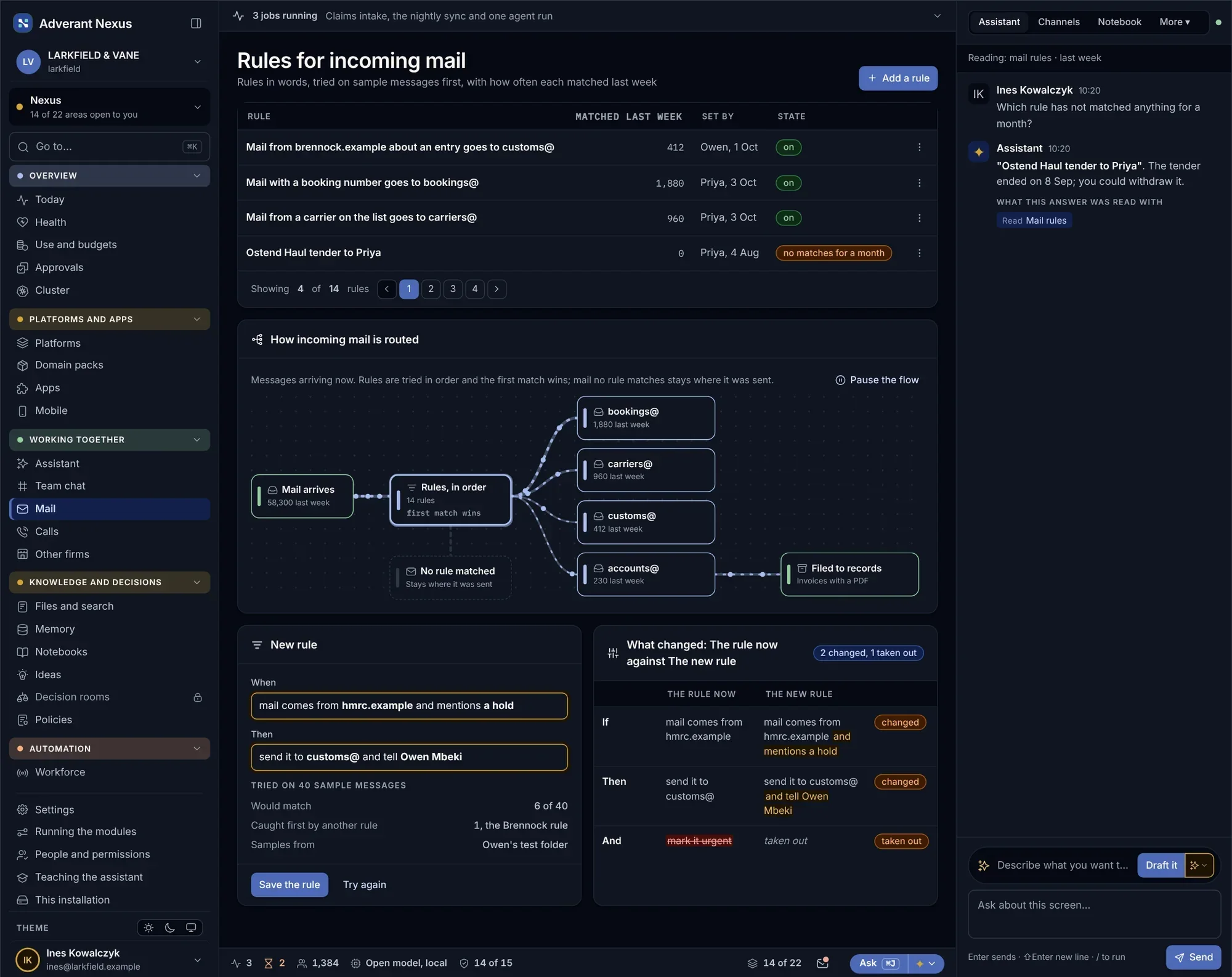
Rules you can test before they move a single message.
Write a rule, run it against sample messages, and see where each one would go. Rules are tried in order; mail that matches none stays where it was sent.
- Rules tried in order, first match wins
- Test against real samples first
- Every move recorded with the rule that made it
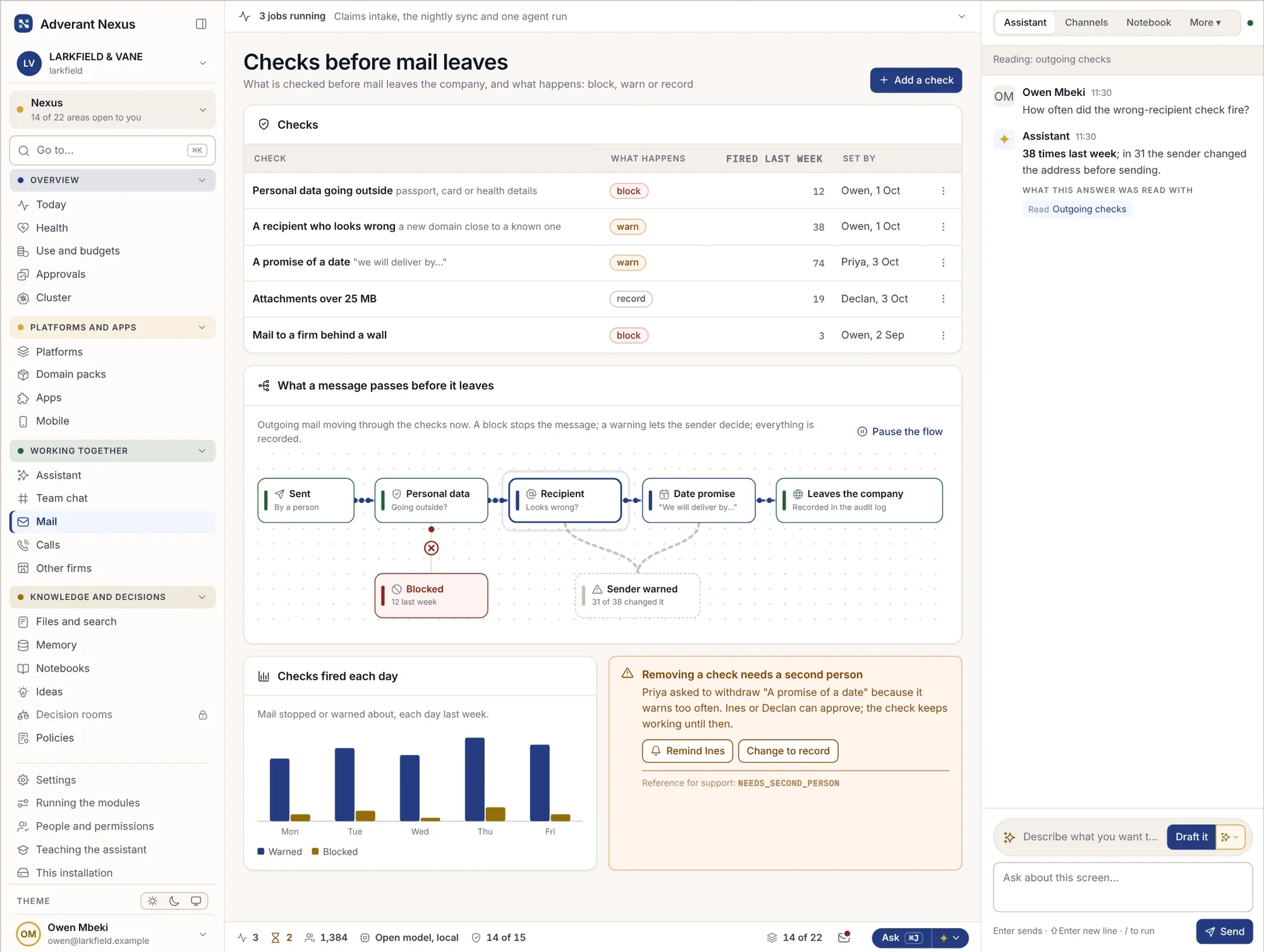
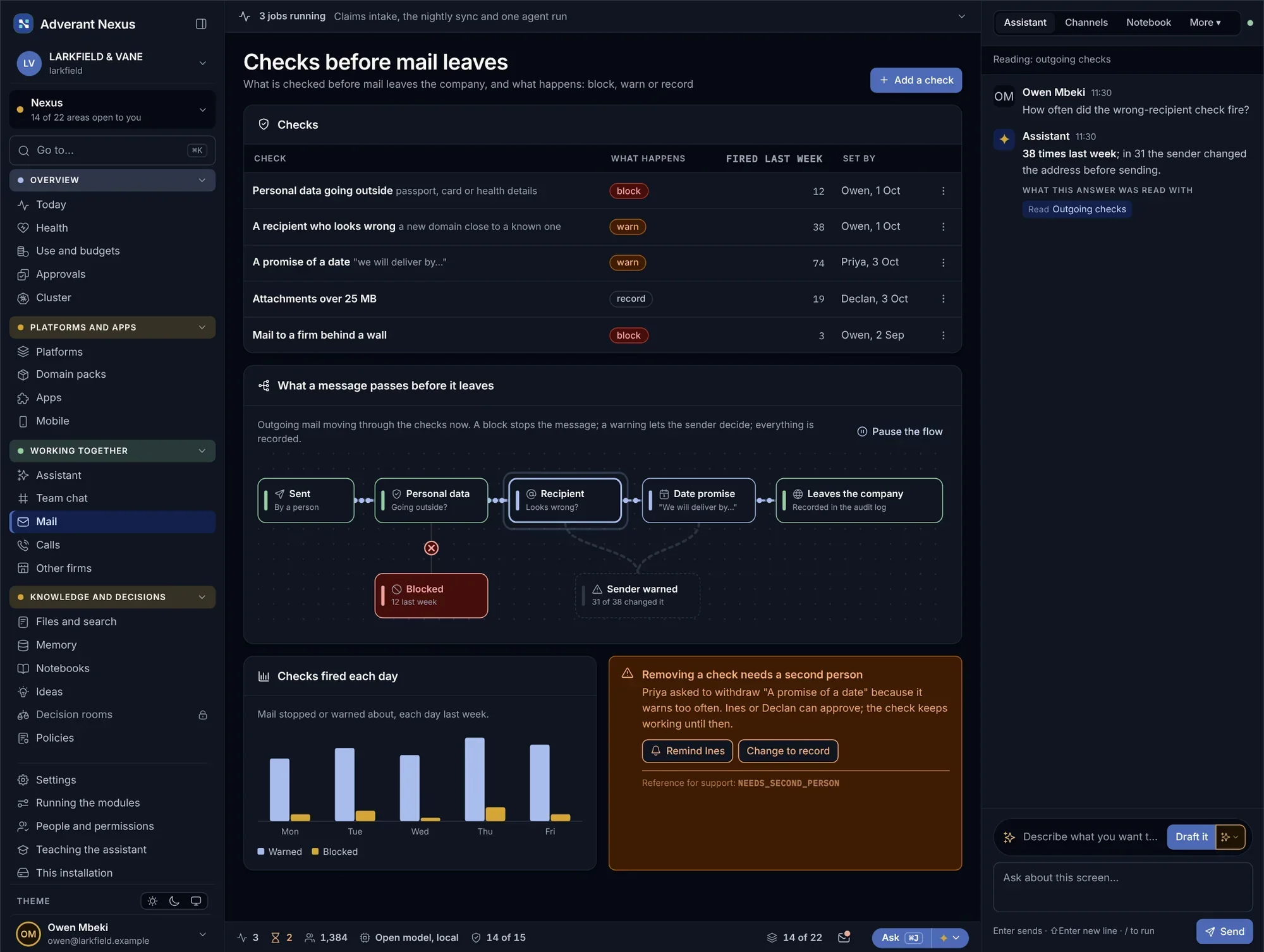
Personal data stays in unless someone decides otherwise.
Before mail leaves, Nexus checks it for personal data and against the walls between teams. A block stops the message, a warning lets the sender decide, and either way the decision is recorded.
- Block, warn or allow, by type of data
- Walls between teams apply to mail too
- Every decision on the record
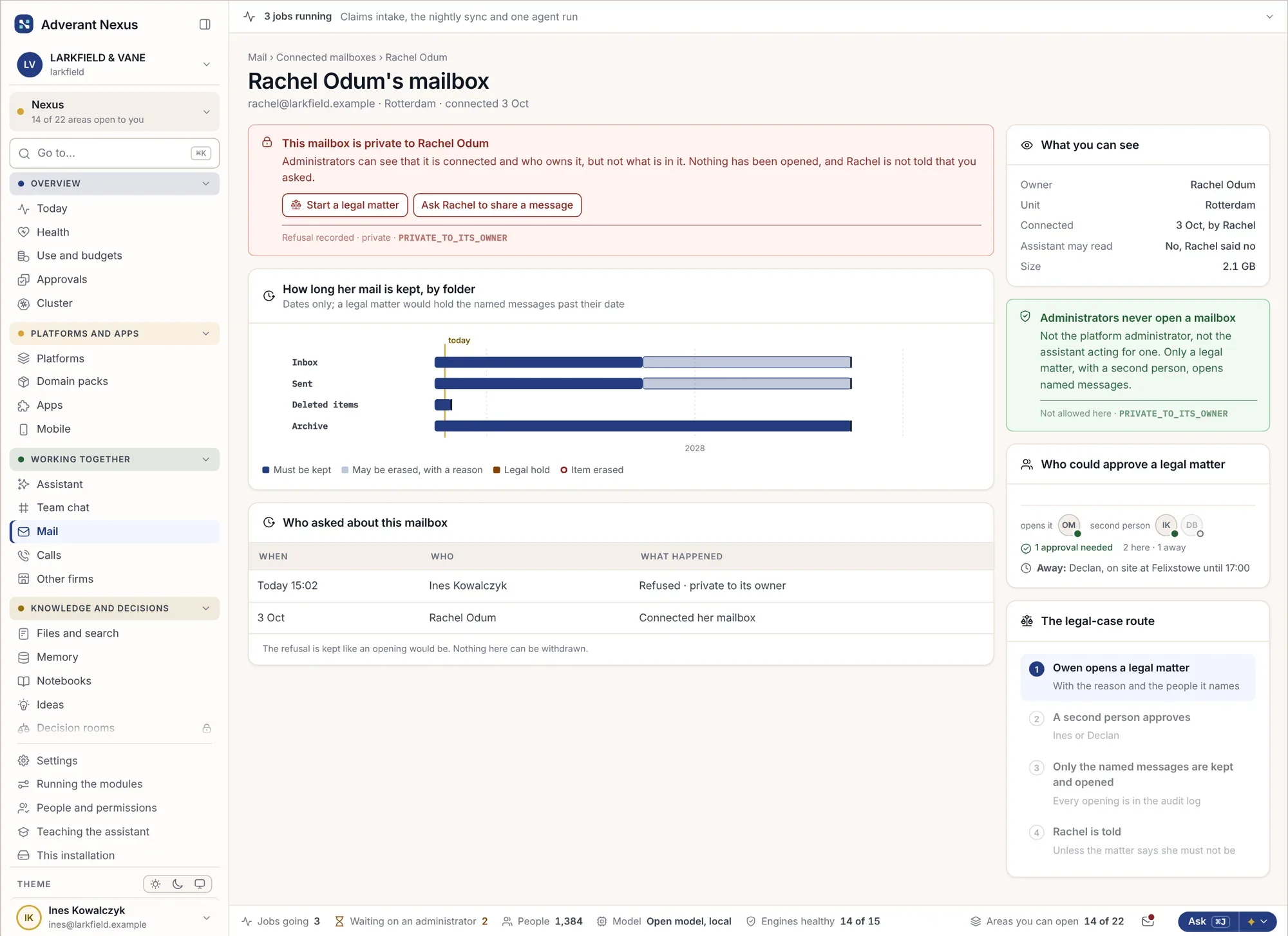
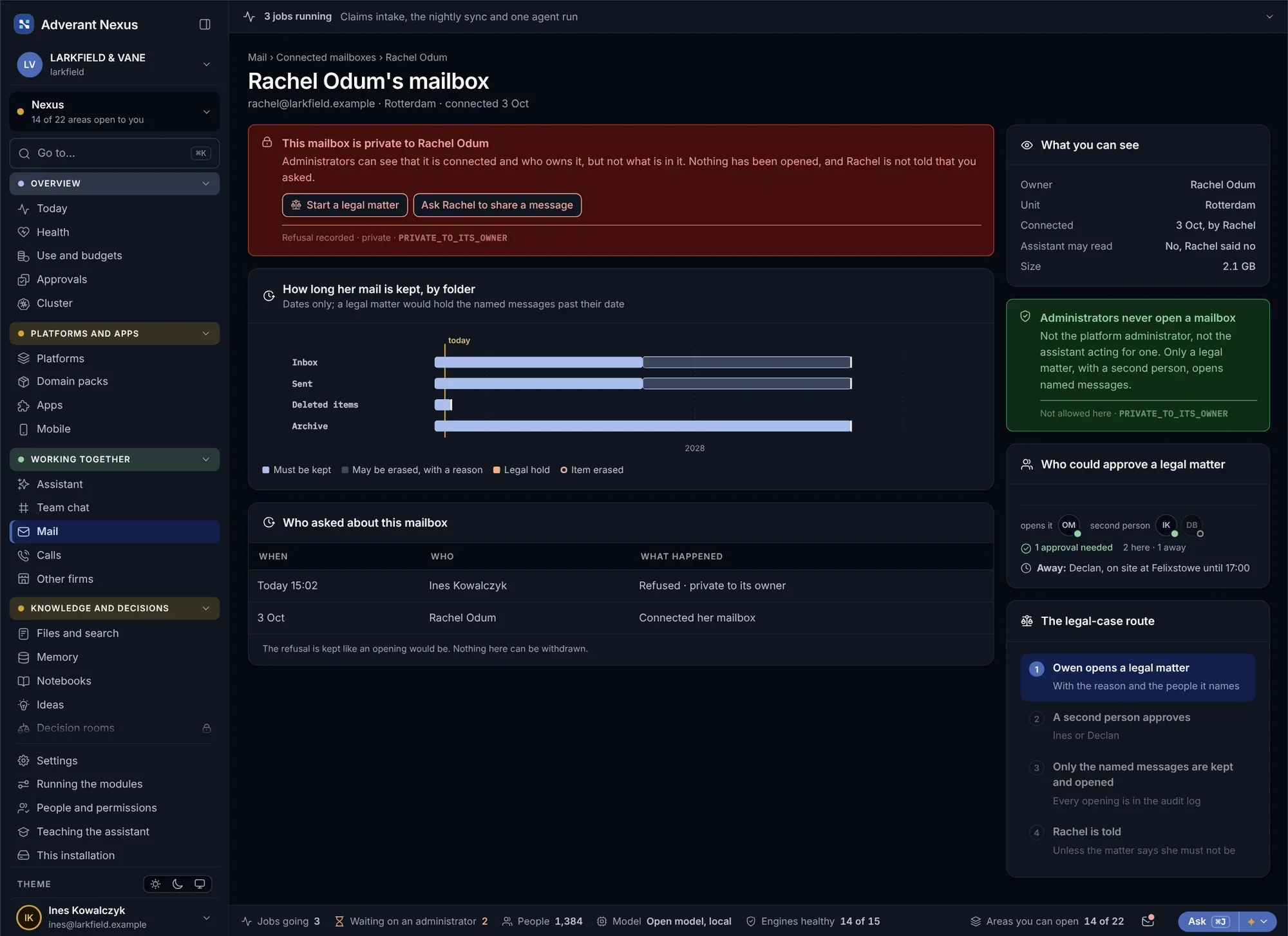
Administrators run mail. They do not read it.
Opening someone’s private mailbox needs a reason and a second person, and leaves a record the owner can see. Mail flow is shown as counts, never as content.
A private mailbox
An administrator trying to open a colleague’s mailbox for a complaint sees the rule, the second person needed and the record it will leave.
- A reason and a second person
- The owner is told
- Nothing opened without a record
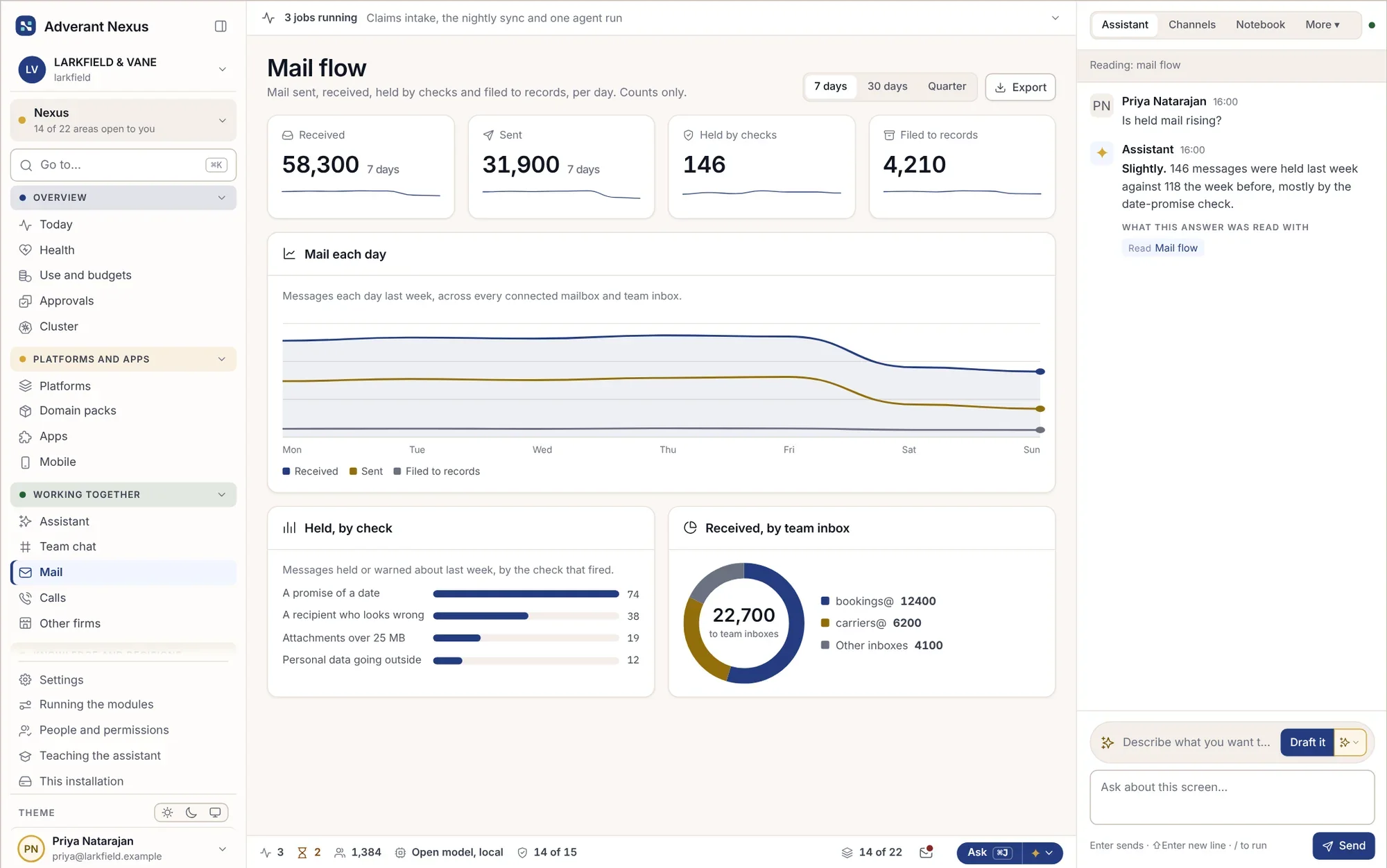
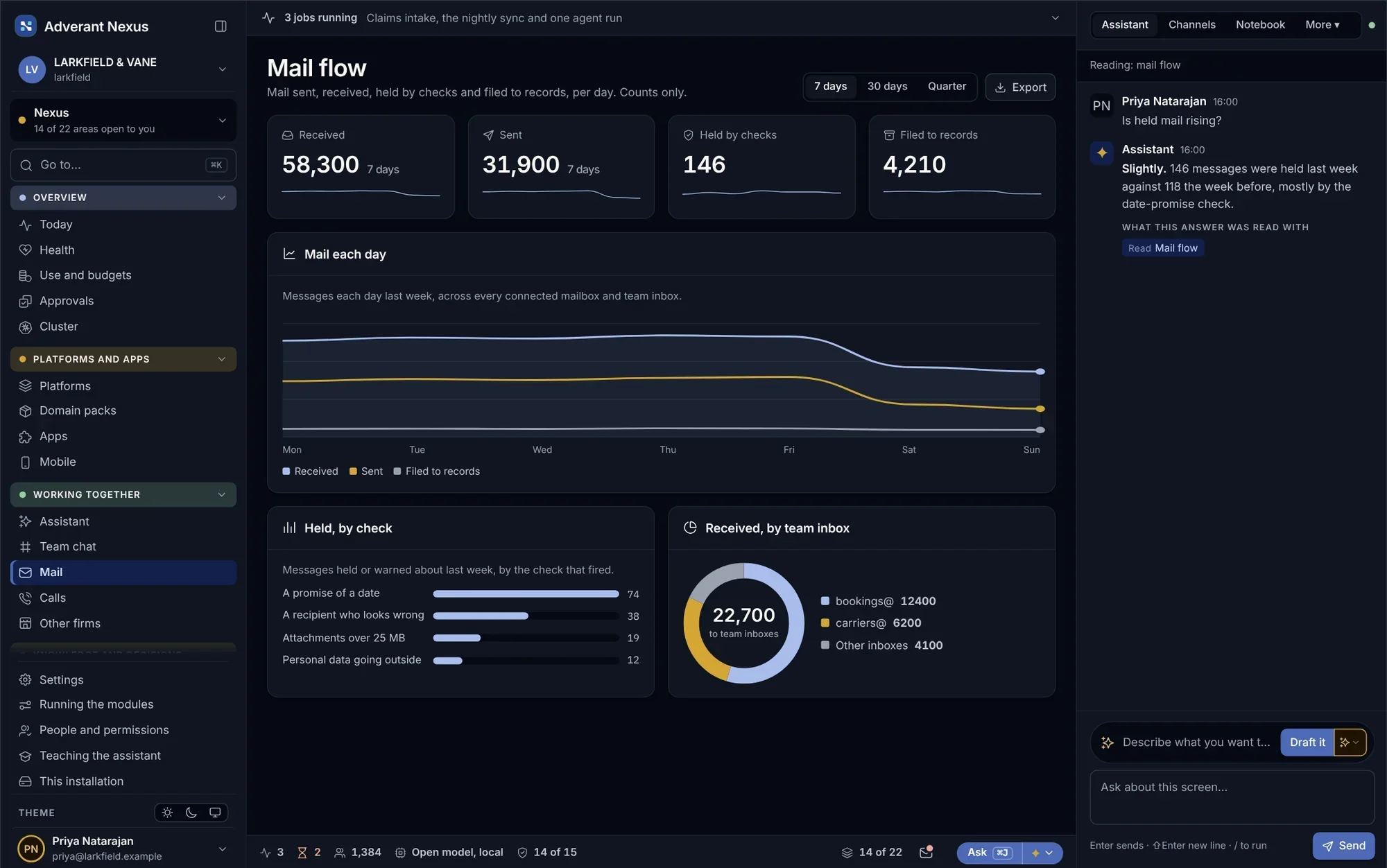
Mail flow
- Counts only, never content
- Held mail by reason
- Trends by team
About mail and team inboxes.
Do we have to move our mail?
No. Nexus connects to the mail system you already run and reads only the mailboxes you choose.
Can the assistant draft replies?
Yes, from the record the mail is about, and it shows where each fact came from. A person sends it.
What about mail with other firms?
Mail with connected firms follows the same sharing rules and walls as everything else.
Go deeper
Route one inbox properly.
Bring the shared inbox that causes the most trouble. We will set up its rules and checks with you.