

From first call to the ledger. On the platform you already run.
Revenue operations brings pipelines, quotes, deal approvals, territories, payments and reconciliation into any platform built on Nexus. Sellers, the deal desk and finance work from the same records, with the same permissions, and every approval leaves a record you can check.
One record, from first call to cash.
Most firms pass a deal between four or five tools before the money arrives, and each hand-off loses something. On Nexus the deal, the quote, the approval, the payment and the ledger line are one record that everyone works on.
First call
A lead arrives by mail, phone or the web form and opens a record in the right unit. The assistant fills in what it can and shows where each fact came from.
Deal
The deal moves through the unit’s own stages, and only enters a stage once it has what that stage requires.
Quote
The quote comes from the published price list and a template finance has approved. Anything outside the list is flagged before it leaves.
Approval
Discounts above the seller’s limit wait on the deal desk. Large ones need a second person. Every approval is sealed with who, when and why.
Payment
The customer pays in the brand’s own checkout, by card or direct debit. Card numbers go straight to the gateway and never reach Nexus.
Ledger
Each payment is followed to a payout, to the bank and into the ledger. Anything that does not add up stops there, with the reason given.
A pipeline that means the same thing to everyone.
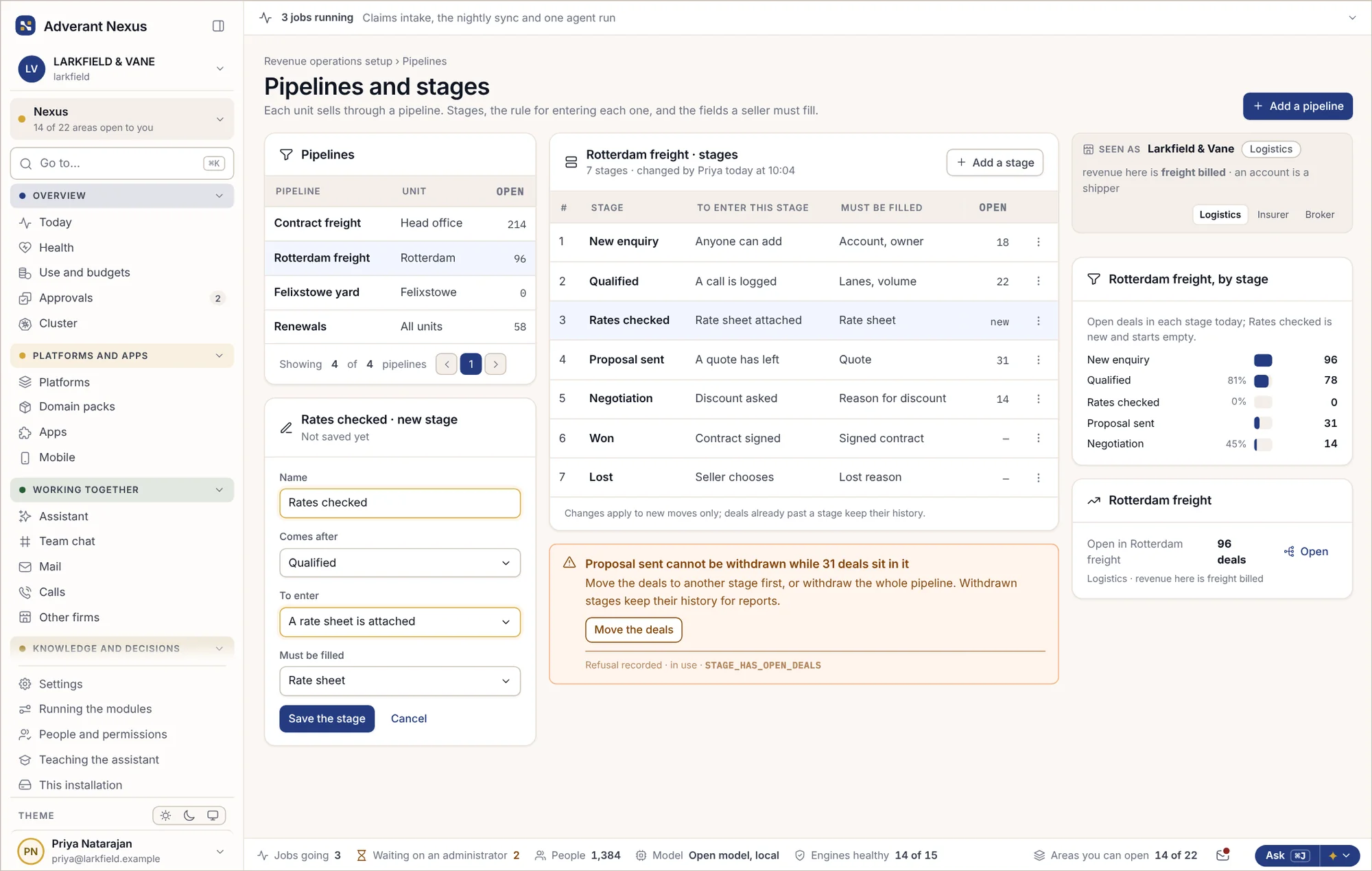
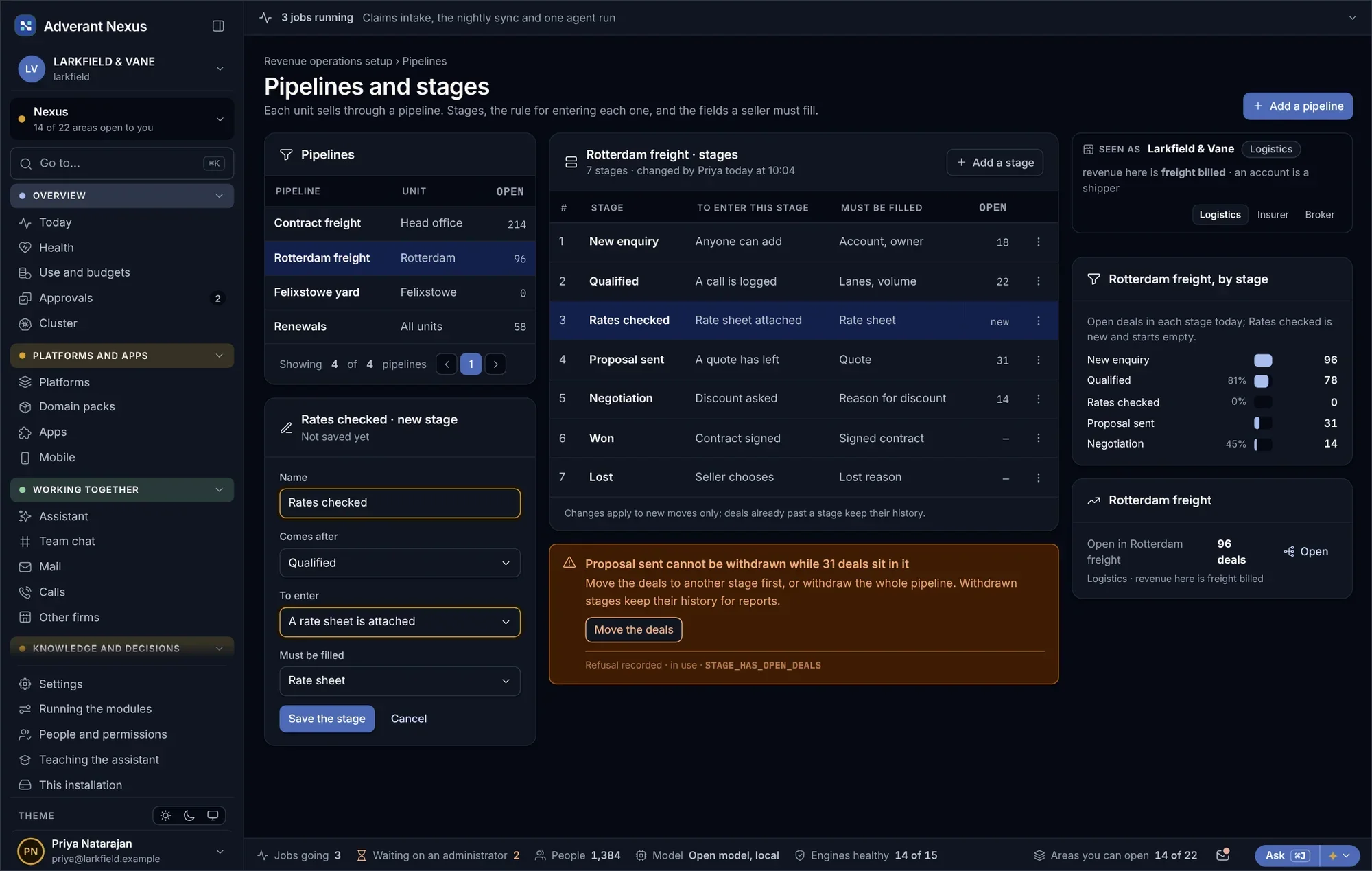
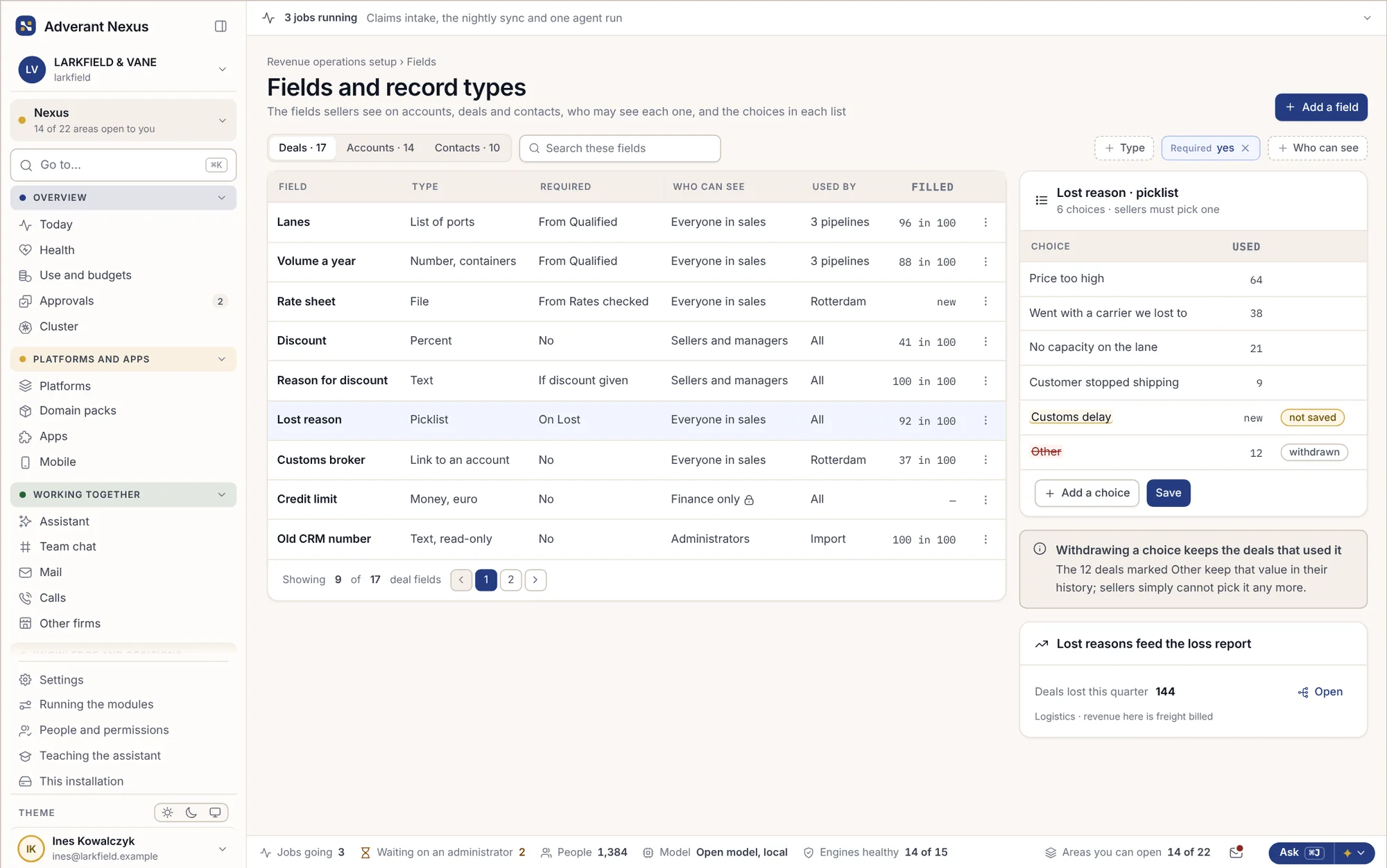
Rotterdam and Felixstowe can sell in different ways and still report the same way. A deal only moves into a stage once it has what that stage requires, so “proposal sent” means a proposal was sent. Fields are set up once by an administrator and filled in where the work happens.
- Stages with entry rules, per unit and per product
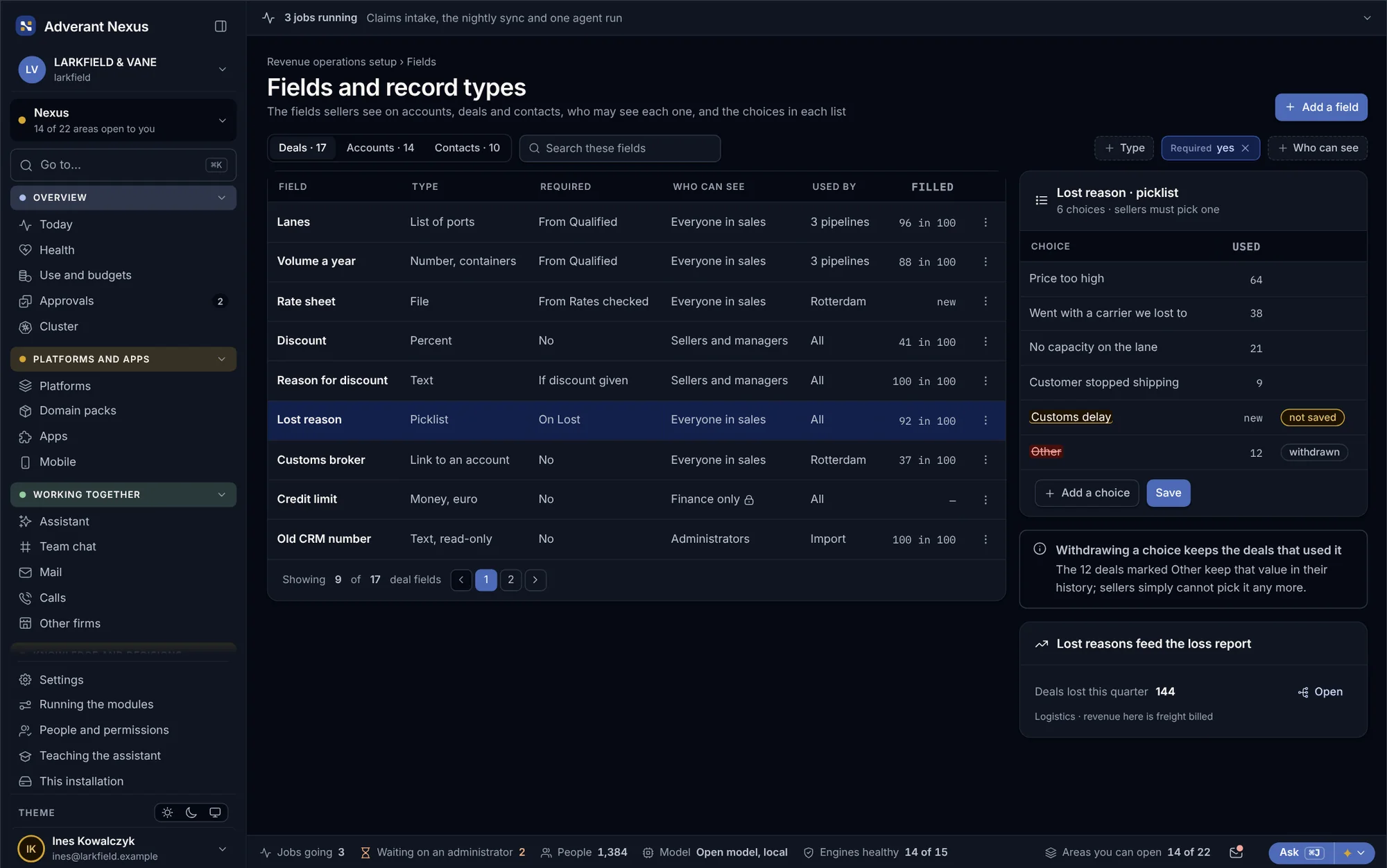
- Record types for accounts, contacts, deals and contracts
- Who may see each field, and how often it is filled in
- Retiring a choice never rewrites the deals that used it
Quotes that go out right. Discounts that need a reason.
Prices come from one published list, quotes from approved templates, and discounts follow rules everyone can read. The deal desk sees requests sorted by size, with the history of the deal beside each one.
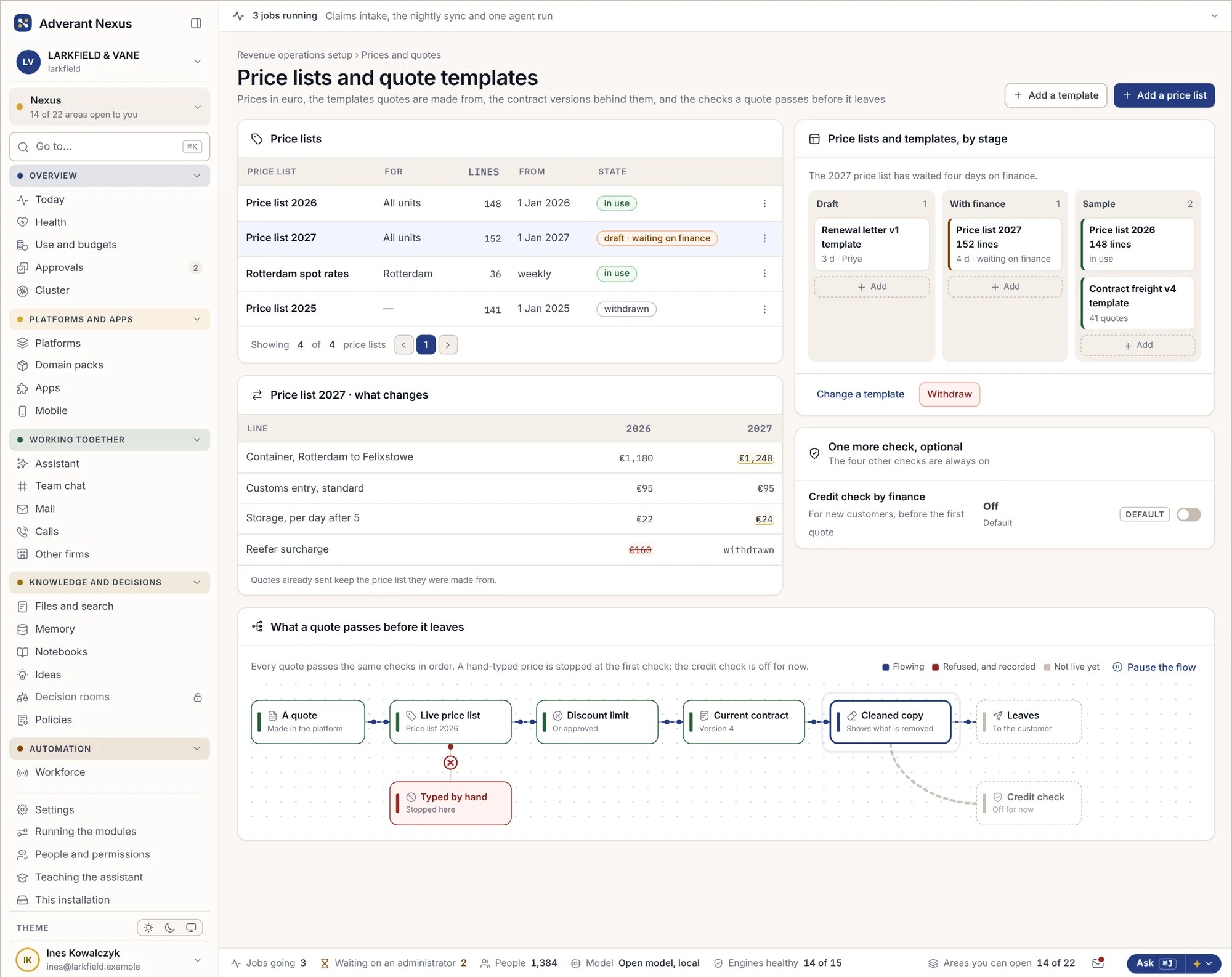
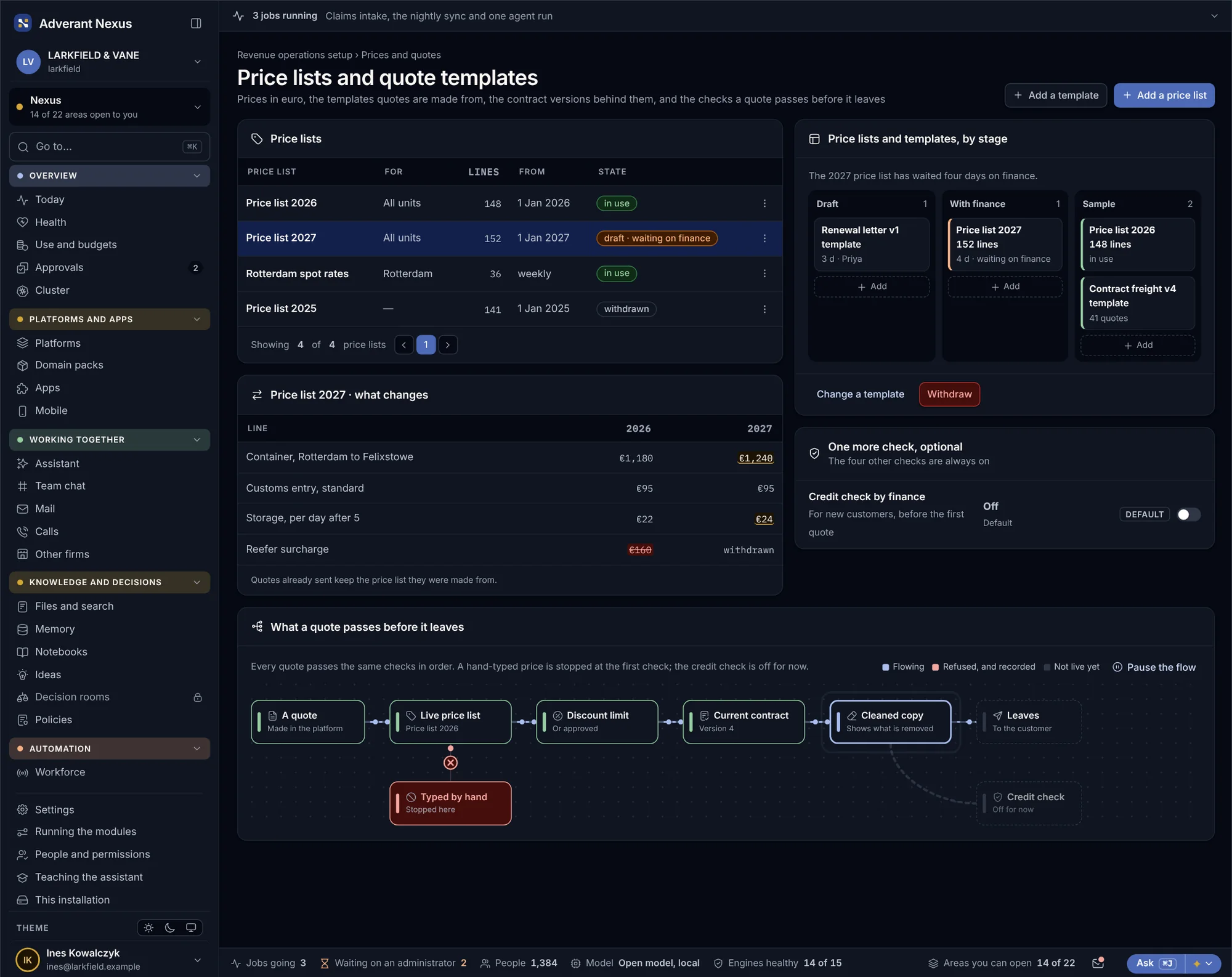
Price lists and quote templates
Finance publishes each year’s price list once, and every quote draws from it. A quote template sets what must be on the page and what a quote has to pass before it reaches the customer.
- A new price list waits for finance before it goes live
- Quote templates set what every quote must contain
- A line typed in by hand is flagged before sending
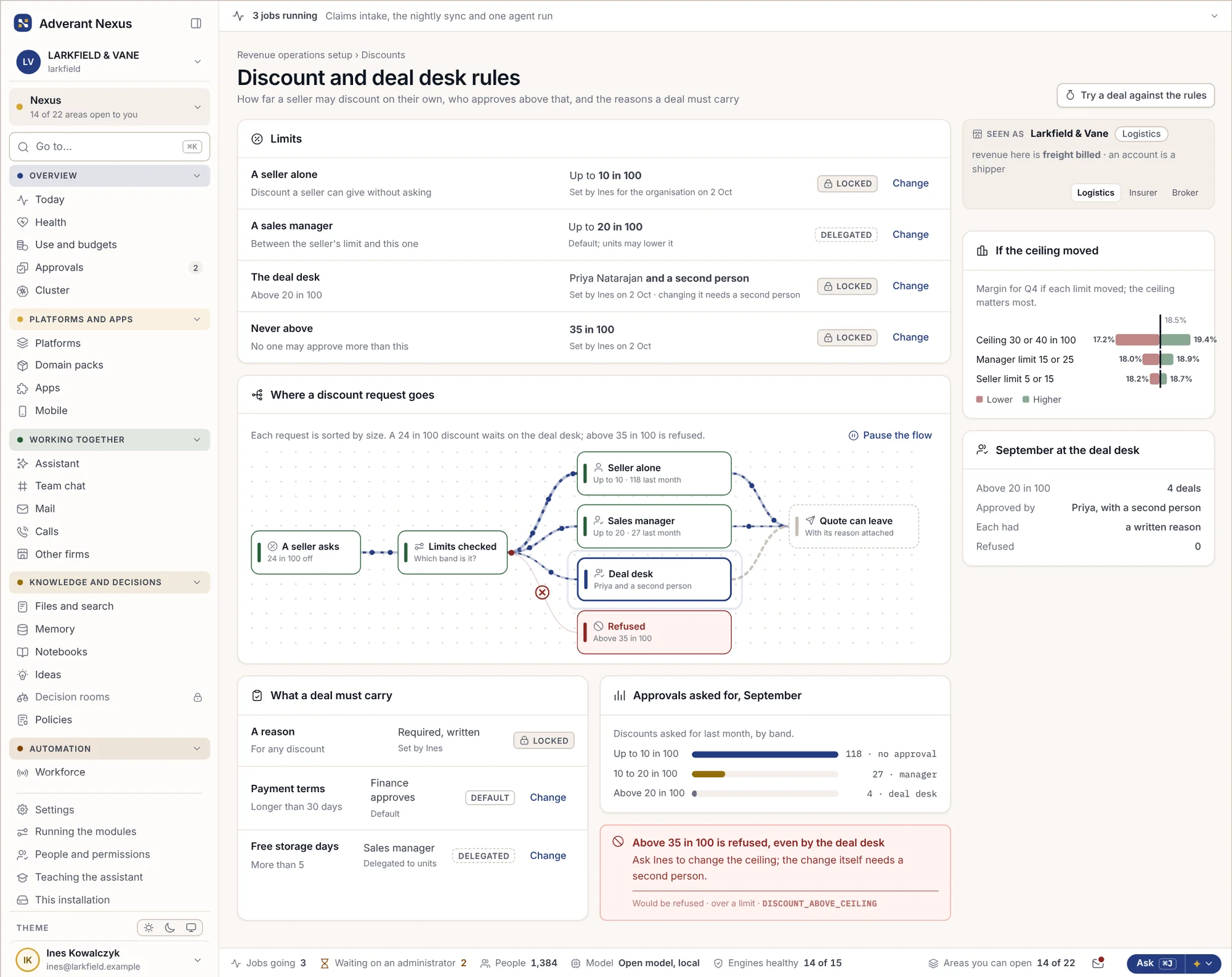
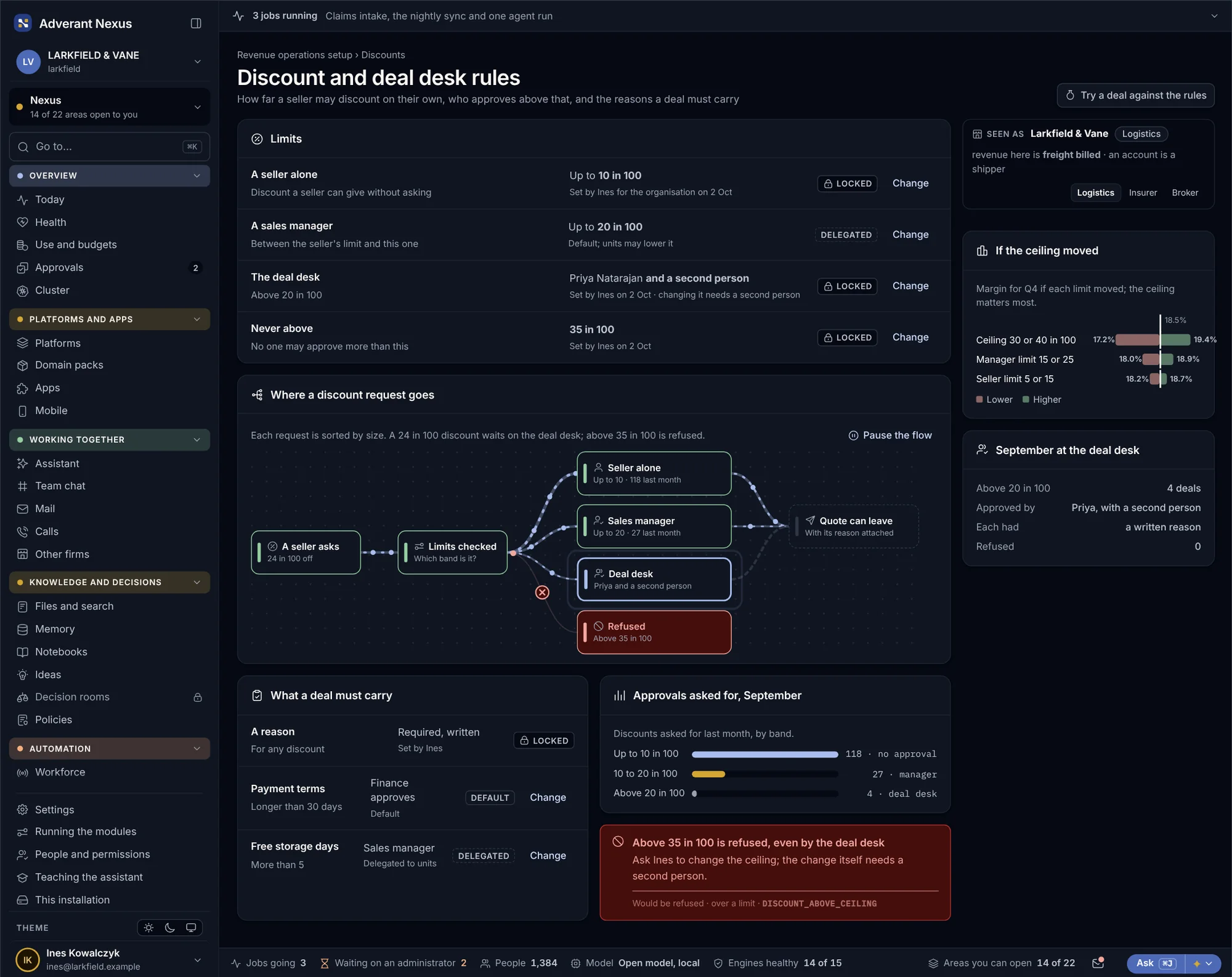
Discount and deal desk rules
Each seller has a discount they may give alone. Above it, the request goes to the deal desk, sorted by size. Above a ceiling it is refused outright, and the seller sees why.
- Limits set per role, in plain numbers
- Above 20% needs a second person
- Above 35% is refused, with the reason shown
Draw the territory. Set the quota. Watch it fill.
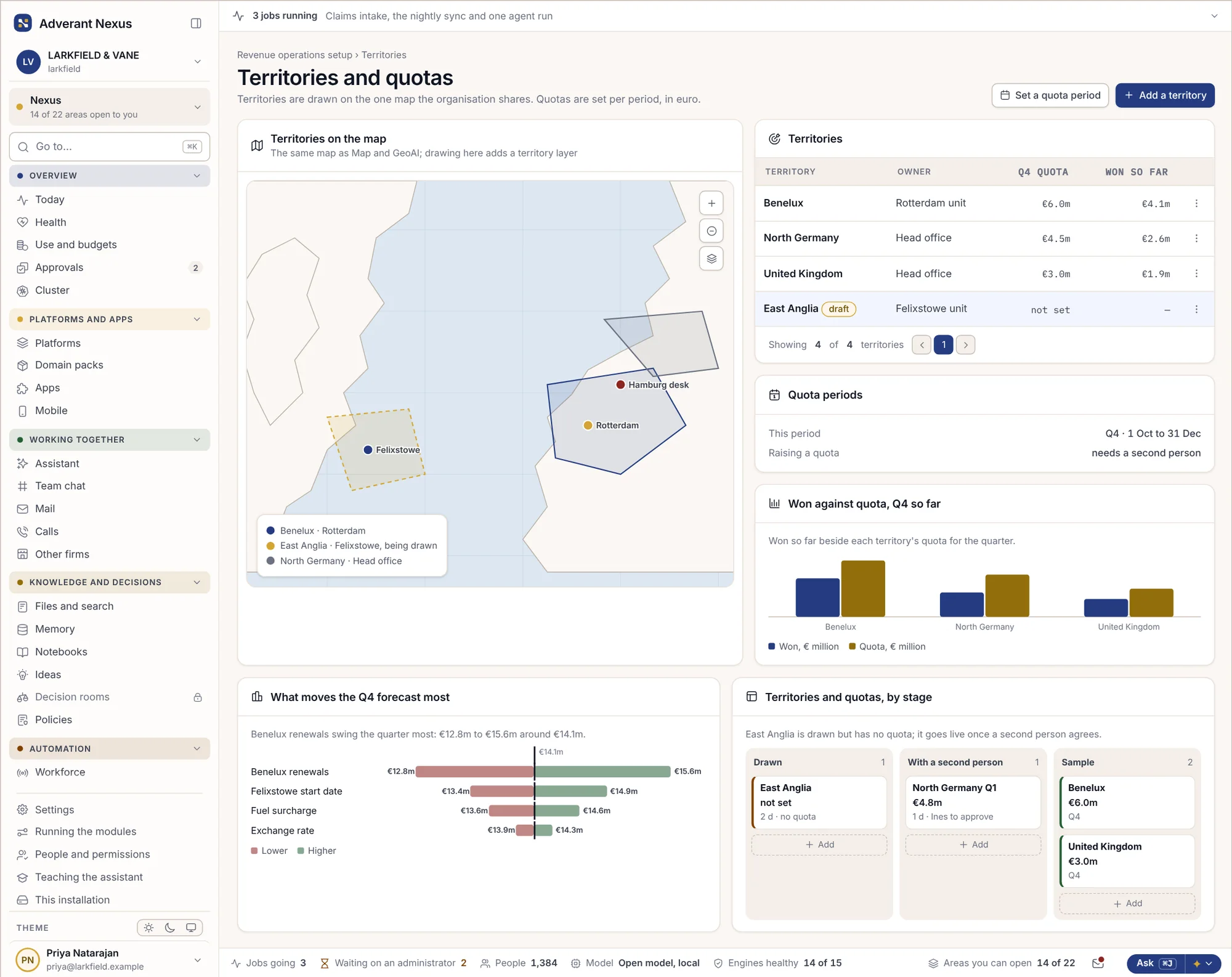
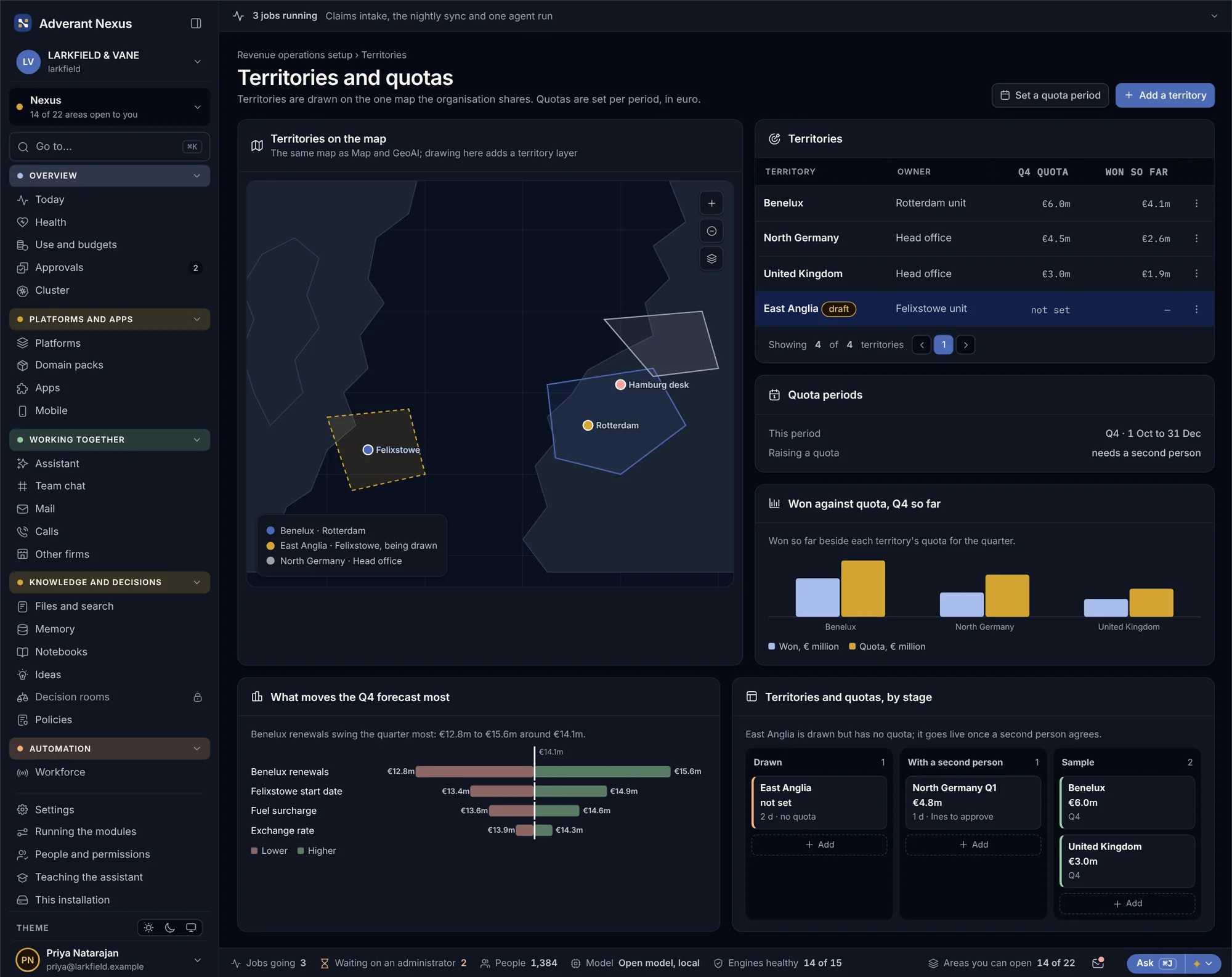
Territories are drawn on the map the platform already uses, so a port, a postcode area or a whole country can belong to a team. Each gets a quota for the quarter, and won business is counted against it as deals close.
- Territories drawn on the map, by area or by account
- Quotas per quarter, per team and per person
- Won against quota, updated as deals close
- Changes to a quota need a second person
Take money in your own name. Keep card numbers out.
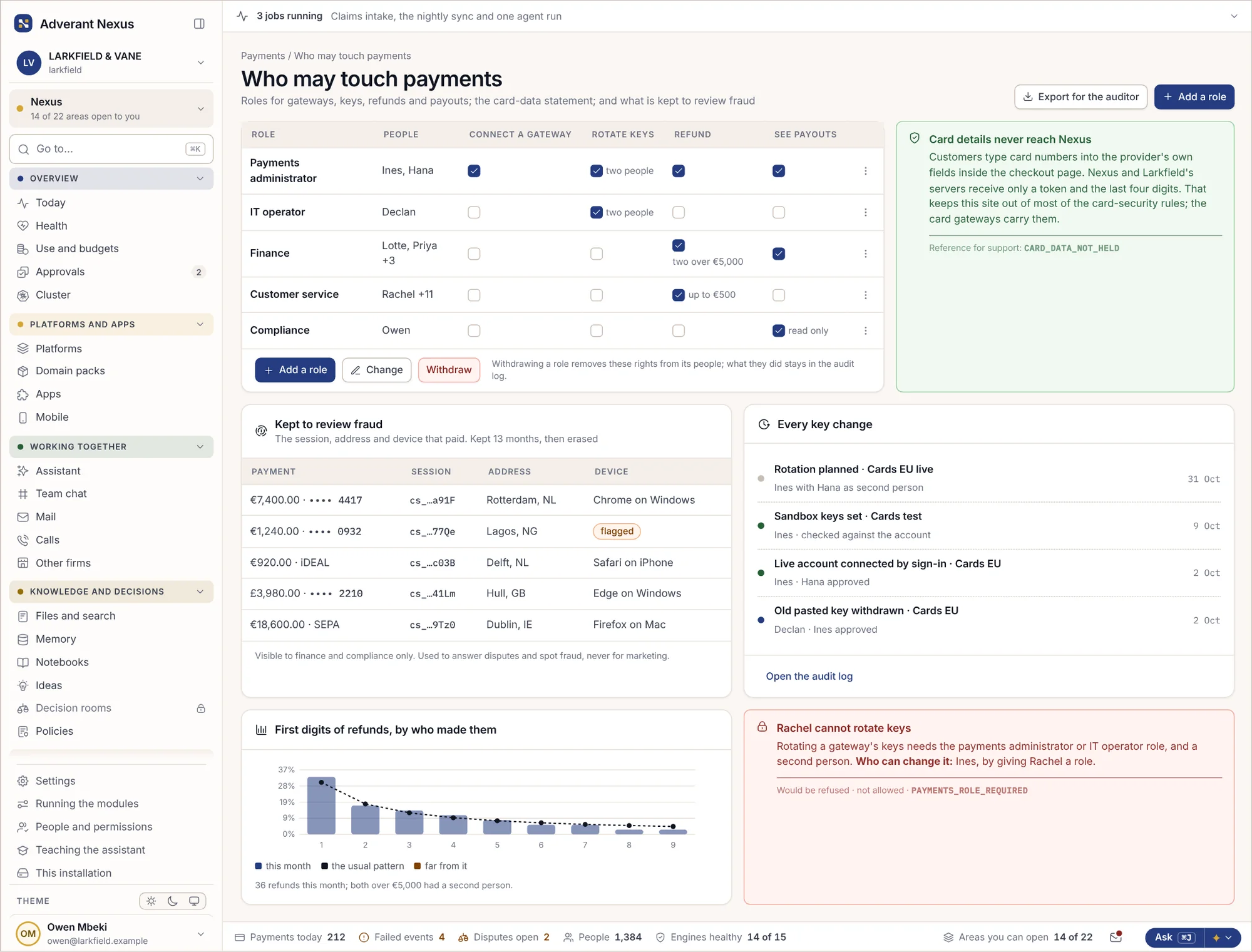
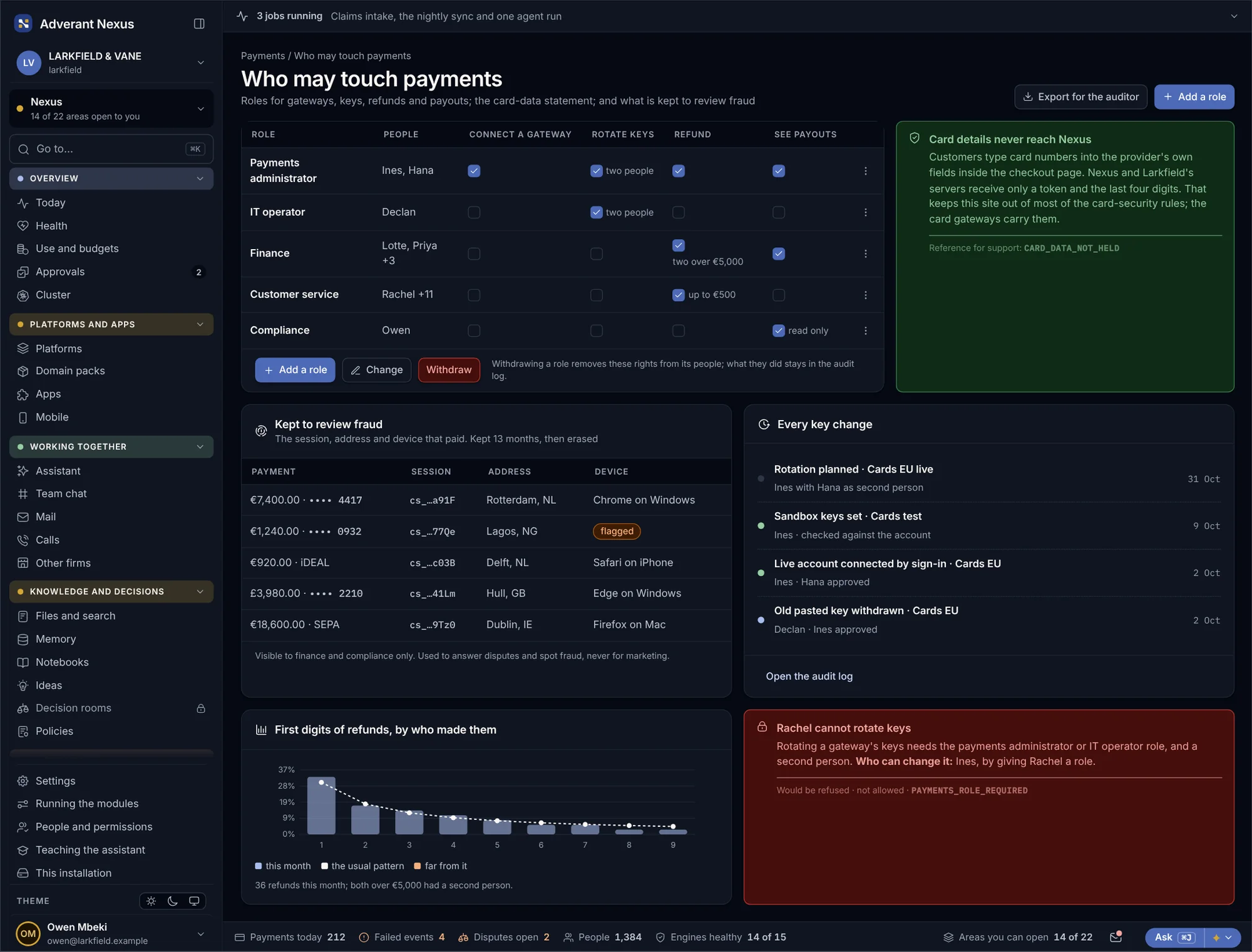
Every platform and brand on Nexus can take payments through its own gateway accounts, by card or direct debit, with your look on the checkout and the receipts. Refunds, disputes, tax and partner commissions are handled in the same place.
Payments for every brand you sell under
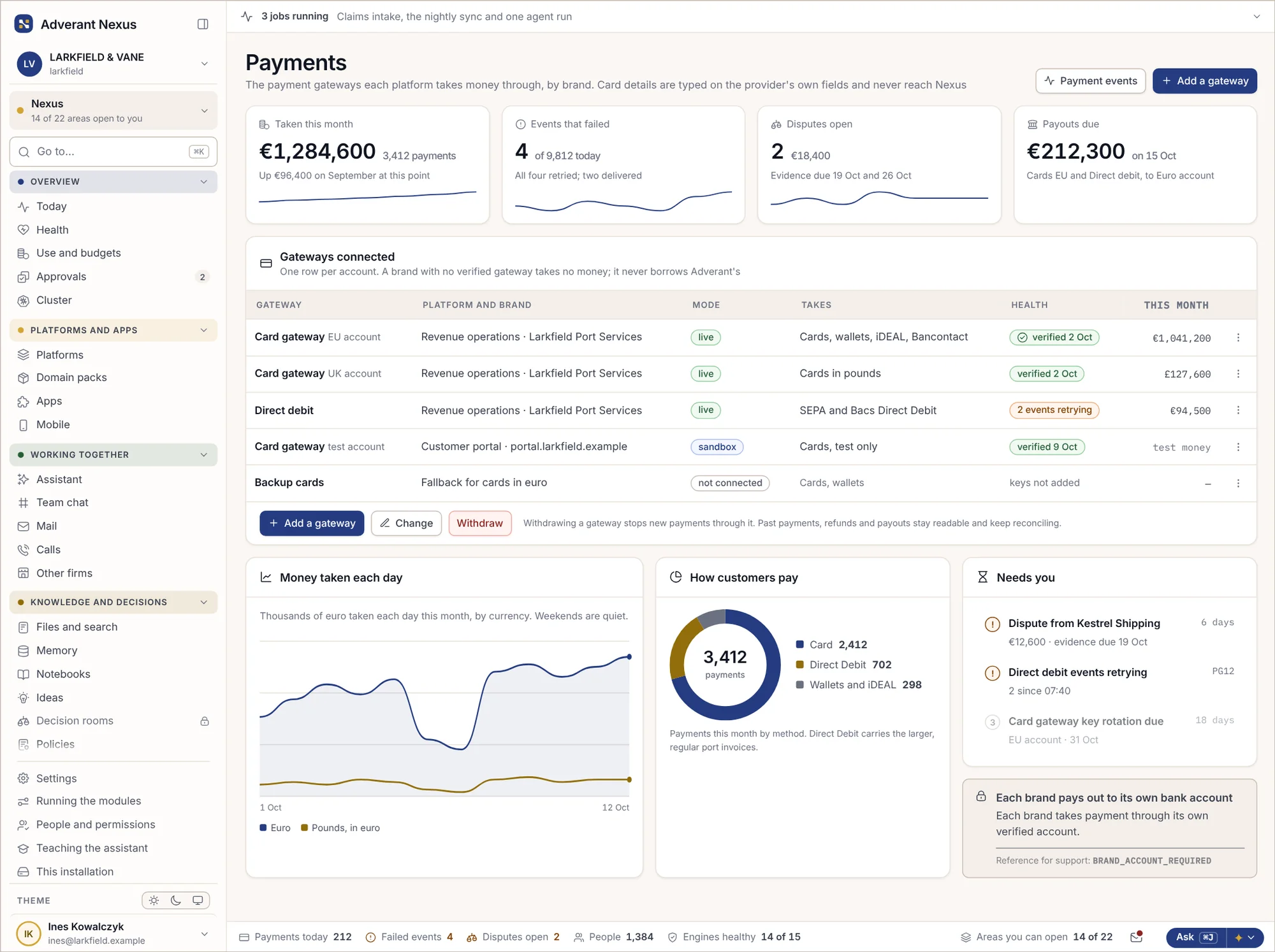
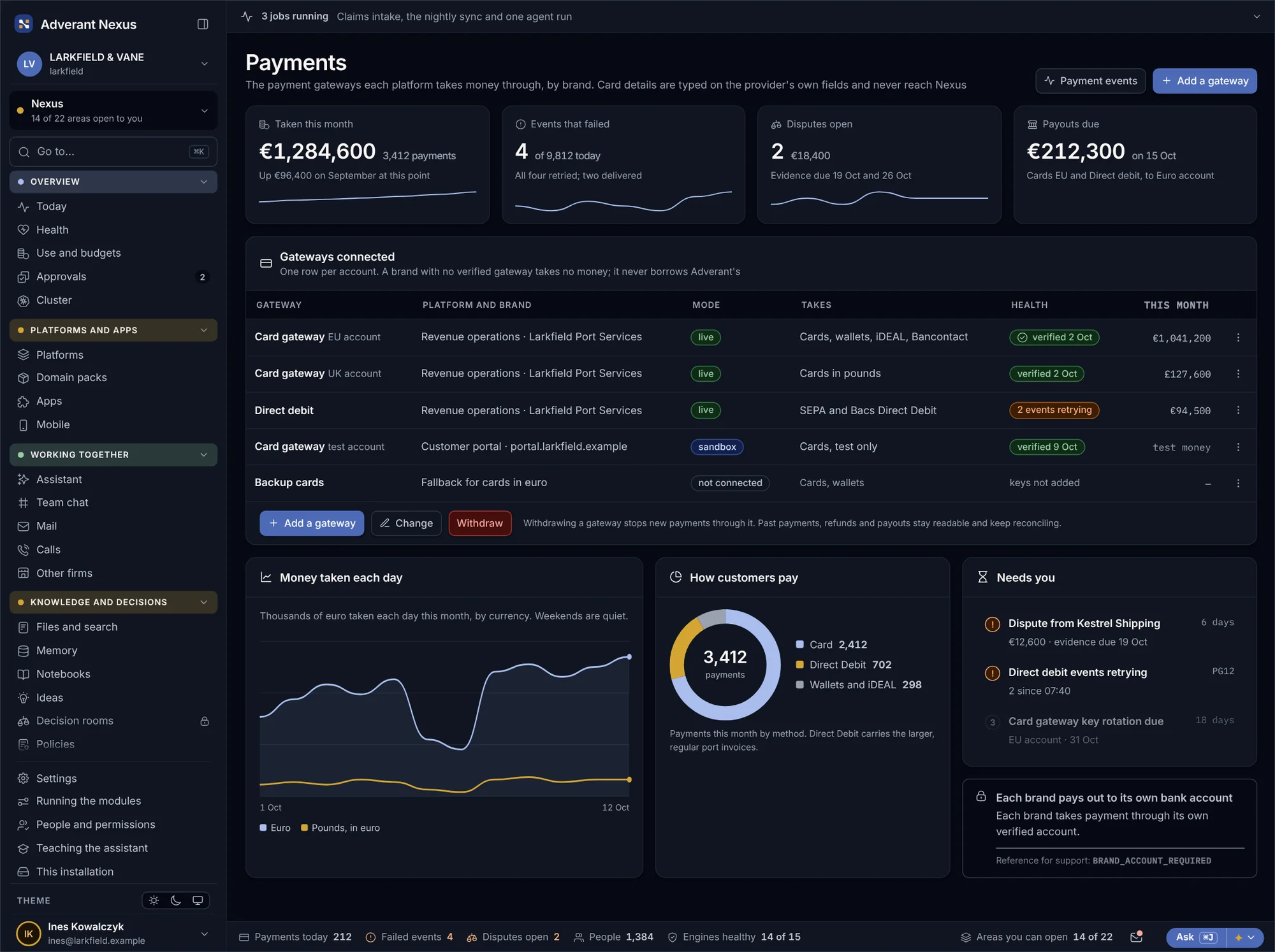
Each platform and brand takes money through its own verified gateway account, in its own name. You see what came in today, what failed and what needs a person, across every gateway at once.
- Cards and direct debit, per brand and currency
- Nothing goes live until the account is verified
- Failed payments and retries shown in one place
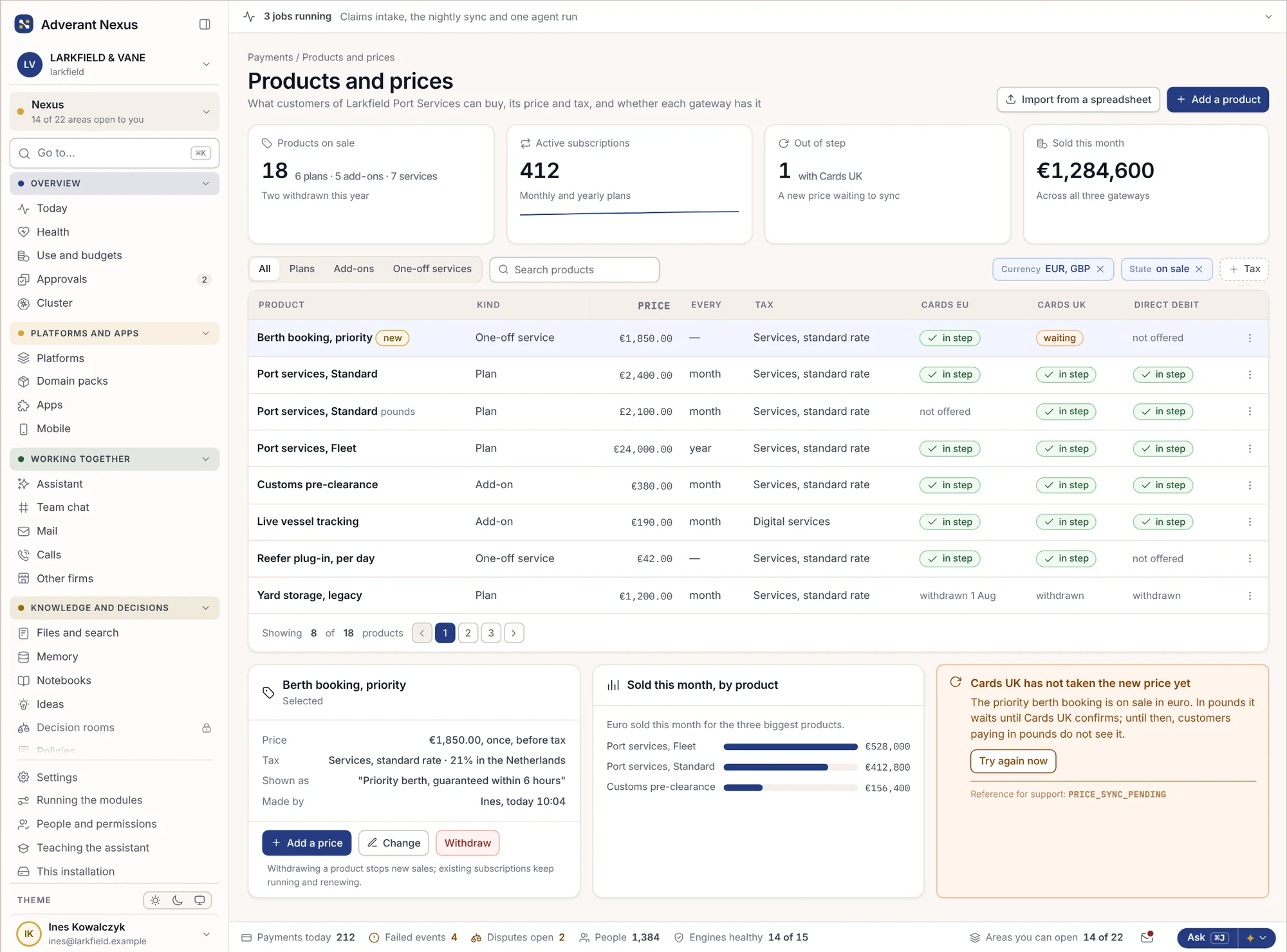
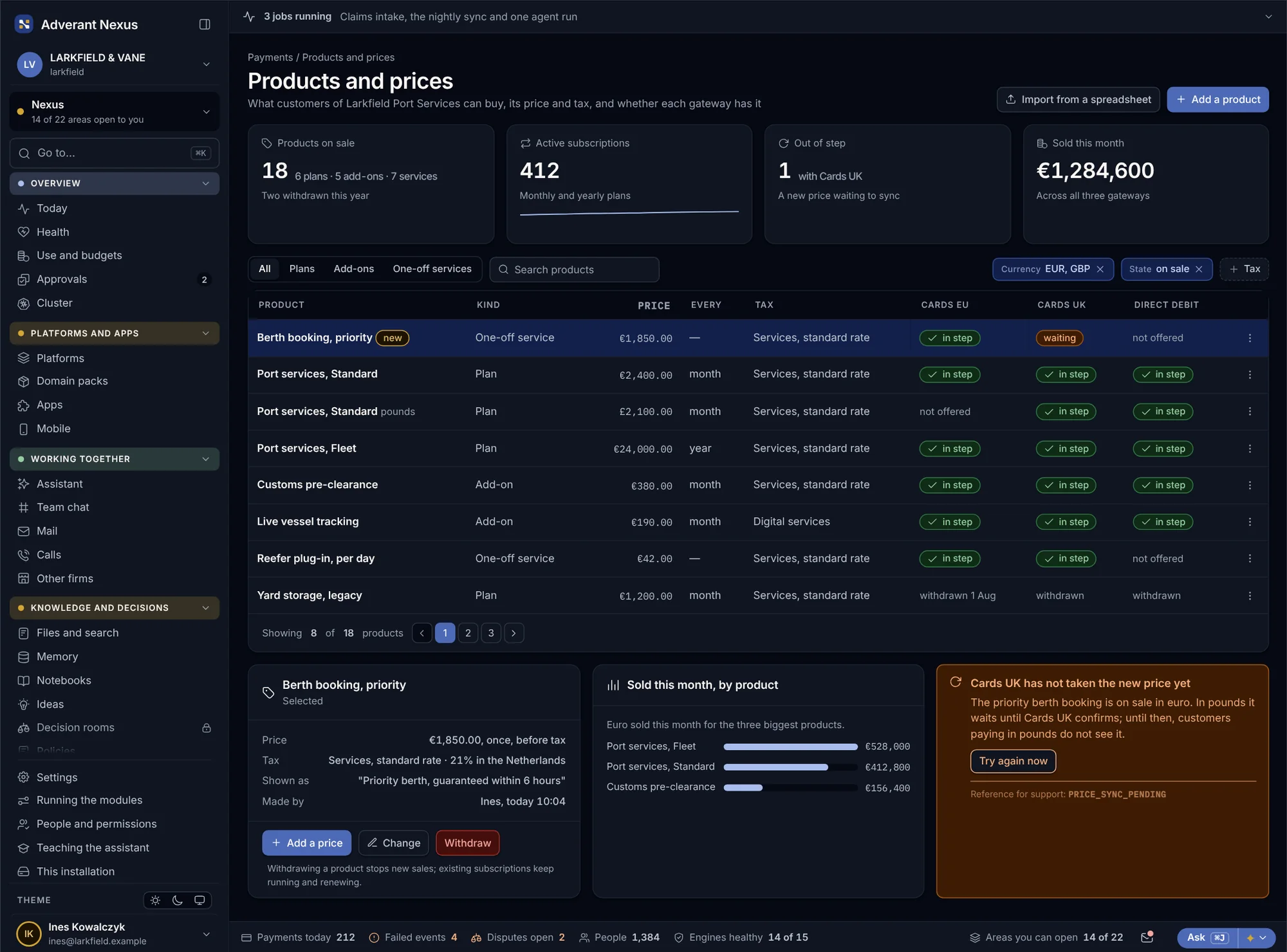
Products and prices
Plans, one-off services and extras are defined once and sent to every gateway that sells them. If one gateway has not taken a new price yet, customers paying through it do not see the product until it has.
- One catalogue for plans, services and extras
- Prices sent to each gateway and checked
- A product only shows where its price is confirmed
Payments and money back
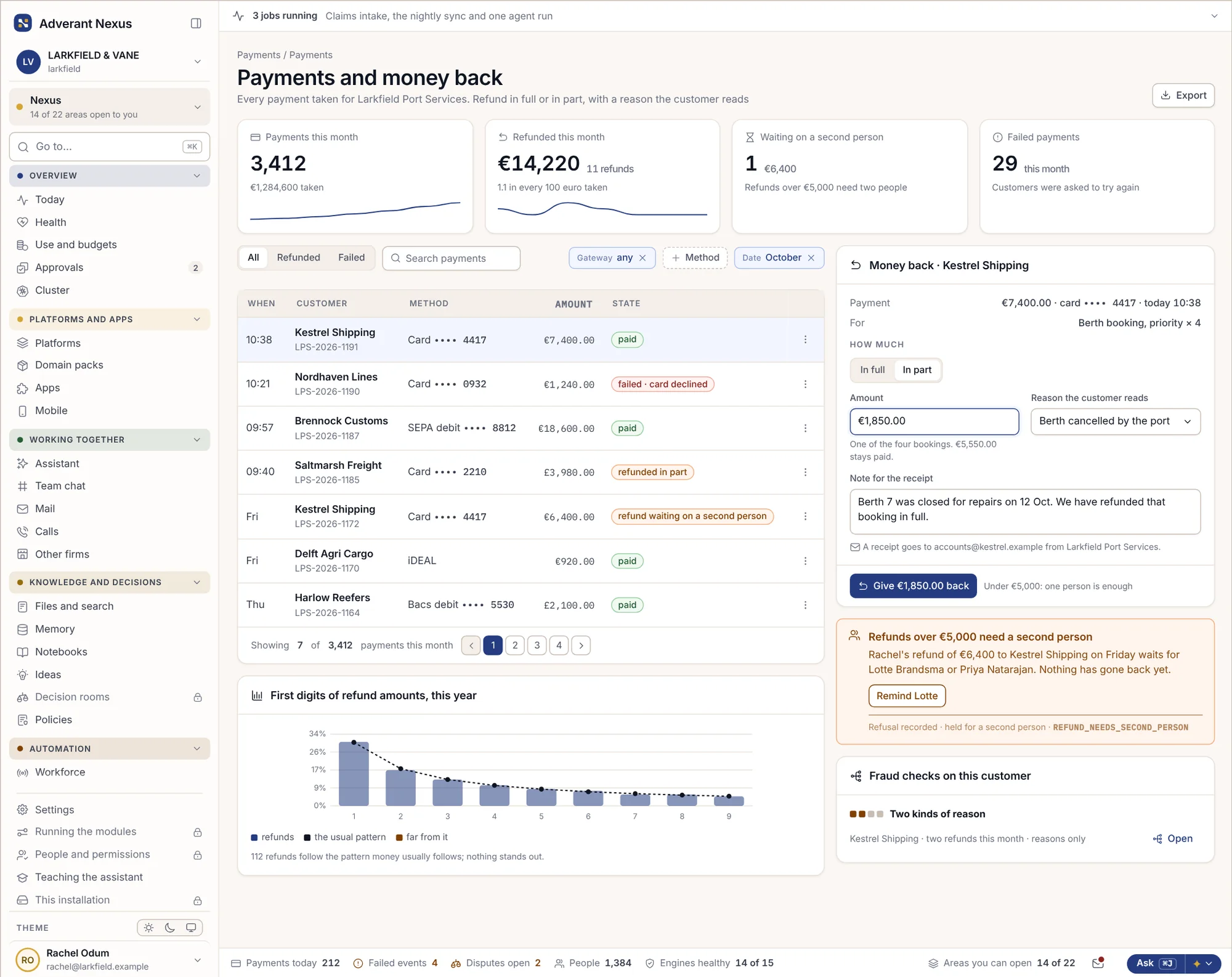
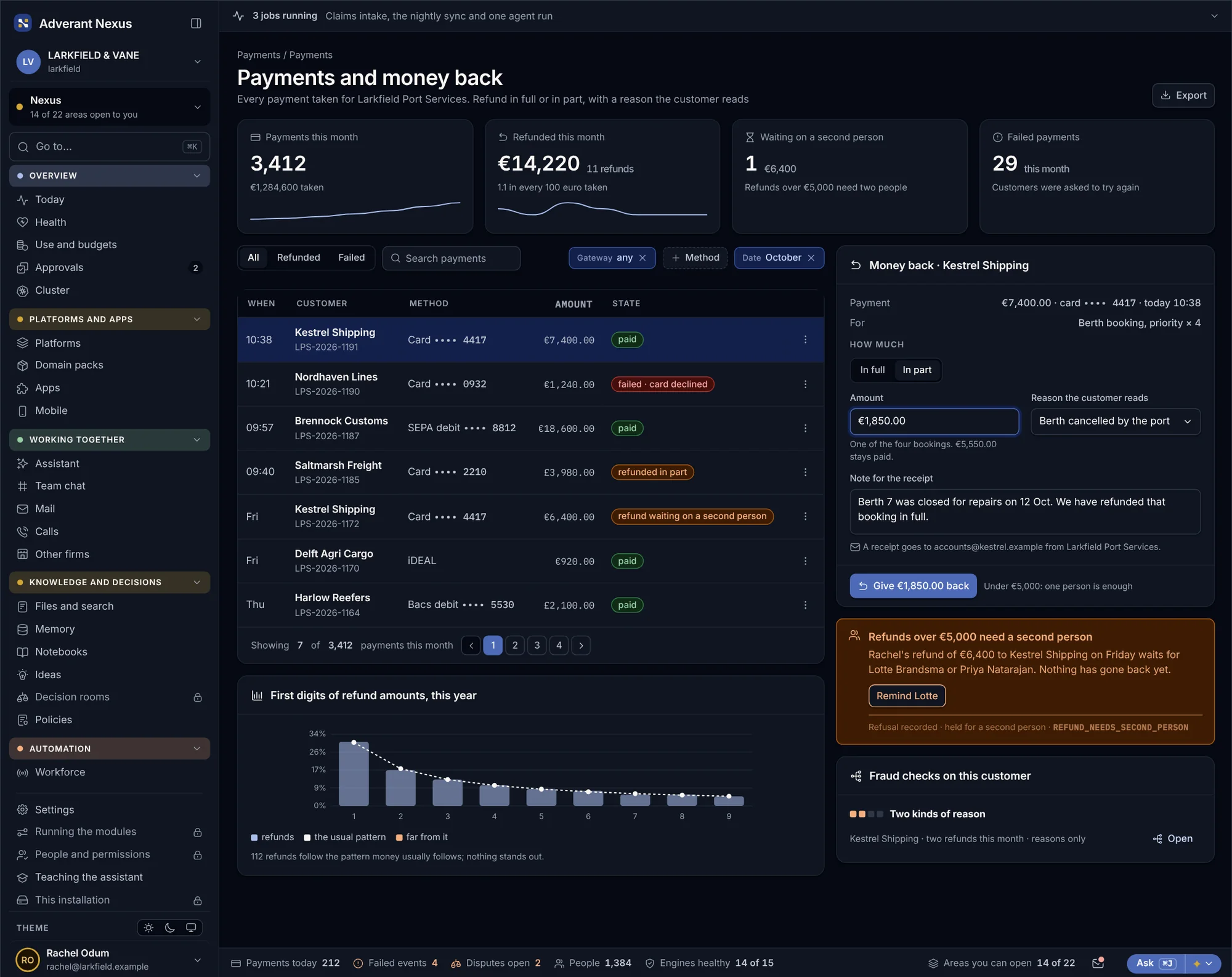
Customer service can give money back in full or in part, with a reason the customer reads and a receipt in the brand’s name. Larger refunds wait for a second person.
- Full or part refunds, each with a reason
- Receipts sent in the brand’s name
- Large refunds need two people
Disputes and chargebacks
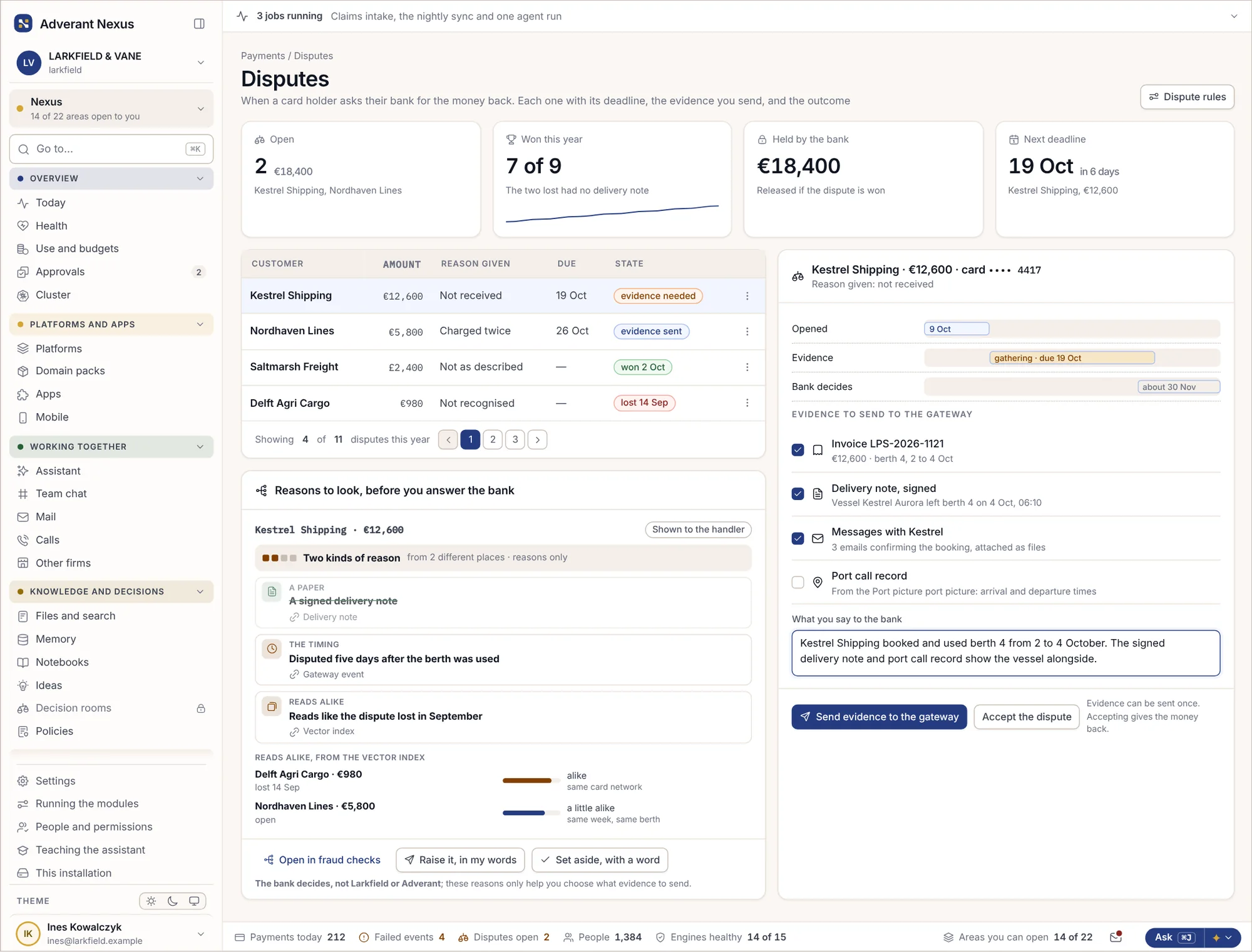
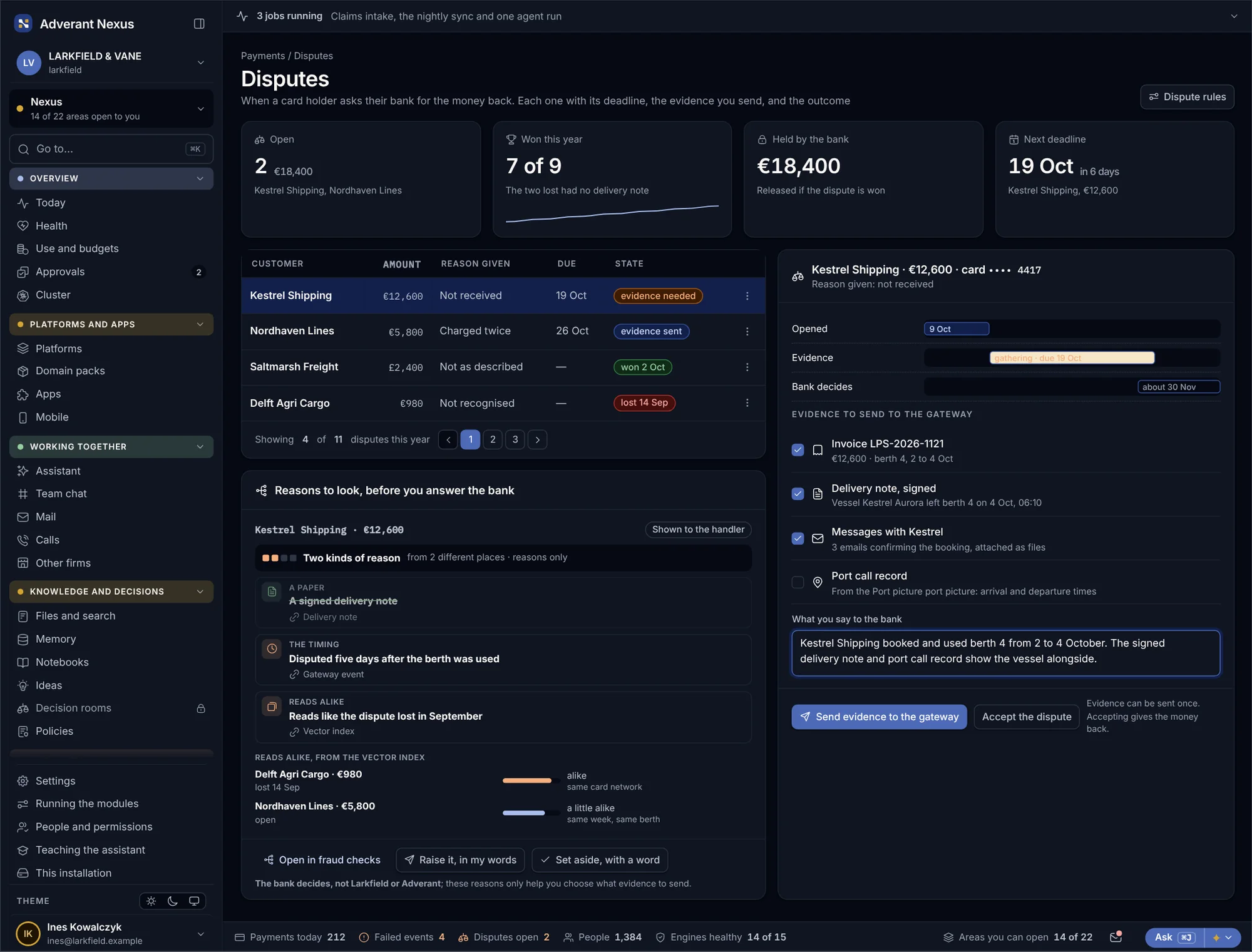
Every dispute shows its deadline on a timeline, with the evidence gathered and ready to send. Evidence goes to the gateway once, and the bank’s answer comes back to the same record.
- Deadlines you can see at a glance
- Evidence gathered from the deal and the invoice
- The outcome lands on the customer record
VAT across every registration
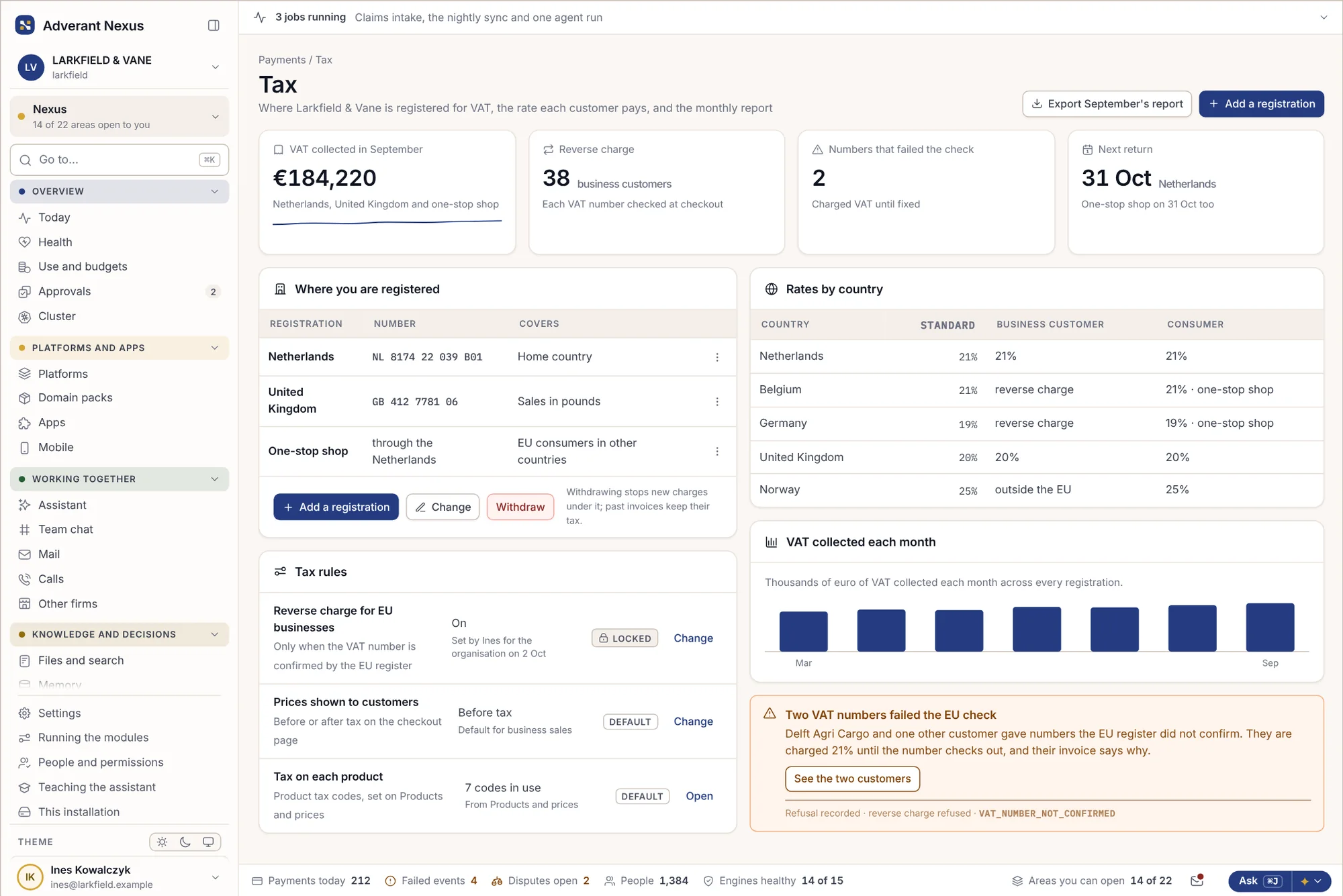
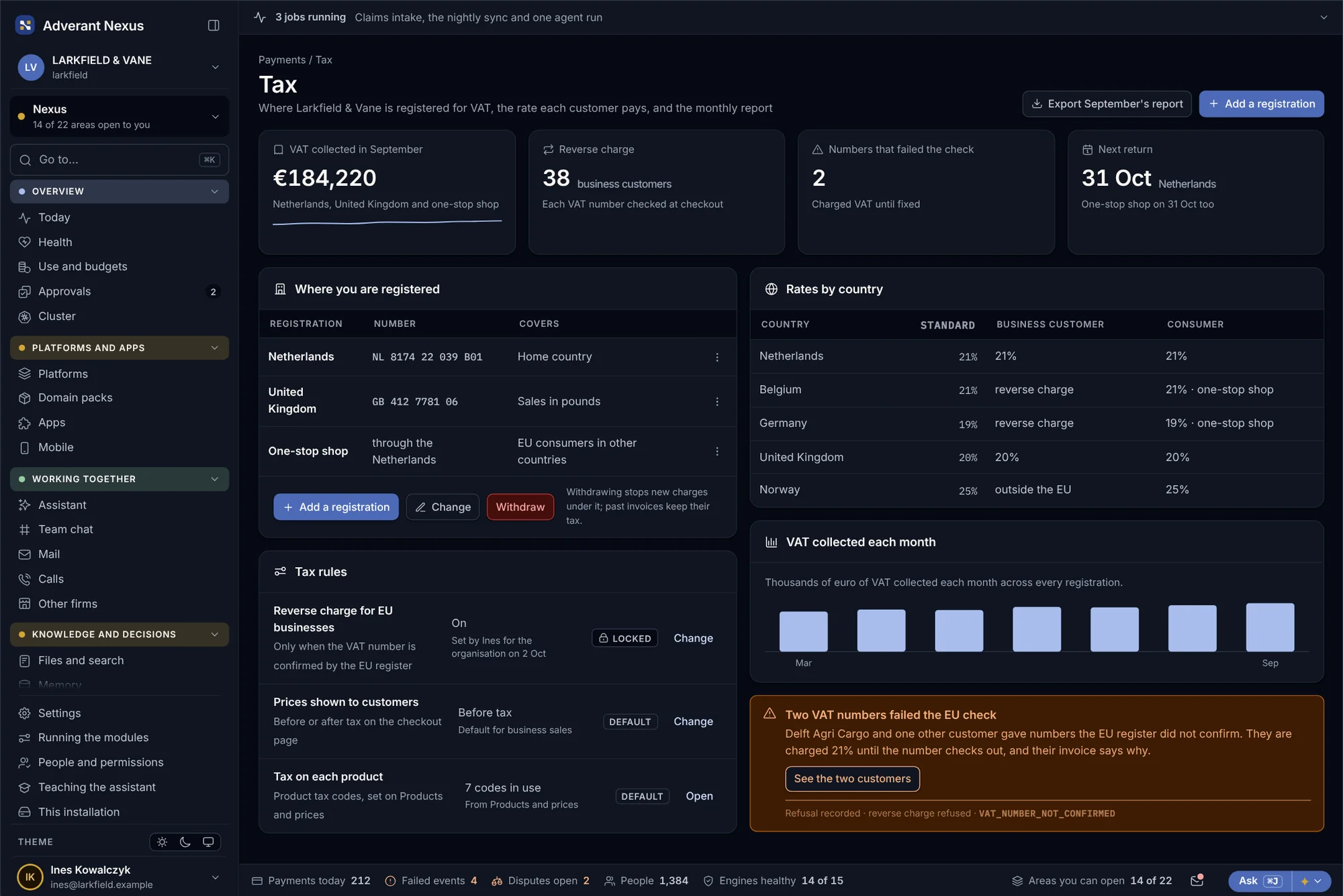
Tax follows where you are registered and who the customer is. Reverse charge for EU business customers is handled, and each month’s report is ready to export.
- Every registration in one place
- Reverse charge for EU business customers
- Monthly reports ready to file
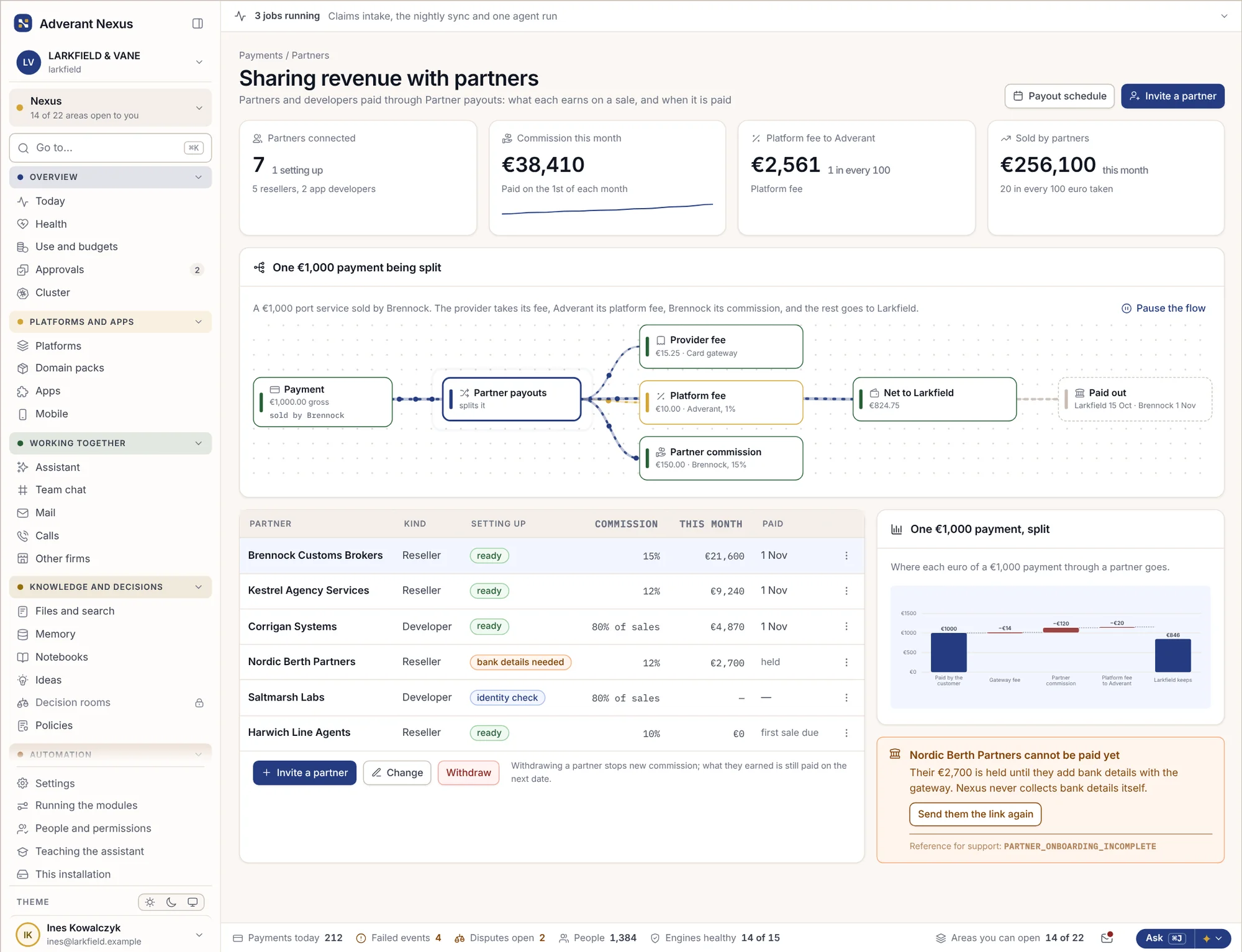
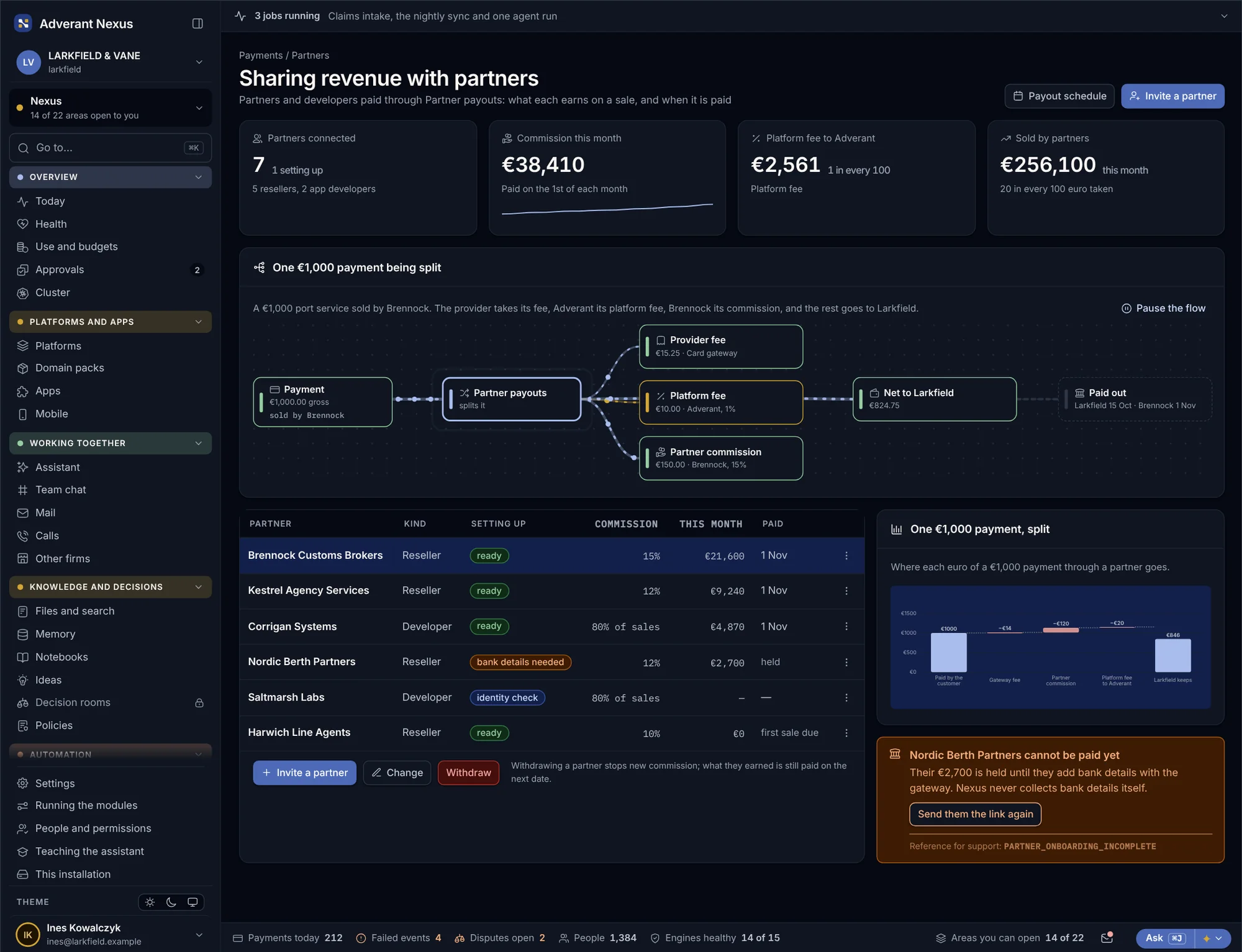
Sharing revenue with partners
When a partner sells your service, the split is worked out on every sale: the gateway’s fee, the platform fee, the partner’s commission and what is left for you. Partners set up their own bank details with the gateway.
- Commission worked out on every sale
- Partners paid on a schedule you set
- Nexus never holds partners’ bank details
Every payment, followed to the ledger.
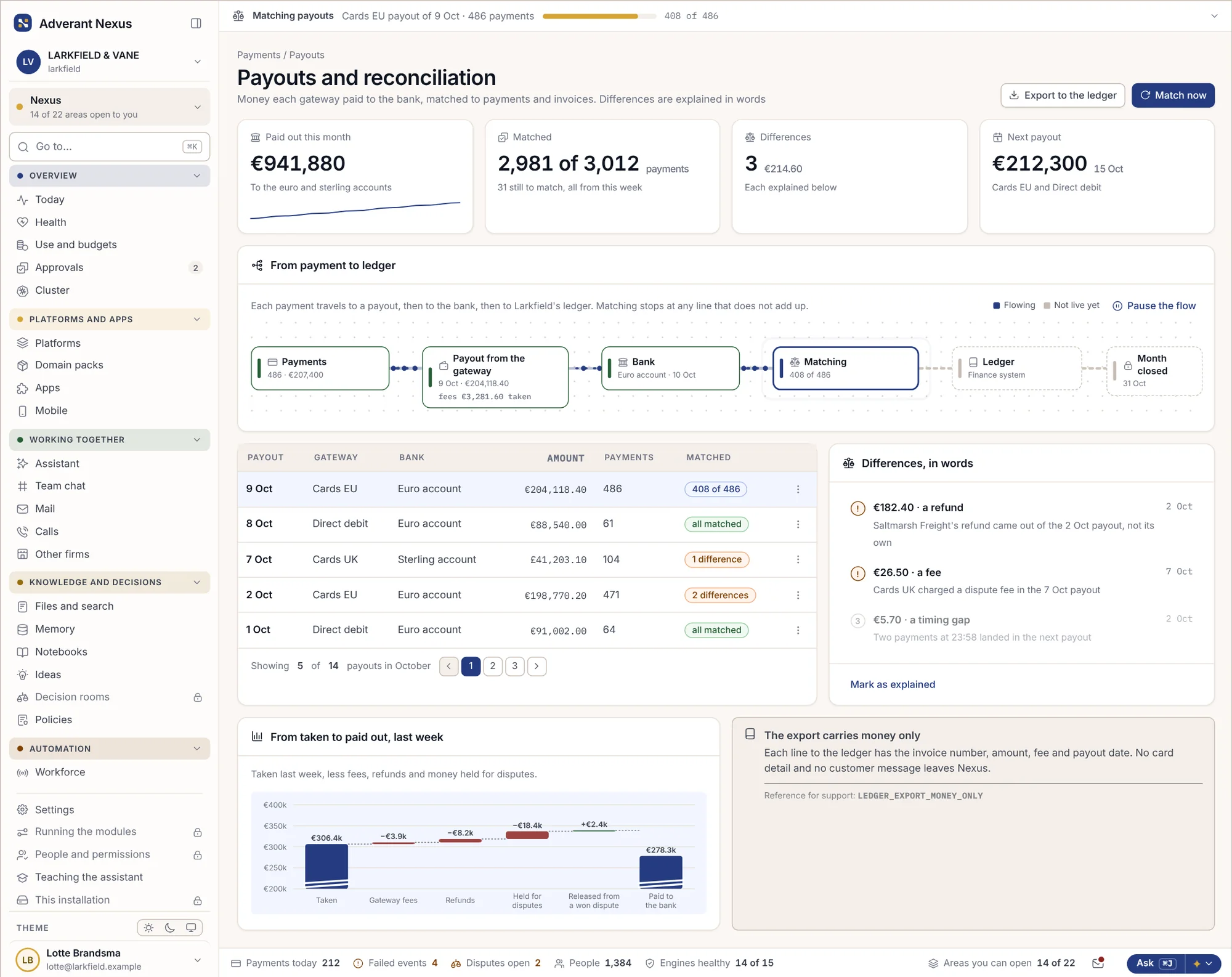
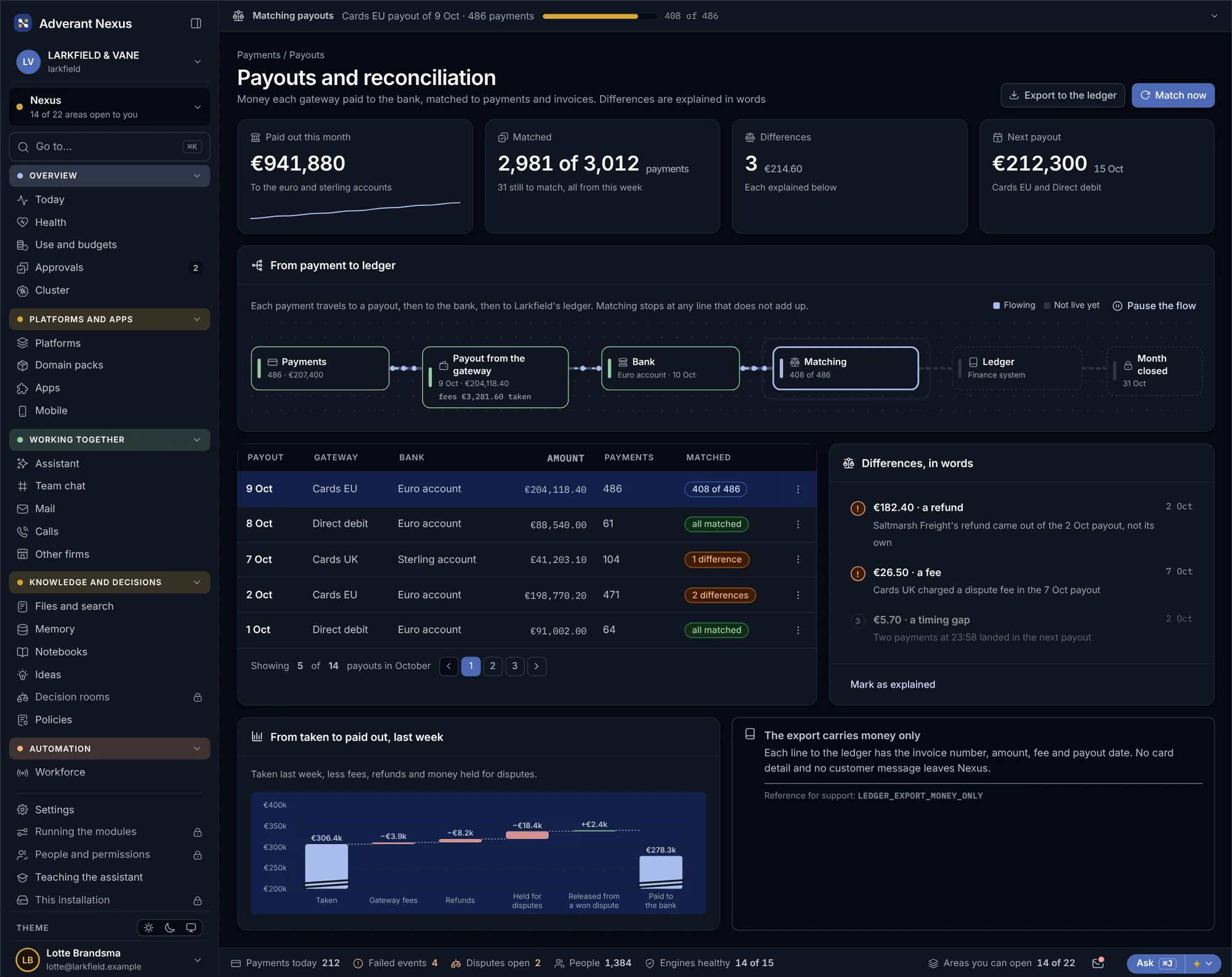
Each payment is followed to a payout, from the payout to the bank, and from the bank into your ledger. Matching stops at any line that does not add up and names the reason: a refund, a fee, a currency rounding.
- Payment, payout, bank and ledger on one line
- Differences explained, never hidden in a total
- Each ledger line carries the invoice, amount, fee and date
- No card detail or customer message leaves Nexus
AI that does the follow-up. Inside limits a person sets.
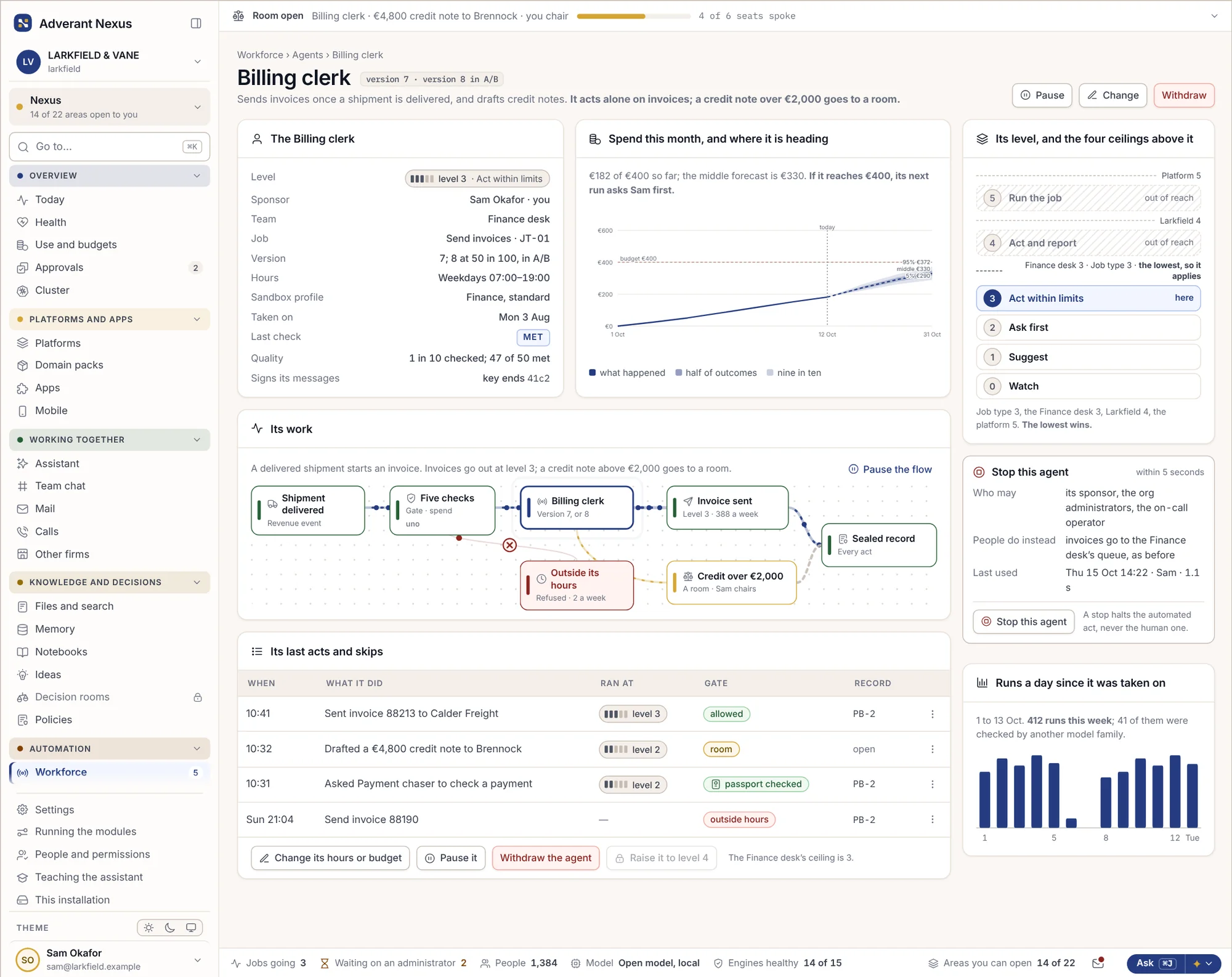
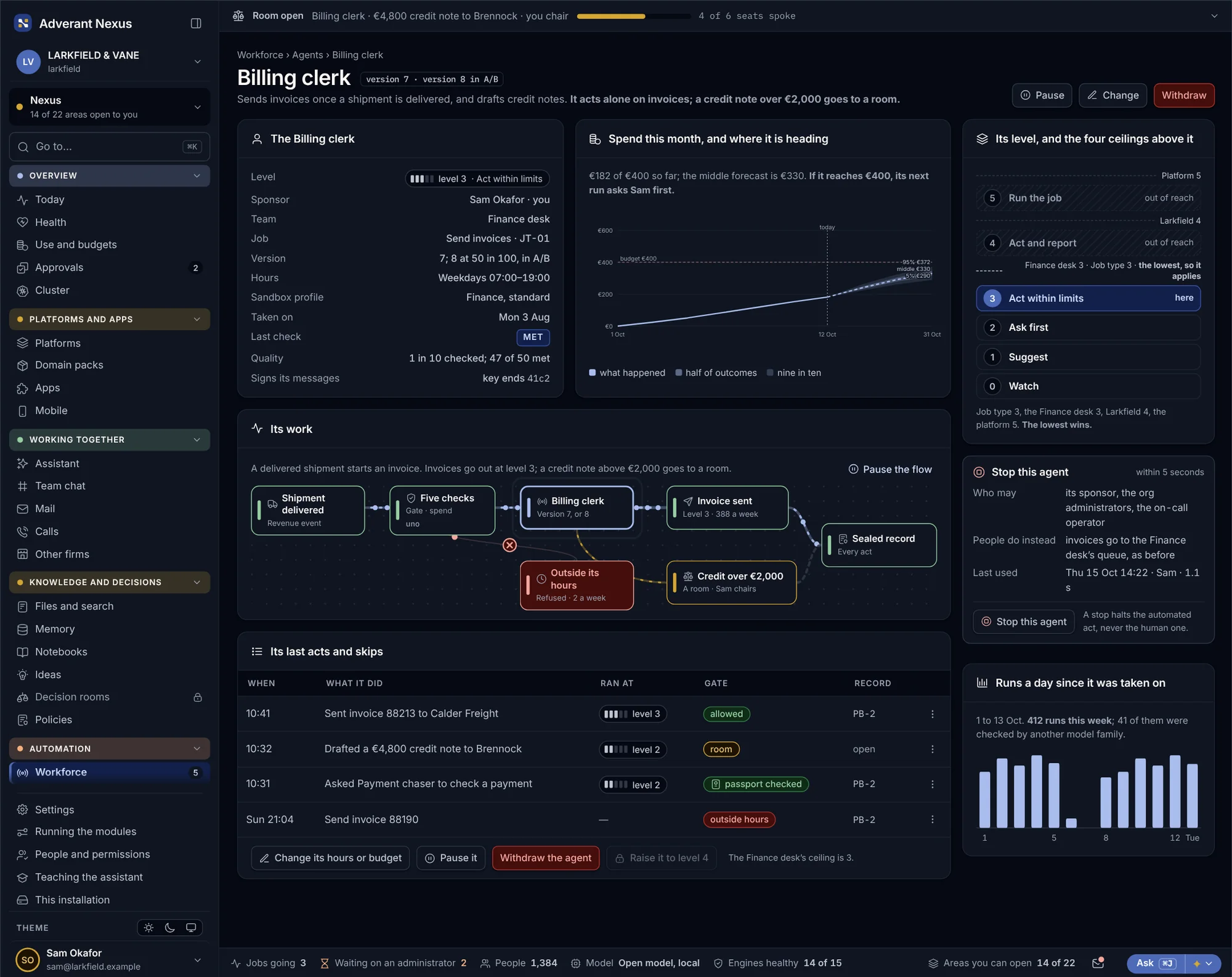
AI agents in revenue operations draft, chase, check and answer. Each has a named owner, a budget and a level of freedom it has to earn. None of them can give away more than the person who owns it could.
An AI agent with an owner and a limit
The billing clerk drafts invoices, chases late payments and prepares the month-end match. Its owner in finance sets what it may do alone, what it must ask about first, and how much it may spend. One switch stops it.
- Named owner in finance
- Spending and action limits it cannot pass
- Every action it takes is on the record
Questions about revenue, in plain words
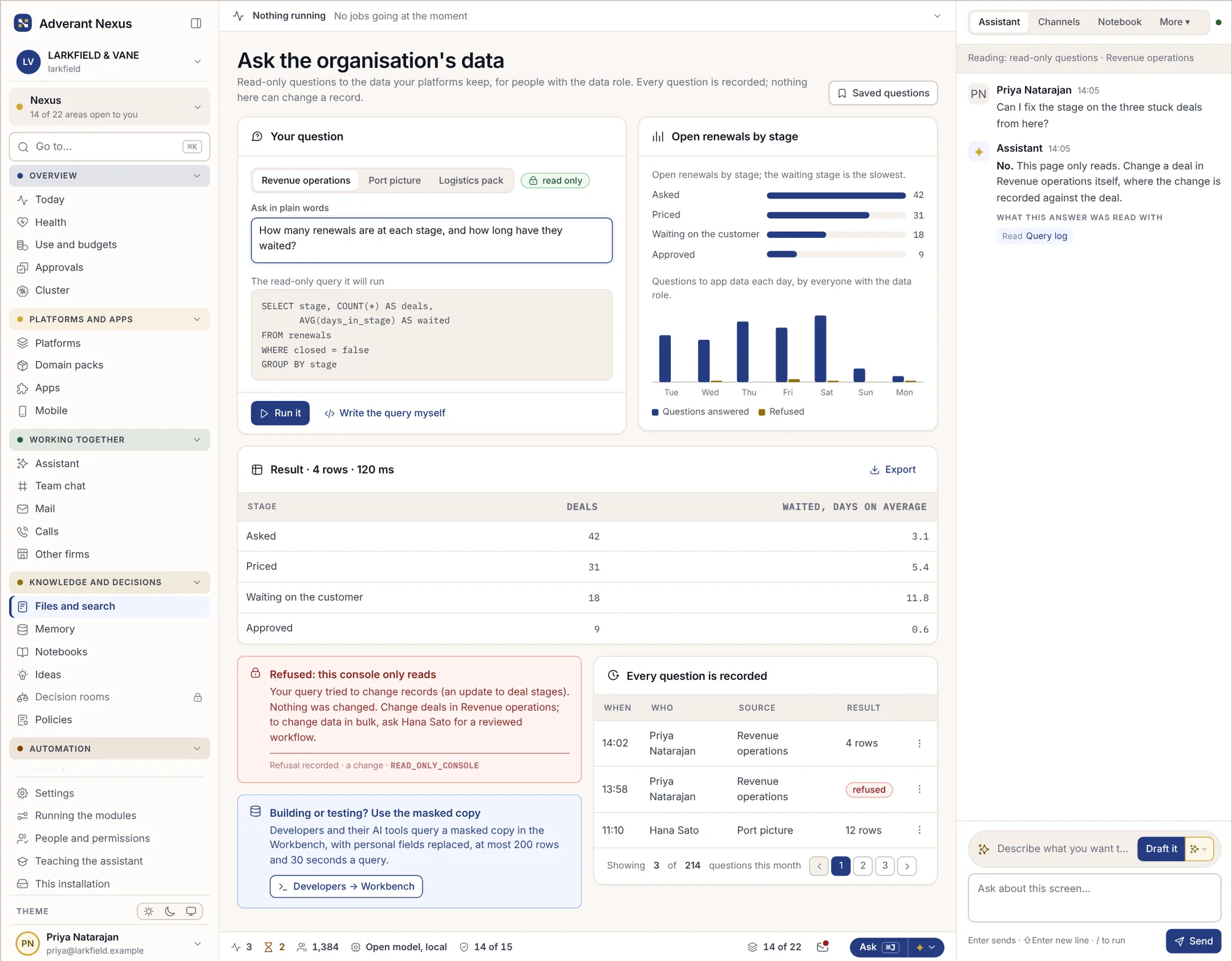
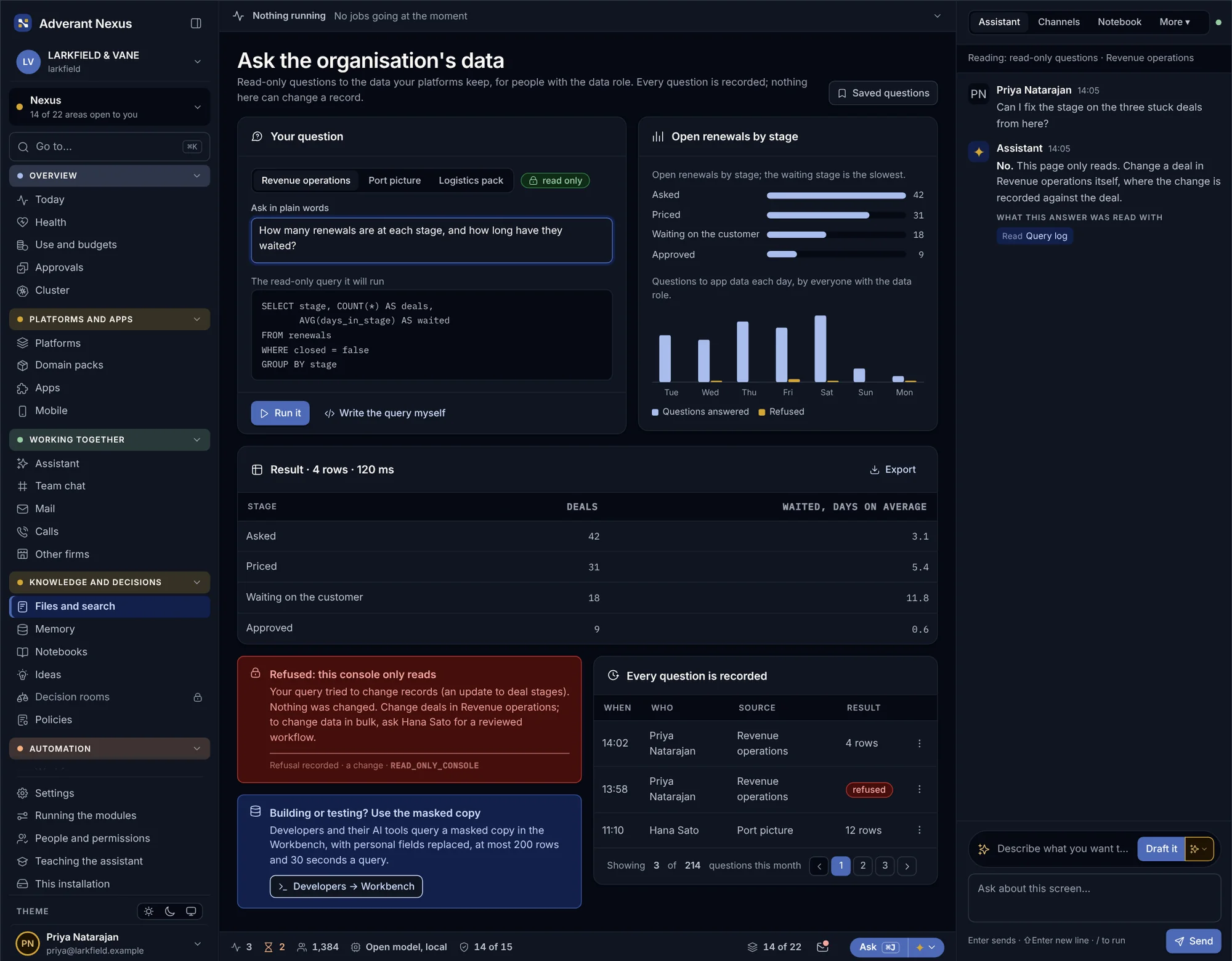
Ask how many renewals are stuck at each stage, or which territory is behind its quota. The answer shows the query it ran and the records it read, and it can only read what the person asking may see.
- Read-only: it never changes a record
- Shows the query and the sources
- Answers within the asker’s permissions
Every approval leaves a record.
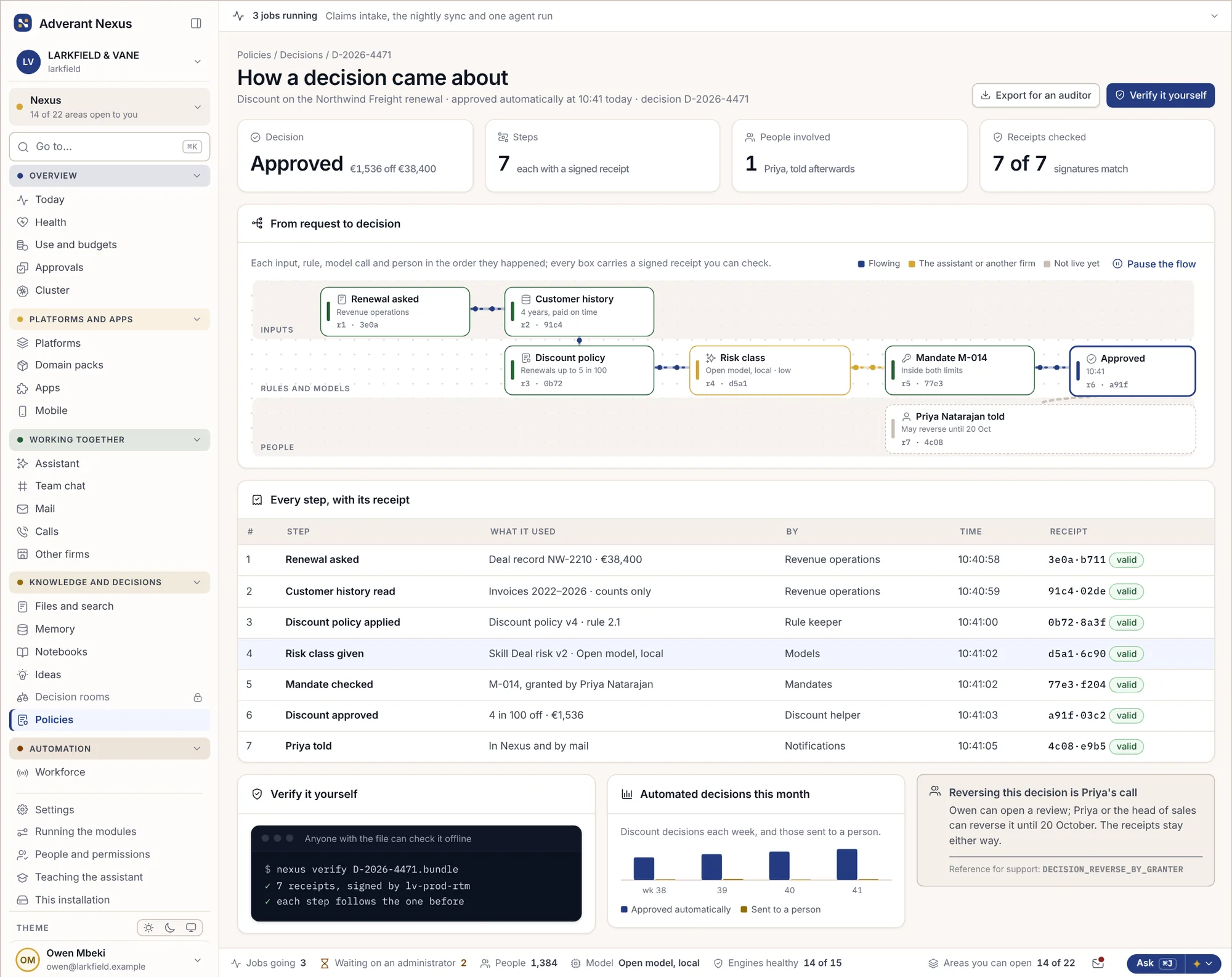
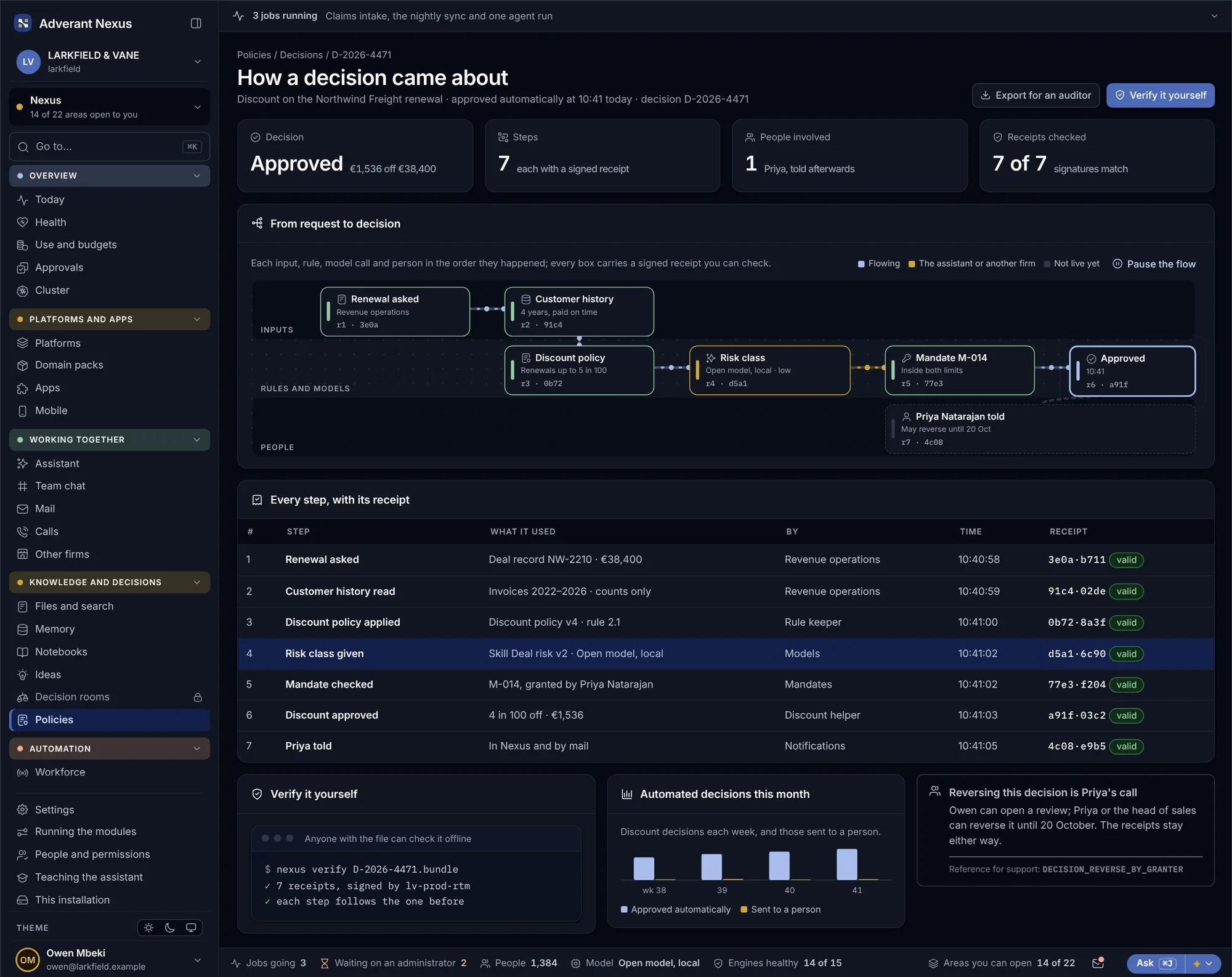
When an auditor or a customer asks how a discount was approved, the answer is already written down: who asked, what the rule said, who signed, and when. The record is sealed outside the platform, so nobody can quietly change it later.
- Each approval sealed with who, what rule and when
- Keys and large refunds always need two people
- Anyone can check a record without an account
Plugged into what you already use.
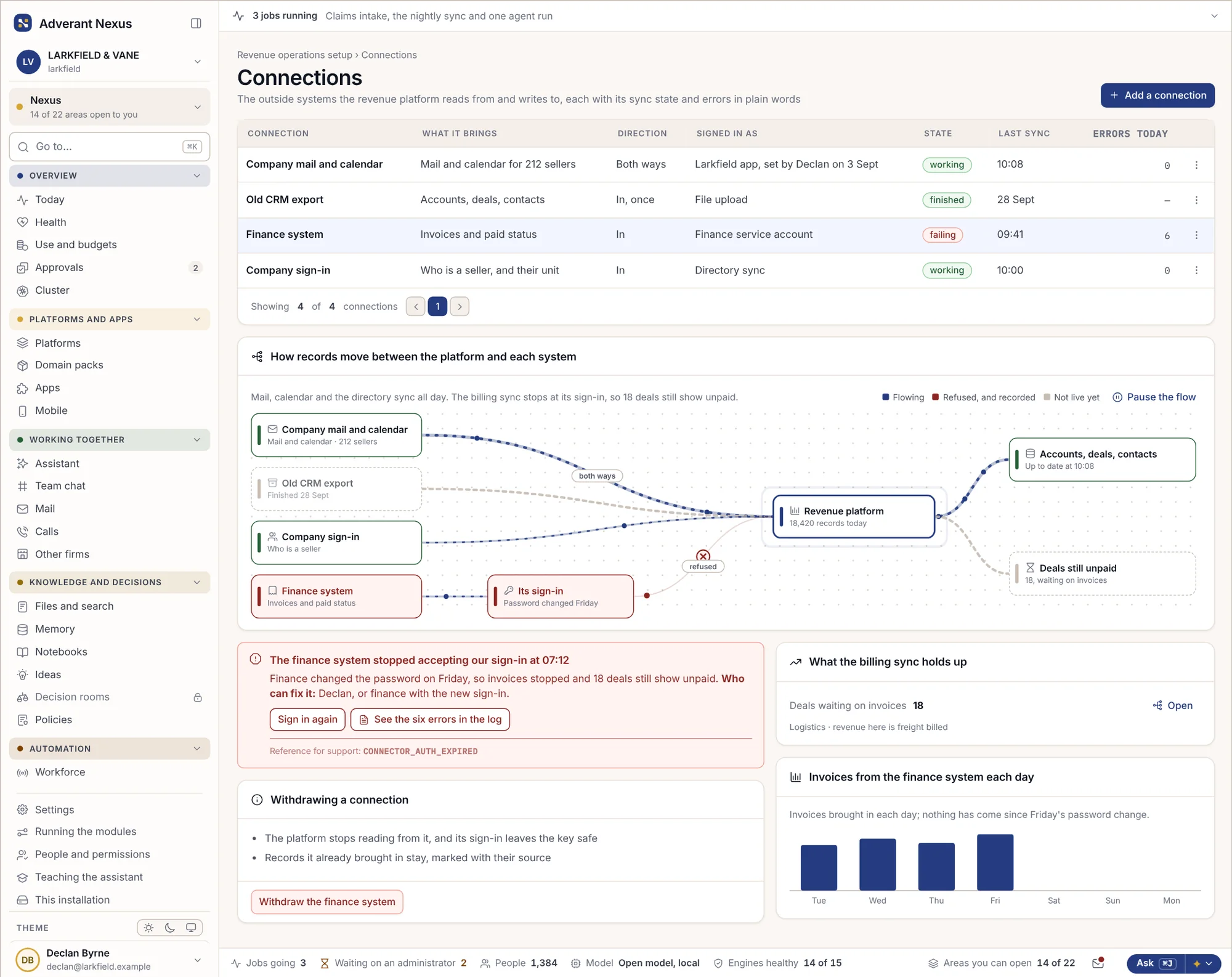
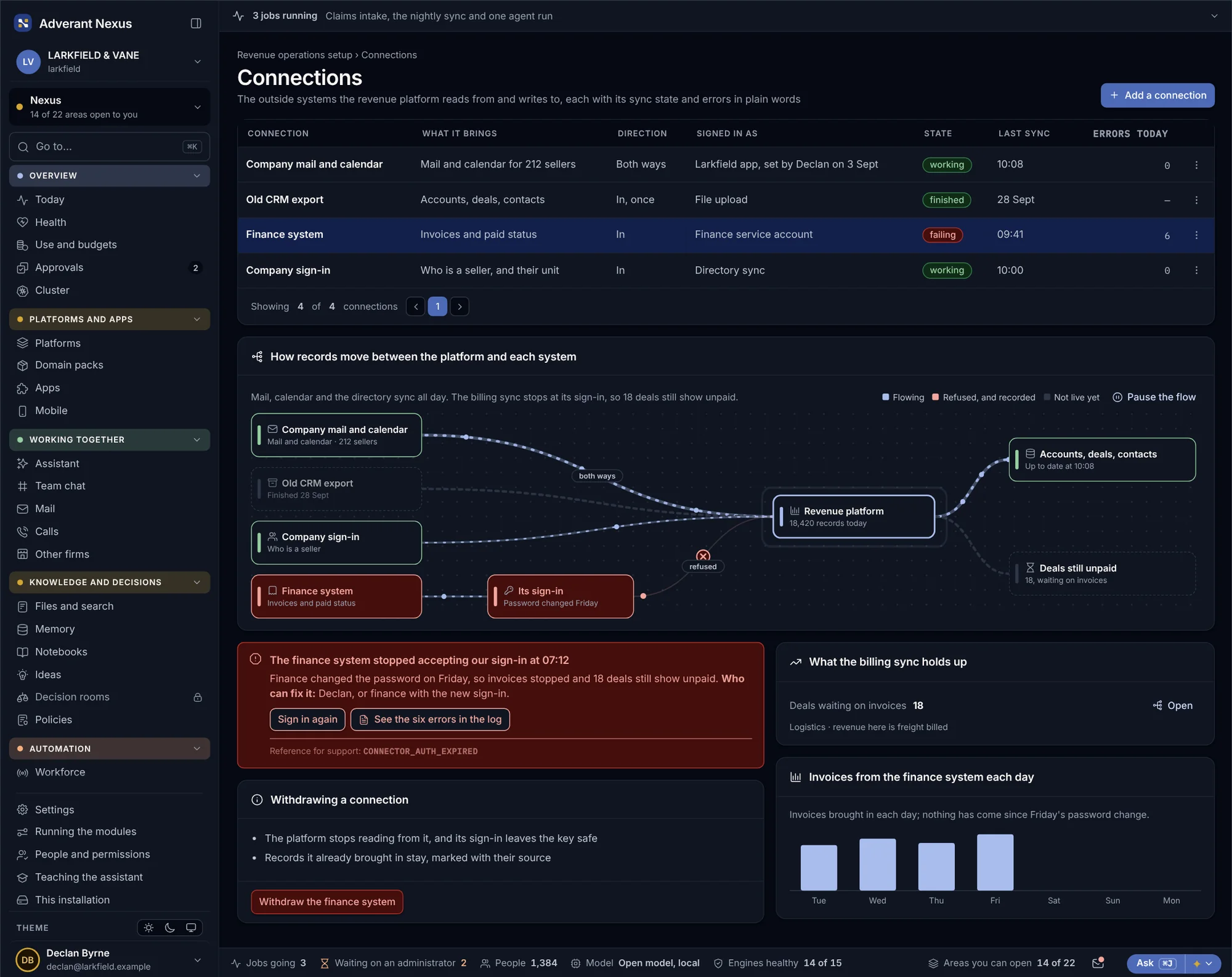
Revenue operations connects to your company mail and calendar, the staff directory and your finance system. For each connection you can see what it brings in, how it signs in and what is failing, clearly enough for an operator to fix it.
- Mail and calendar activity on the deal, without copying inboxes
- Invoices and payments from your finance system
- Failures named, with the deals they affect
About revenue operations.
Do we have to move off our current CRM?
No. Revenue operations can be your system for pipelines and quotes, or sit alongside what you have. Connections bring in mail and calendars, the directory and your finance system, and each one says what it brings and what is failing.
Who can see a deal?
The same people who could see that customer anywhere else on the platform. Permissions come from the unit and the role, so a seller in Rotterdam does not see Felixstowe’s deals unless someone gives them access.
Does Nexus ever see card numbers?
No. Customers type card numbers into the gateway’s own fields inside the checkout. Nexus receives a token and the last four digits, which keeps your platform out of most card-security rules.
Can AI agents give discounts or refunds?
Only inside the limits their owner sets, and never above what the same role could do alone. Anything larger goes to a person, and the agent’s request and the person’s answer are both sealed.
Which industries is it for?
Any platform built on Nexus. The sample screens show a logistics firm selling port services, but the same pipelines, quotes and payments work for an insurer’s broker channel, a bank’s business clients or a software firm’s renewals.
Go deeper
See one deal go from call to cash.
Bring a deal your team closed last quarter. We will walk it through Nexus, from the first call to the ledger line, and show every record it leaves.